20
III
Shootln
Preparations
1.
Using
the
Eye
Controlled
Focus
Feature
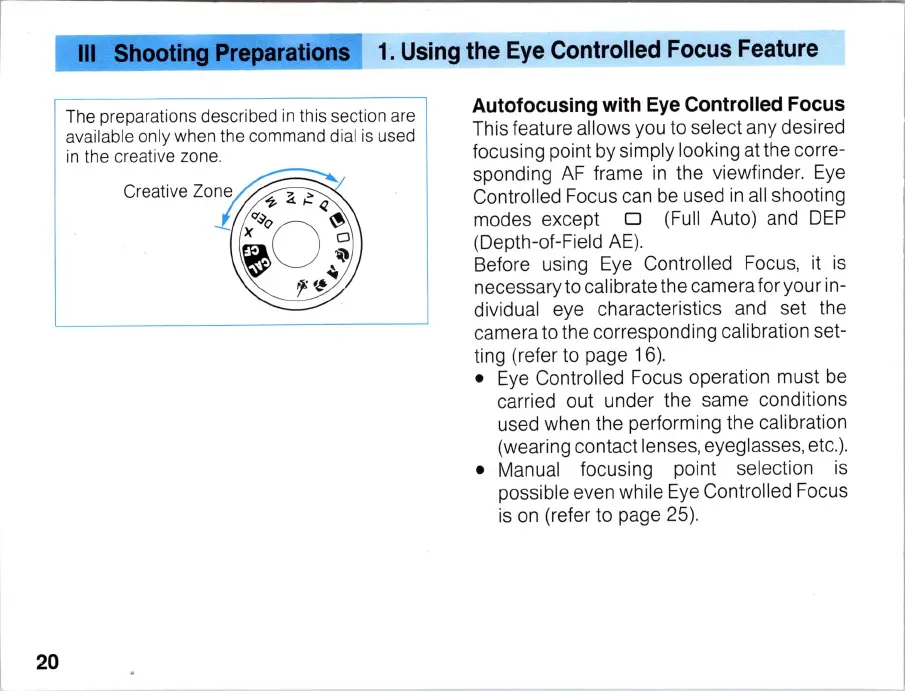
The preparations desc
ri
bed
in
t
hi
s sect
io
n are
available only when the command dial is used
in the creative zone.
Autofocusing with Eye Controlled Focus
This feature allows you to select any desired
focusing point by simply looki
ng
at
the corre-
spondi
ng
AF
frame in the viewfinder.
Eye
Controlled Focus can be used
in
all
shooting
modes except
0 (Full Auto) and
DEP
(Depth-of-Field
AE)
.
Before using Eye Controlled Focus, it
is
necessary to calibrate the camera for your in-
dividual eye characteristics and set the
camera to the corresponding calibration set-
ting (refer to page 16).
•
Eye
Controlled Focus operation must be
carried out under the same conditions
used when the performing the calibration
(wearing contact lenses, eyeglasses, etc.
).
• Manual focusing point s
el
ection
is
possible even while
Eye
Co
ntro
ll
ed Focus
is
on (refer to page 25).



 To Next Page