~
(Close-up)
Set this mode to use the lens' built-in macro
function
and
take striki
ng
close-ups of small
objects such
as
flowers
and
insects. When
using a zoom lens, set the lens to telephoto for
greatest magnification.
• The light from the fl
as
h may
be
partially
blocked
by
the lens at distances closer than
1 m/
3.3
ft.
•
For
high-magnification close-ups, we rec-
ommend using a m
ac
ro
lens.
-.
-;w.~
_
~r-l
.•
~:.
o •
. .
~'~
• _
.t
_
~
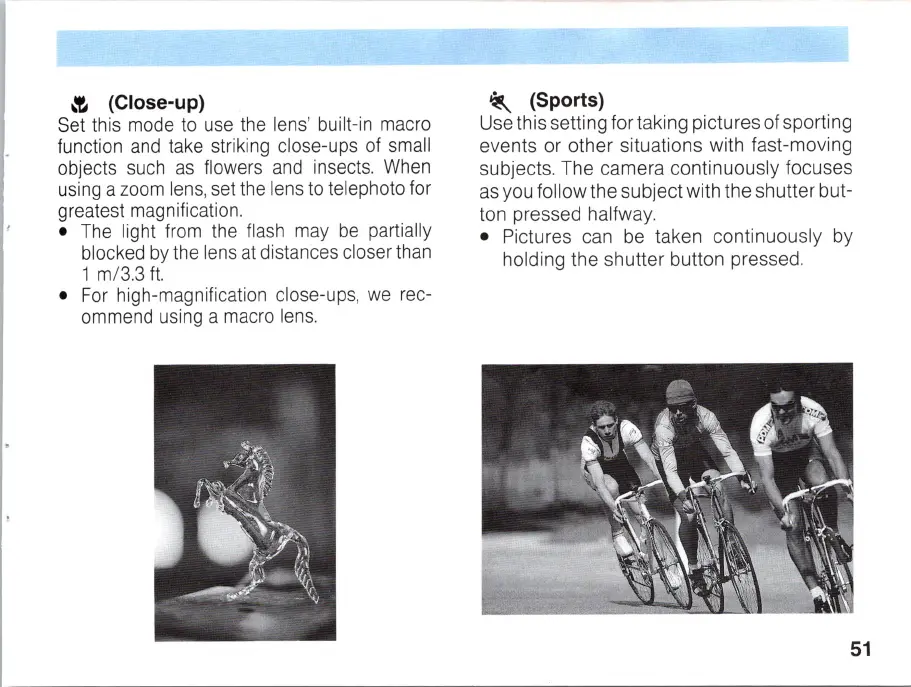
(Sports)
Use this setting for taking pictures of sporting
events or other situations with fast-moving
subjects. The camera continuously focuses
as you follow the subject with the
sh
utter but-
ton pressed halfway.
•
Pi
ctures can be taken continuously by
holding the shutter button pressed.
51



 To Next Page