Focusing Screens
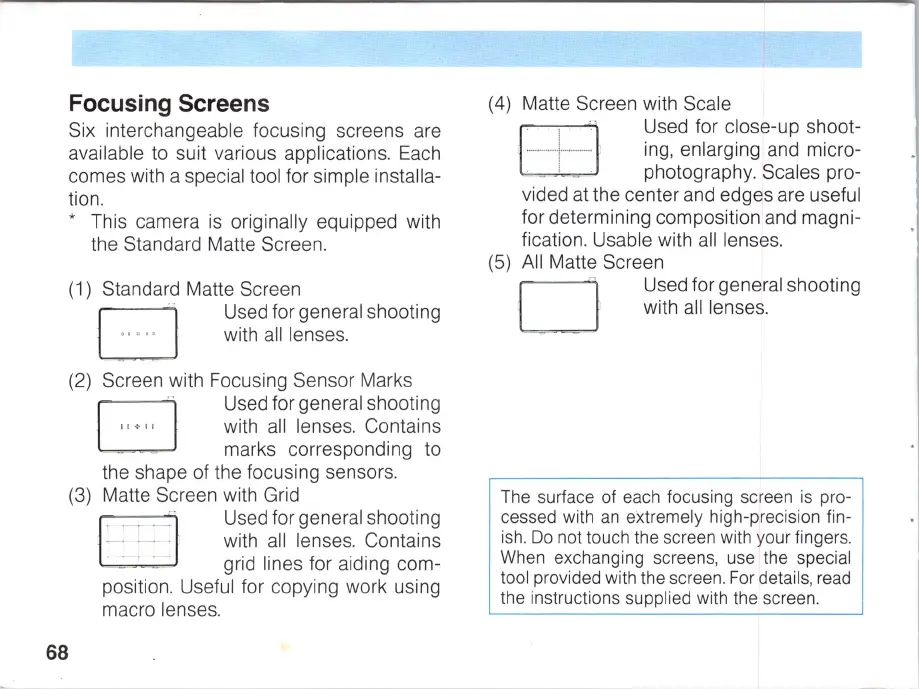
Six interchangeable focusing screens a
re
available to suit various applications.
Each
comes with a special tool for simple installa-
tion.
68
• This camera
is
originally equipped with
the Standard Matte Screen.
(1) Standard Matte Screen
~
Used for general shooting
~
with
all
lenses.
(2) Screen with Focusing Sensor Marks
B
··
Used for general shooting
" + " with
all
lenses. Contains
marks corresponding to
the shape of the focusing sensors.
(3) Matte Screen with Grid
D
.
~
.
~
-
Used for general shooting
-
..
- . with
all
lenses. Contains
, -
..
-
grid
lines
for
aiding
com-
position. Useful for copying work using
macro lenses.
(4) Matte Screen with Scale
(5)
Used for close-up shoot-
ing, enlarging and micro-
photography. Scales pro-
vided at the center and edges are useful
for determining composition and magni-
fication. Usable with
all
lenses.
A
ll
Matte Screen
o
Used for general shooting
with
all
lenses.
The surface of each focusing screen is pro-
cessed with
an
extremely high-precision fin-
ish.
Do
not touch the screen with your fingers.
When exchanging screens, use the special
tool provided with the screen. For details, read
the instructions supplied with the screen.



 To Next Page