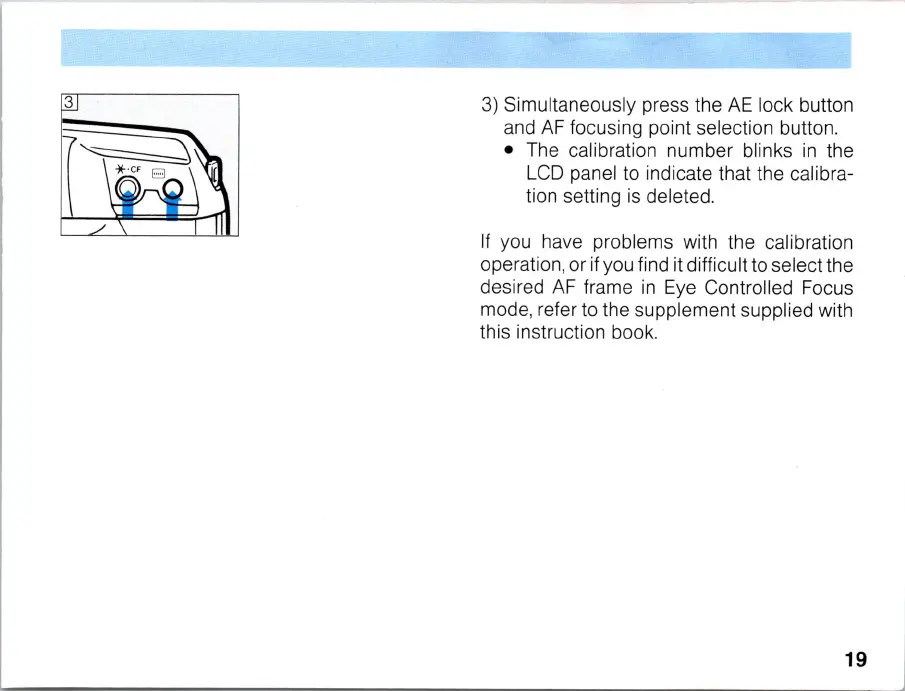
3)
Simultaneously p
re
ss the
AE
lock button
and
AF
focusi
ng
point selection button.
• The calibration number blinks
in
the
LCD
panel to indicate that the calibra-
tion setting
is
deleted.
If
you have problems with the calibration
operation, or if you find it difficult to select the
desired
AF
frame
in
Eye
Controlled Focus
mode, refer to the supplement supplied with
this instruction book.
19



 To Next Page