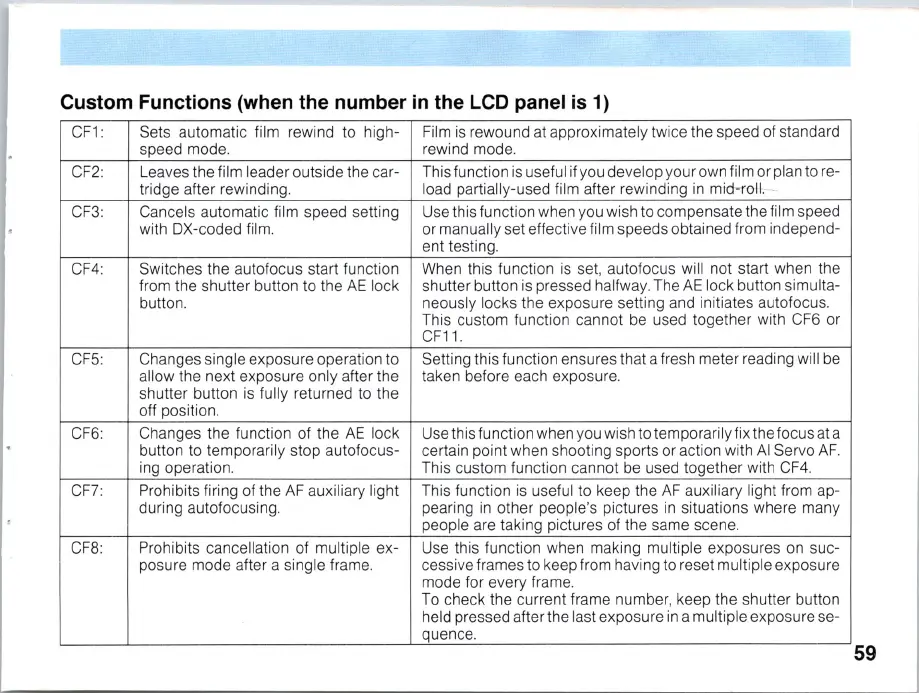
Custom Functions (when the number
in
the LCD panel
is
1)
CF1: Sets automatic film rewind to high-
Fi
lm
is
rewound at approximately tw
ic
e the speed of standard
speed mode.
rewind mode.
CF2 Leaves the film leader outside the car-
This function
is
useful
if
you develop your own film or plan to re-
tridge after rewinding.
load partial
ly
-used film after rewinding
in
mid-roll.
--
CF3:
Cancels automatic film speed setting Use this function when you wish to compensate the film speed
with DX-coded
fi
l
m.
or manually set effective film speeds obtained from independ-
ent testing.
CF4:
Switches the autofocus start function When this function
is
se
t, autofocus will not start when the
from the shutter button to the
AE
lock
shutter button
is
pressed halfway. The
AE
lock button simulta-
button. neously locks the exposure setting and initiates autofocus.
This custom function cannot be used together with CF6 or
CF11.
CF5: Changes single exposure operation to Setting this function ensures that a fresh meter reading
wi
ll be
a
ll
ow the next exposure only after the taken before each exposure.
shutter button
is
fu
ll
y returned to the
off position.
CF6:
Changes the function of the
AE
lock Use this function when you wish to temporarily fix the focus at a
button to temporarily stop autofocus- certain point when shooting sports
or
action with
AI
Servo
AF.
ing operation. This custom function cannot
be
used together with
CF4.
CF7:
Prohibits firing of the
AF
auxiliary light This function
is
useful to keep the
AF
auxiliary light from ap-
during autofocusing. pearing
in
other people's pictures
in
situations where many
people are taking pictures of the same scene.
CF8: Prohibits cancellation of multiple ex-
Use this function when making
mu
ltiple exposures
on
suc-
posure mode after a single frame. cessive frames to keep from having to reset
mu
ltiple exposure
mode for every frame.
To c
he
ck the current frame number, keep the shutter button
held pressed after the last exposure
in
a m
ul
tiple exposure se-
quence.
59



 To Next Page