Operation QUANTUM TIC
3-4 10/04
1.2 Operation
Loading operation
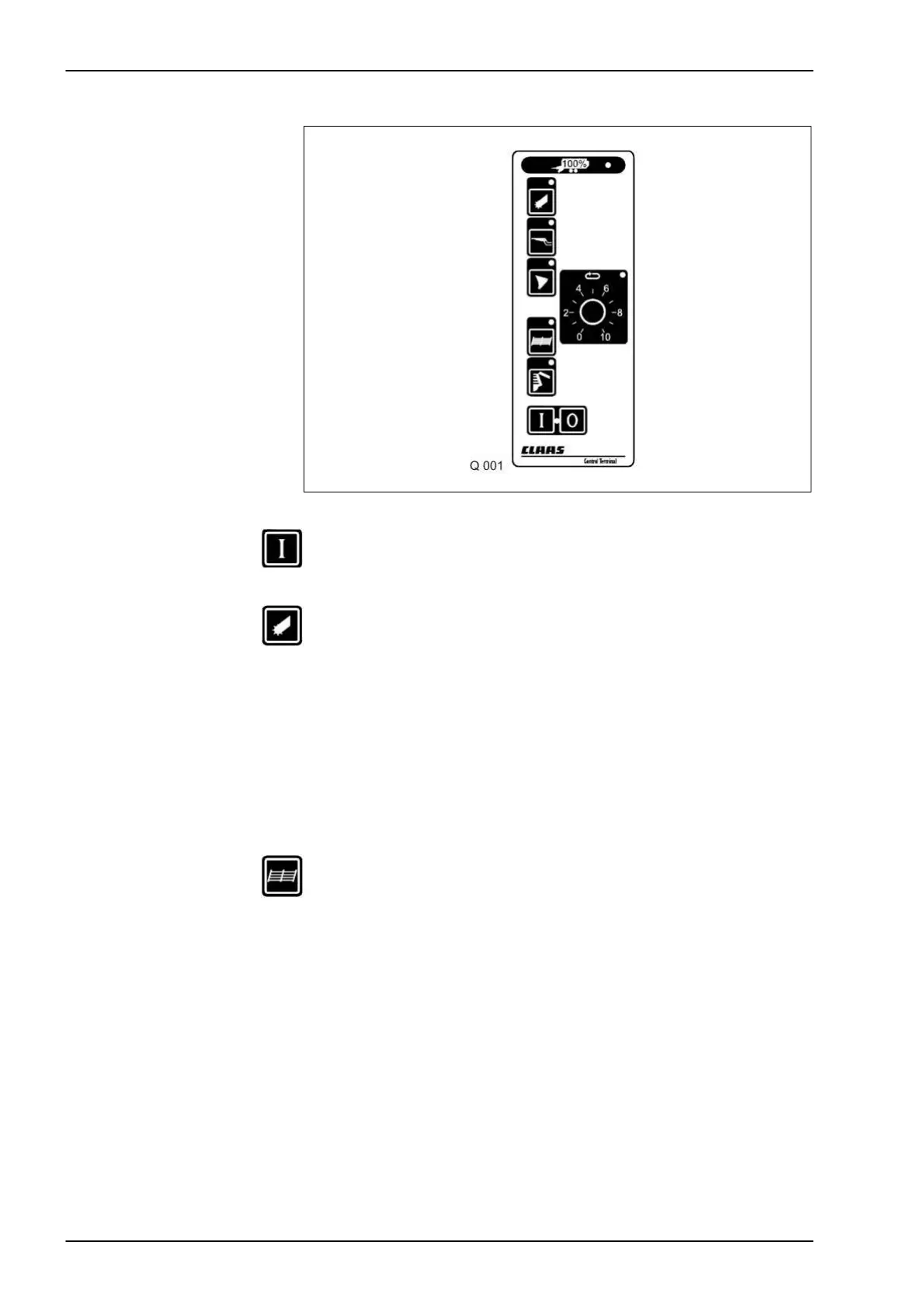
Use this key of the control box to switch on the control unit. The red
indicator light lights up.
Pick-up
lowered/raised
Use this key to pre-select the pick-up mode. The pick-up can now be
raised and lowered using the single-acting control valve. Switch
on the pto for loading.
Attention The pick-up will only remain in floating position if the pick-up mode is pre-
selected on the control box and the single-acting control valve is set to
floating position.
Quantum 3500 K / 3800 K /
3500 P / 3800 P
To switch off the rotor and the pick-up the pto must be disengaged.
Quantum 3500 S Raising the pick-up will automatically disengage the rotor and the pick-up.
Dry crop top
(QUANTUM 2500 K,
3500 K only)
Use this key to pre-select the dry crop top mode. To erect the dry
crop top, pressurize the single-acting control valve. To lower it, set
the system to the float position.


 To Next Page