6
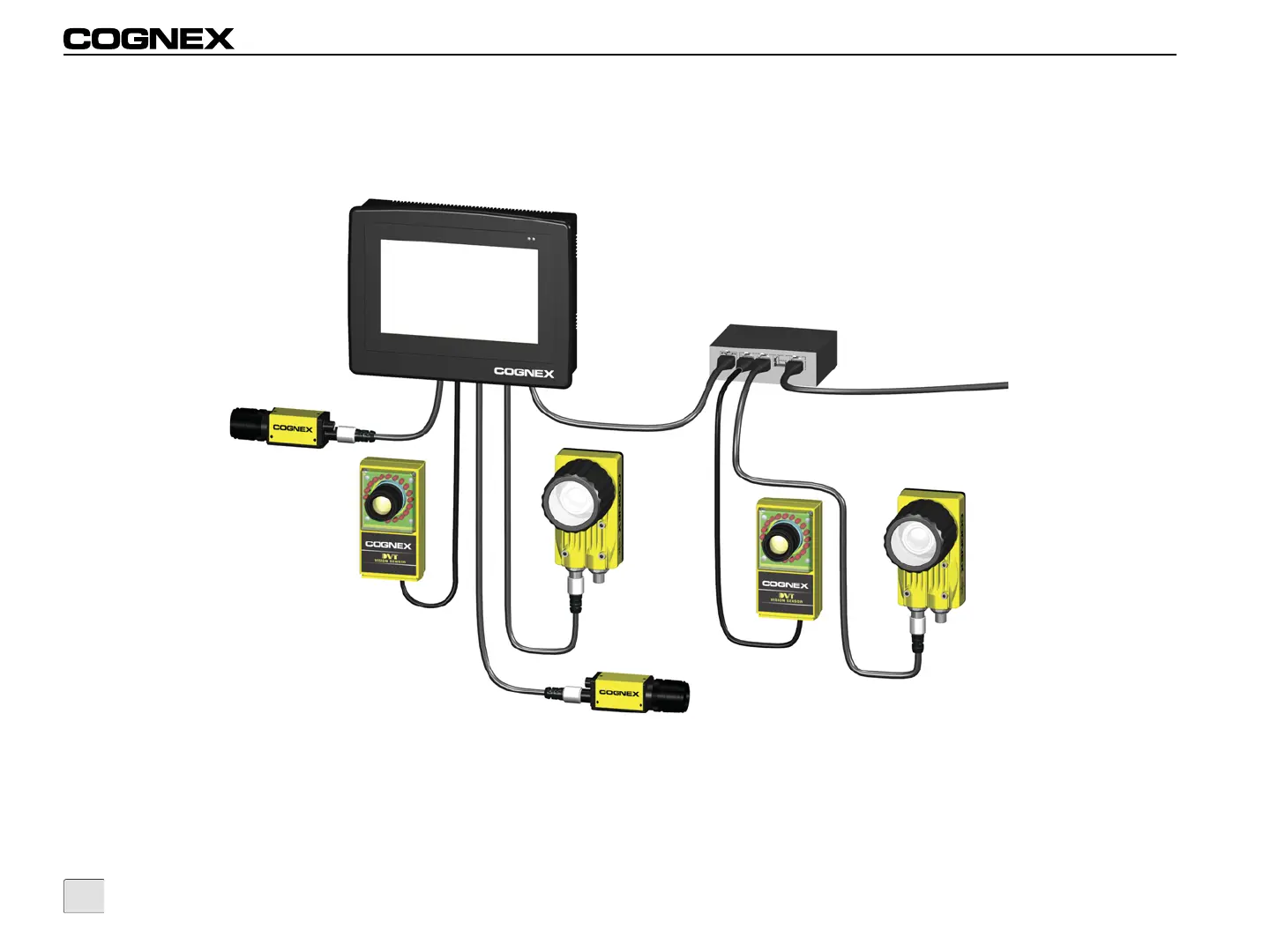
In this configuration VisionView’s LAN port is connected to a switch, router or factory network, allowing VisionView to communicate with remote
sensors on the factory floor. Up to four In-Sight or DVT sensors may also be directly connected to VisionView. Connect the switch/router to
VisionView by plugging an RJ-45 cable into VisionView’s LAN port and plug the other end into an available port on the switch/router. Optionally,
plug the sensors’ Ethernet cables into VisionView’s Vision Sensor ports.
Figure 2-4: VisionView Connected to the Factory Network



 To Next Page