27
Run Mode
Adjust Image
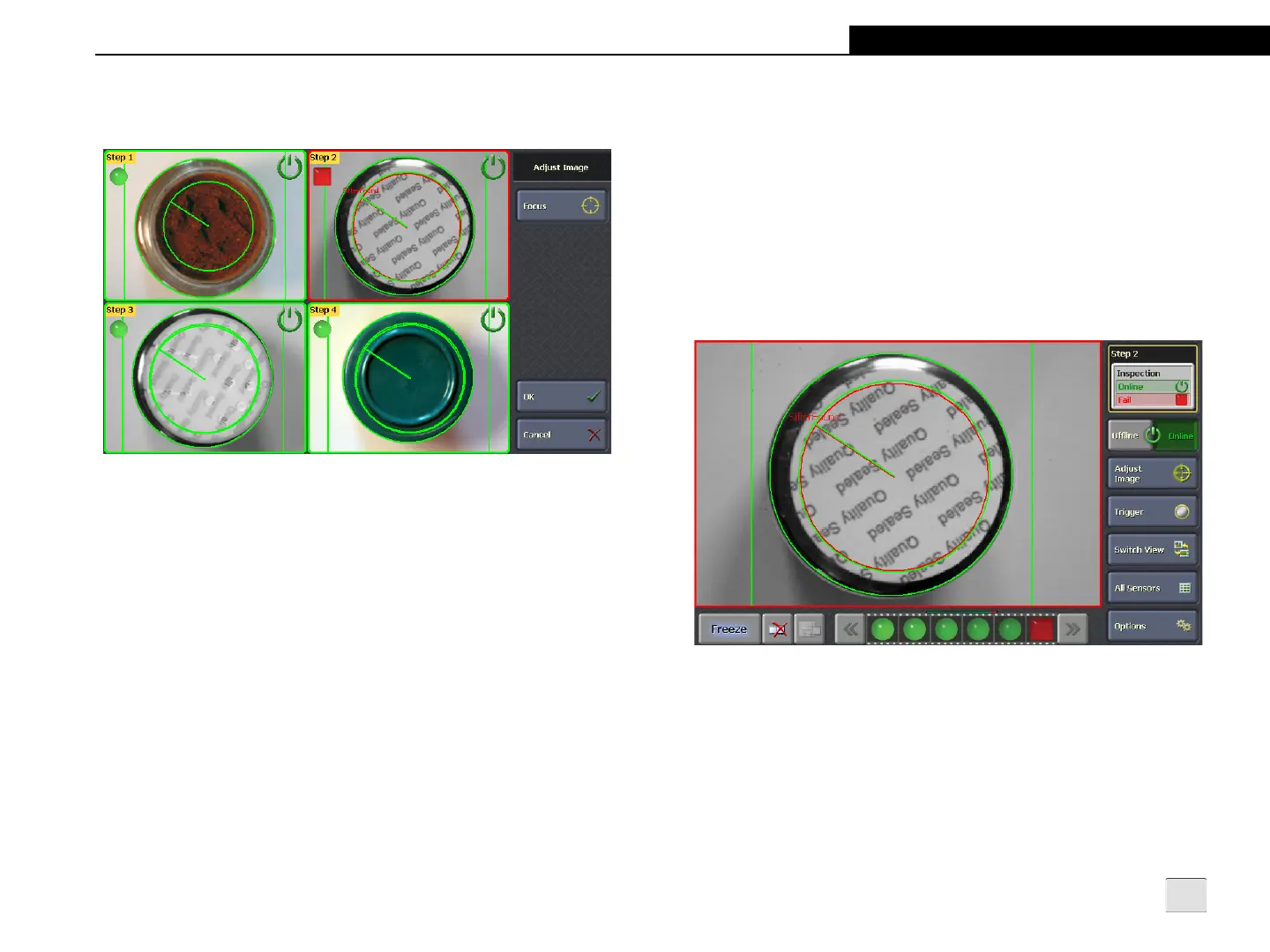
Figure 4-2: Adjust Image Screen - Tiled Image Mode
Focus: Places all sensors into Focus Mode, displaying a live image
to use when making adjustments to the sensors’ lens and field of
view.
Single Image Mode
In Single Image Mode, the image area displays only one sensor's
image and the controls that are supported on that sensor. If a
particular control is not supported by the sensor or not enabled in
the Setup Mode, the control is hidden. The control may also be
hidden if its function is not allowed based on the privileges
associated with the Sensor User Name (refer to Sensor Settings on
page 18). If a particular control is supported, but its function is not
available due to the current state of the sensor, the control is
displayed but disabled.
Figure 4-3: Single Image Mode



 To Next Page