In-Sight Custom View and EasyView
41
Supported Interactive Controls
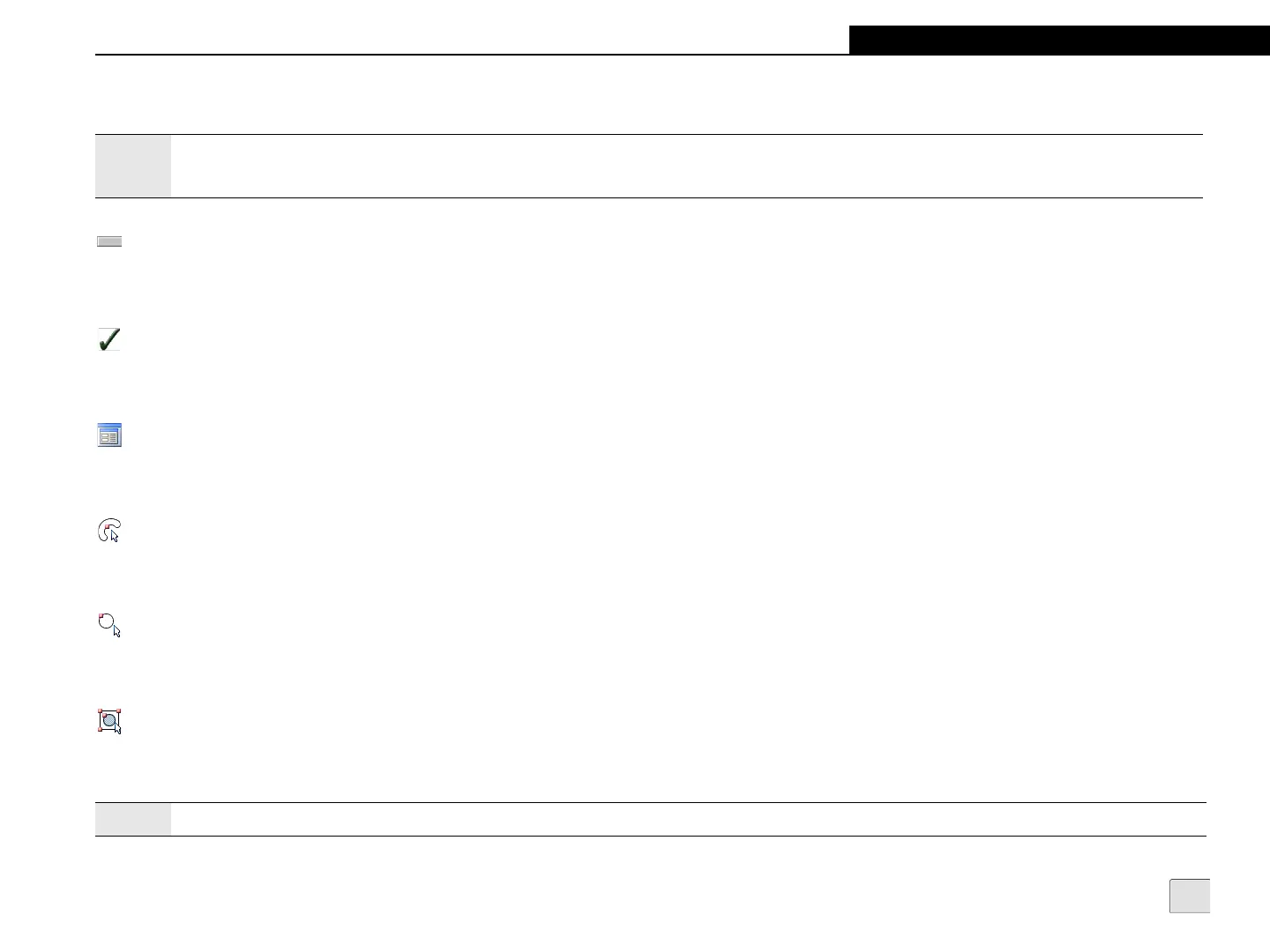
Button
Pressing a Button triggers a spreadsheet event.
Checkbox
Pressing a Checkbox toggles the state of the checkbox and associated spreadsheet cell.
Dialog
Pressing a Dialog control launches a labeled dialog screen. All supported Custom View and EasyView controls are also supported in the dialog.
EditAnnulus
Pressing an EditAnnulus control switches the display to Interactive Graphics Mode, where the position and size of the annulus can be adjusted.
EditCircle
Pressing an EditCircle control switches the display to Interactive Graphics Mode, where the position and size of the circle can be adjusted.
EditCompositeRegion
Pressing an EditCompositeRegion control switches the display to Interactive Graphics Mode, where the composite region can be adjusted. A
composite region can consist of multiple subregions. A subregion can consist of an annulus, circle, polygon or rectangle.
Notes:
• For complete descriptions of the supported controls, refer to the In-Sight
®
Explorer Help file.
• ColorLabel, StatusLight, and MultiStatus controls are supported in VisionView, but are not interactive.
Note:
Only positioning of the entire composite region is supported from VisionView.



 To Next Page