26
Each image includes:
• The sensor’s Display Name.
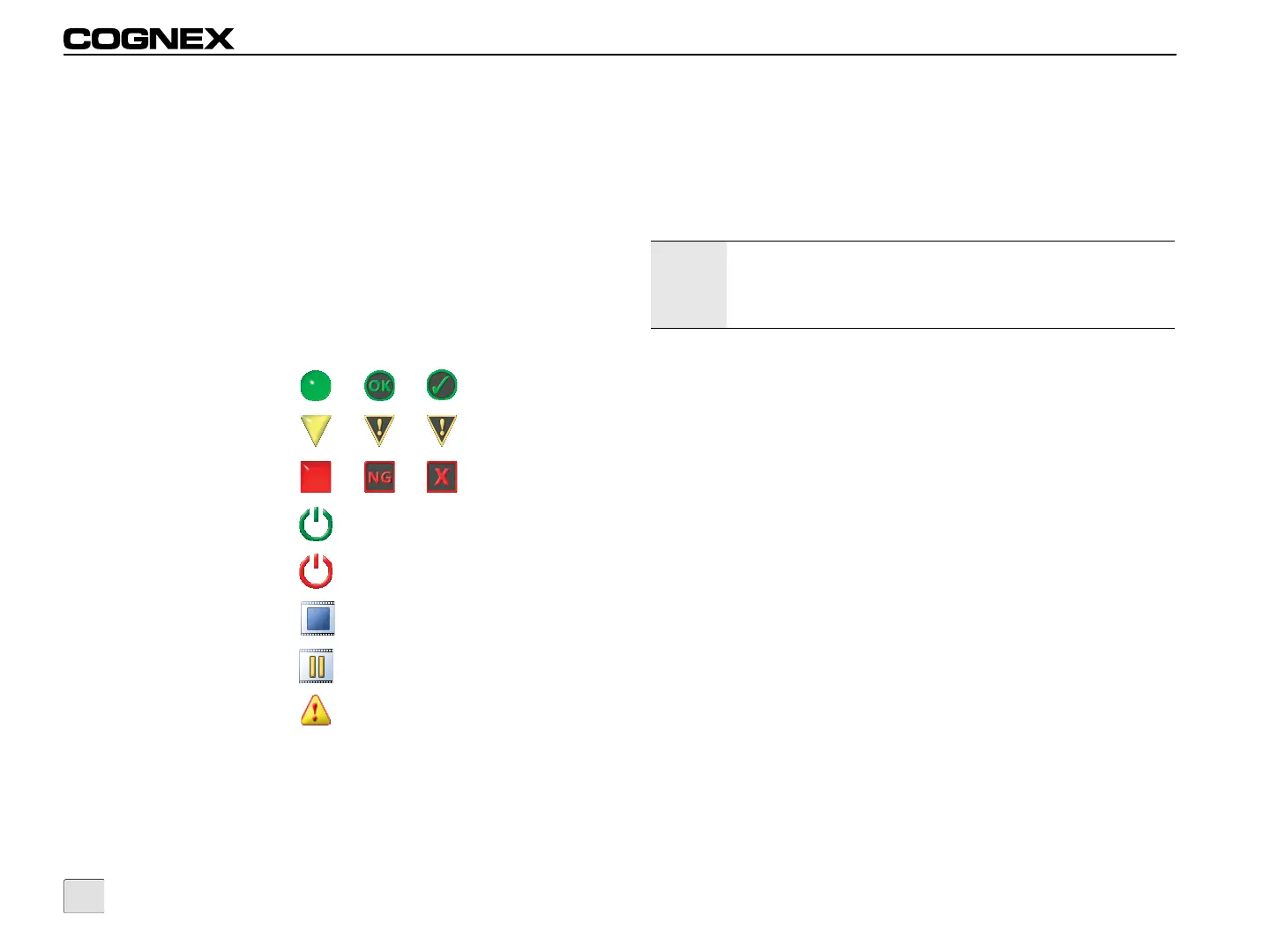
• The job pass, warning or fail status icon and border (if
available).
• Either an Online icon, an Offline icon, a Frozen icon or a
Paused icon.
• An AutoSave Failure icon is displayed if the Show
AutoSave Failures checkbox is unchecked and a failed
inspection image is not automatically saved to the specified
location.
Tiled Image Mode Icons:
Pass
Warning
Fail
Online
Offline
Frozen
Paused
AutoSave Failure
Tiled Image Mode Controls
Offline: Place all sensors Offline. If all sensors are Offline, the
button appears pressed and is displayed in red.
Online: Place all sensors Online. If all sensors are Online, the
button appears pressed and is displayed in green.
Adjust Image: Allows the operator to make adjustments to the
image.
Trigger: Triggers an inspection on all sensors.
Options: Opens the Options screen to configure the available
options for the active sensors.
Note:
If some of the sensors are Offline and some are Online, the
Offline and Online buttons do not appear pressed and the
“Offline” text is displayed in red and the “Online” text is
displayed in green.



 To Next Page