34
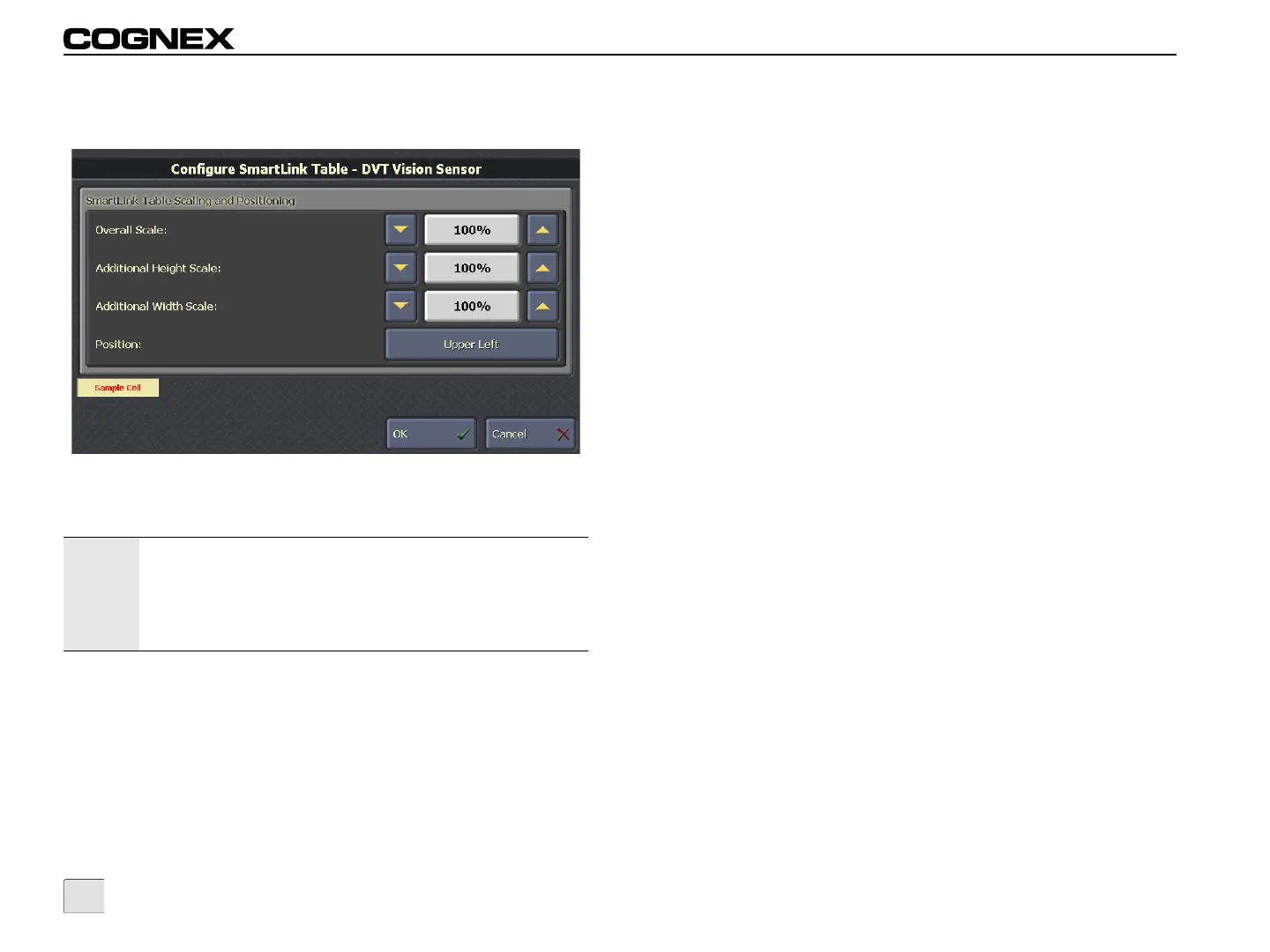
Configure SmartLink Table
Figure 4-10: Configure SmartLink Table Screen
SmartLink Table Scaling and Positioning
• Overall Scale: Proportionally adjusts the font size, height
and width of the SmartLink table. (20% - 1000%;
default = 100%)
• Additional Height Scale: Adjusts the height of the
SmartLink table. (20% - 1000%; default = 100%)
• Additional Width Scale: Adjusts the width of the
SmartLink table. (20% - 1000%; default = 100%)
Notes:
• The settings are sensor-specific, and apply to all
SmartLink tables on the sensor.
• Touching a scale percentage opens Numeric Entry Mode,
allowing the values to be manually entered. For more
information, refer to Numeric Entry Mode on page 40.
• Position: Specifies the position of the SmartLink table on
the VisionView display. (Upper Left, Upper Right, Lower
Left, Lower Right, Centered, Below Image, Next to Image).



 To Next Page