35
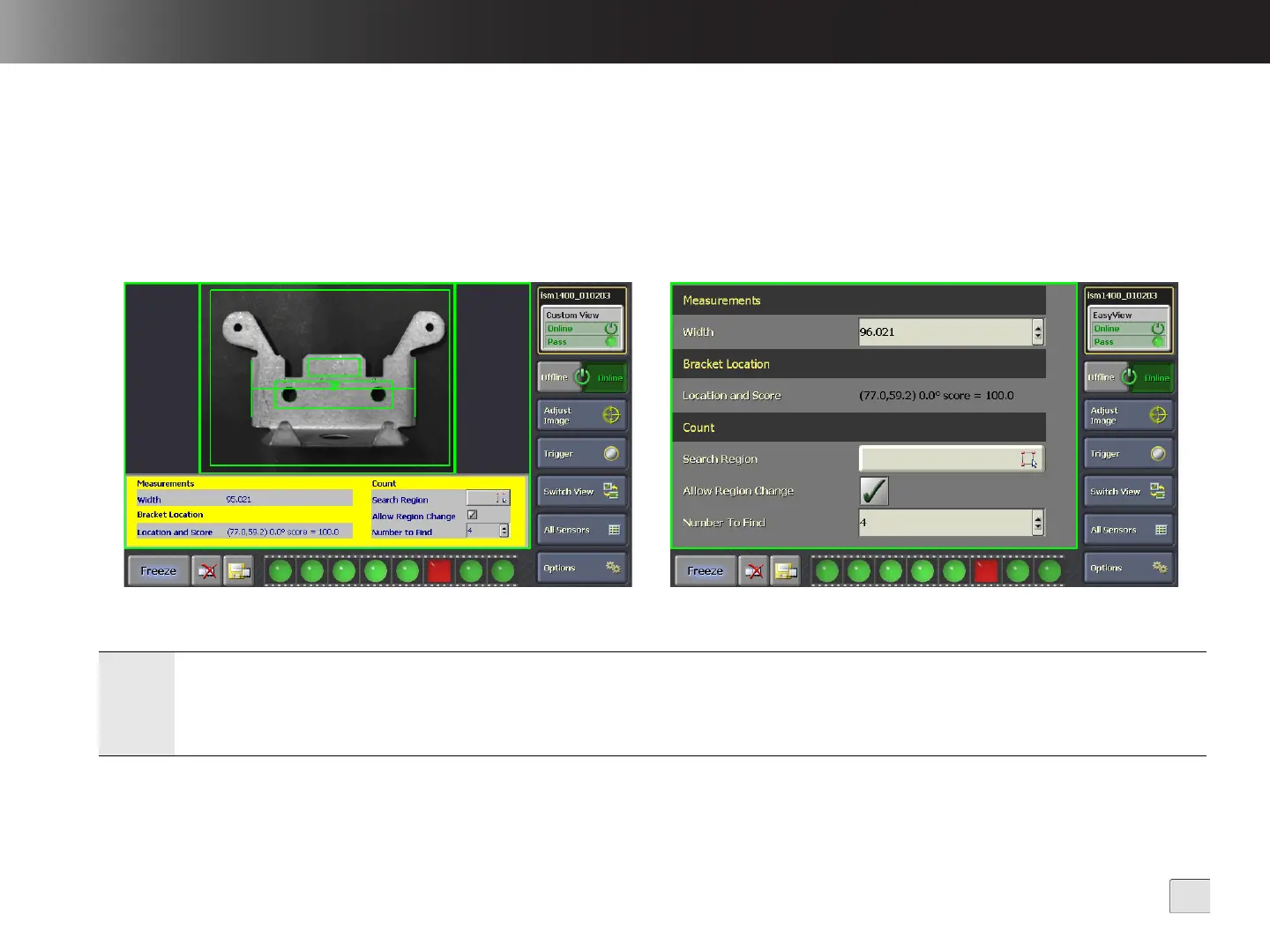
In-Sight Custom View and EasyView
From In-Sight Explorer, you can create a Custom View or an EasyView to customize how data is displayed on VisionView and to allow the
operator to make simple adjustments to the job from the factory floor. The types of adjustments the operator can make depend on the types of
interactive controls saved in the job, the privileges associated with the Sensor User Name and whether the Require User Authentication
checkbox is checked in the Sensor Settings screen (refer to Sensor Settings on page 18).
The types of supported interactive controls vary in complexity; the most simple interactive controls allow the operator to perform actions such as
pressing a button or toggling a checkbox, while the more complex interactive controls allow the user to enter Interactive Graphics Mode to easily
set the position, size, rotation and bend (curvature) for a region of interest.
Notes:
• A Custom View can be created from the In-Sight Explorer Spreadsheet View; an EasyView can be created in either the Spreadsheet View or
EasyBuilder View.
• It is recommended that the sensor’s job contain no more than 70 EasyView Items.
• When editing an interactive control, no failed inspection images will be automatically saved for the active sensor.
Figure 5-1: Sample Custom View Figure 5-2: Sample EasyView



 To Next Page