13
Setup Mode
• Status Icons: Displays the current icons used as pass,
warning and fail indicators.
• Change: Toggles the type of icons used as pass,
warning and fail indicators.
• Job Control: Allows the operator to perform job file
operations, including loading a job file, saving or renaming
the active job file.
• Options: Opens the Job Control Options screen to
configure the operator controls.
• Adjust Image: Allows the operator to make adjustments to
the image, including focus, pan/zoom and rotation.
• Options: Opens the Adjust Image Options screen to
configure the operator controls.
• Filmstrip: Allows the operator to view the filmstrip, which
displays recent inspection results and allows the operator
to review the results. The filmstrip is only displayed in
Single Image Mode.
• Options: Opens the Filmstrip Options screen to
configure the operator controls.
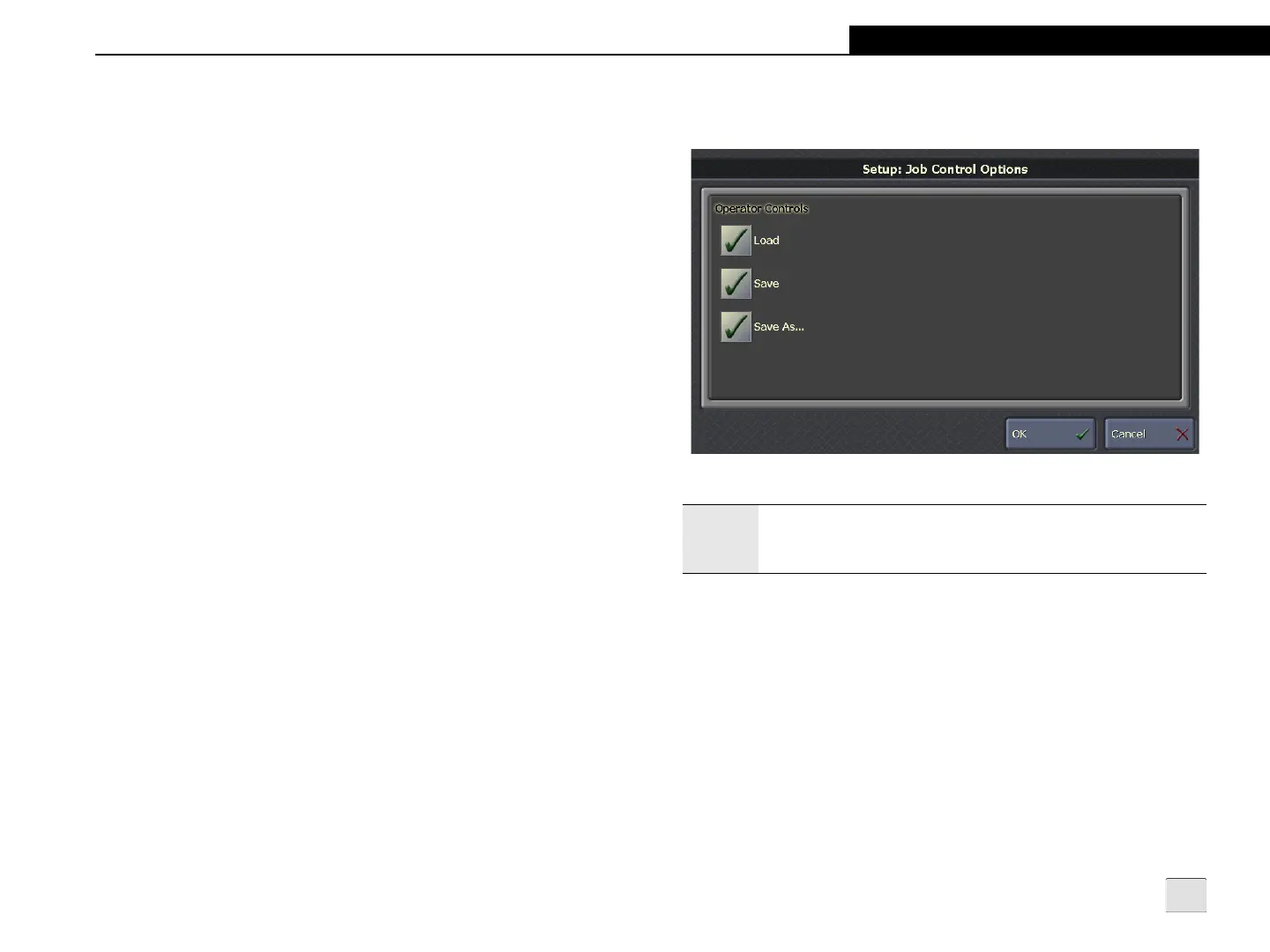
Job Control Options
Figure 3-7: Job Control Options Screen
Operator Controls
• Load: Allows the operator to load a job file to the sensor.
• Save: Allows the operator to save changes made to the
active job file.
• Save As: Allows the operator to rename the active job file.
Note:
DVT sensors only support loading a job file (or DVT Product)
to the sensor; all other Job Control Options are not
supported.



 To Next Page