12
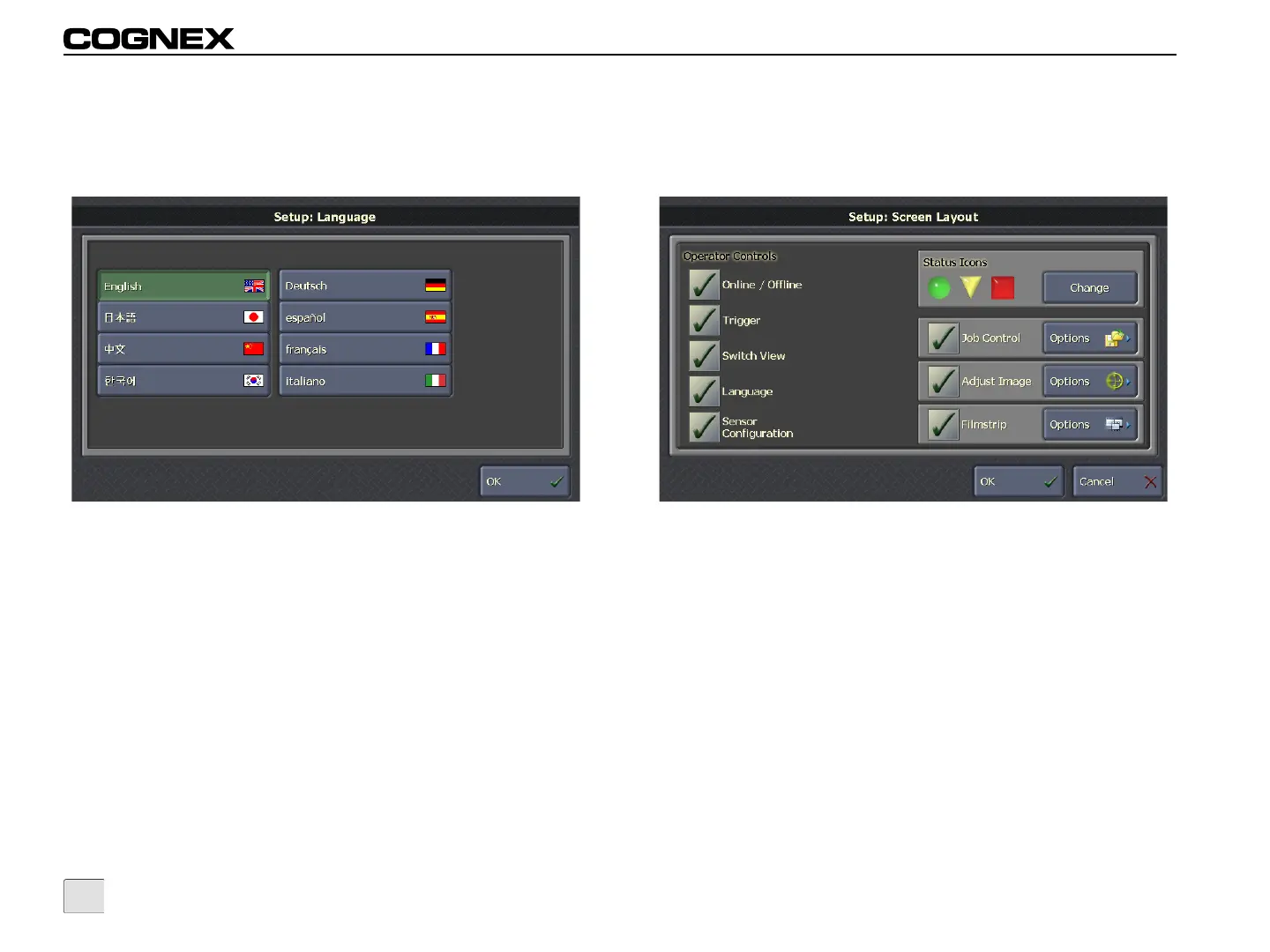
Language
This screen allows the administrator to specify the language to use
in the VisionView interface.
Figure 3-5: Language Screen
Available languages:
• English
• Japanese
• Simplified Chinese
• Korean
•German
•Spanish
•French
• Italian
Screen Layout
This screen allows the administrator to specify the operator controls
that are available during Run Mode.
Figure 3-6: Screen Layout Screen
Operator Controls
• Online/Offline: Allows the operator to toggle the
Online/Offline state of the active sensor(s).
• Trigger: Allows the operator to trigger an inspection on the
active sensor(s).
• Switch View: Allows the operator to toggle the views
available on the active sensor.
• Language: Allows the operator to specify the language
used in the VisionView interface.
• Sensor Configuration: Allows the operator to configure
the scale and position of In-Sight Custom Views or DVT
SmartLink tables when displayed from VisionView.



 To Next Page