11
Setup Mode
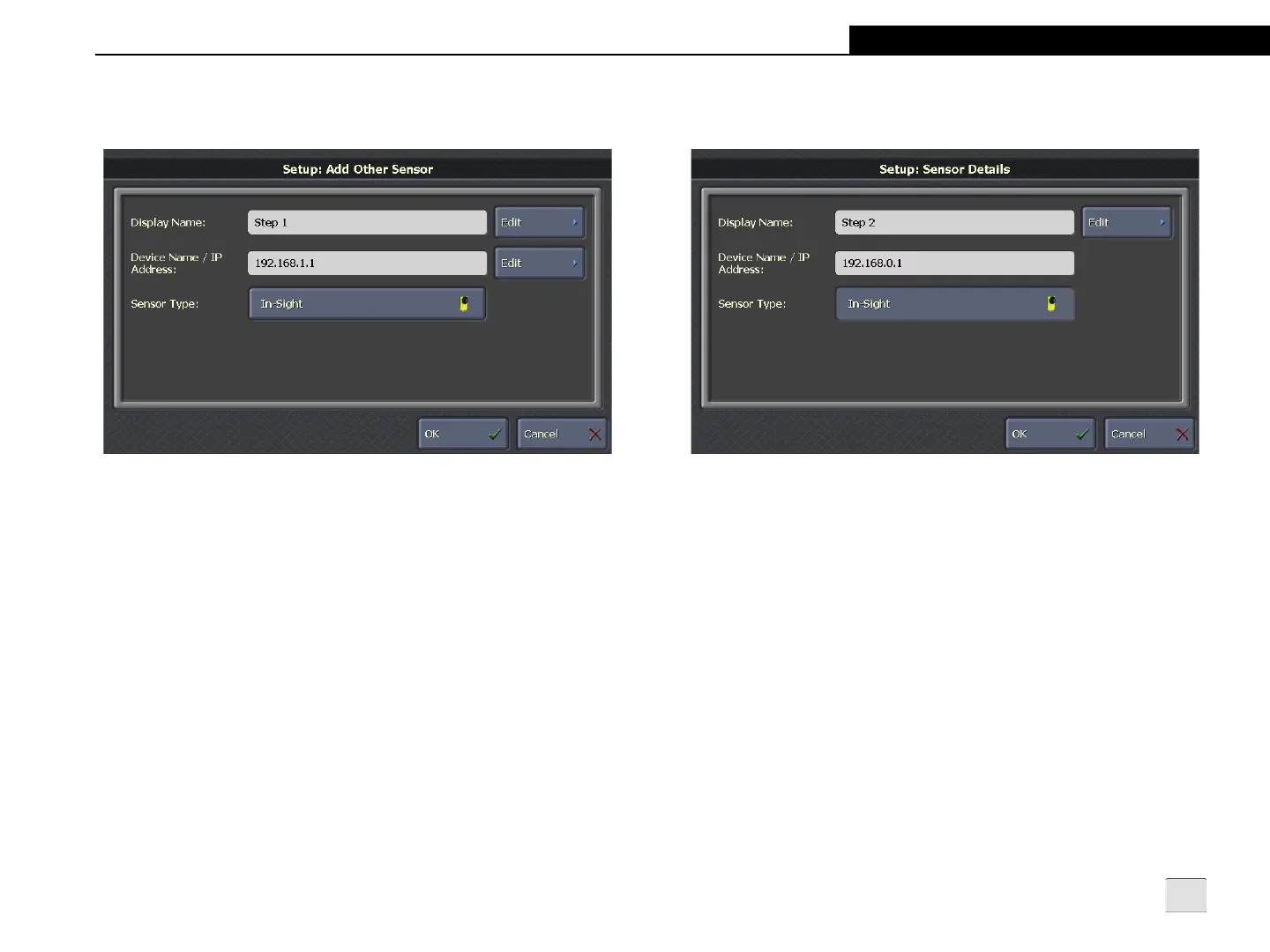
Add Other Sensor
Figure 3-3: Add Other Sensor Screen
Display Name: Click Edit to define the sensor or emulator's name
as it should be displayed during Run Mode. Modifying the Display
Name changes the Run Mode sensor or emulator name, but does
not change the Device Name.
Device Name/IP Address: Click Edit to specify the sensor or
emulator’s IP address or Device Name (the name used for Domain
Name Server resolution on the network). You must enter an IP
address if the sensor is not registered with a Domain Name Server
on the network or if the sensor and VisionView do not reside on the
same subnet. You must enter a Device Name if the sensor is
assigned a link-local IP address.
Sensor Type: Specifies the sensor or emulator type being added.
Sensor Details
Figure 3-4: Sensor Details Screen
Display Name: Click Edit to define the sensor or emulator's name
as it should be displayed during Run Mode. Modifying the Display
Name changes the Run Mode sensor or emulator name, but does
not change the Device Name.
Device Name/IP Address: Displays the sensor or emulator's IP
address or Device Name (the name used for Domain Name Server
resolution on the network).
Sensor Type: Displays the sensor or emulator type.



 To Next Page