3
Install VisionView
Mount VisionView
1. Cut a mounting hole in the panel (refer to the VisionView 700 Dimensional Drawings on page 51).
2. Place VisionView face-down on a clean, flat surface.
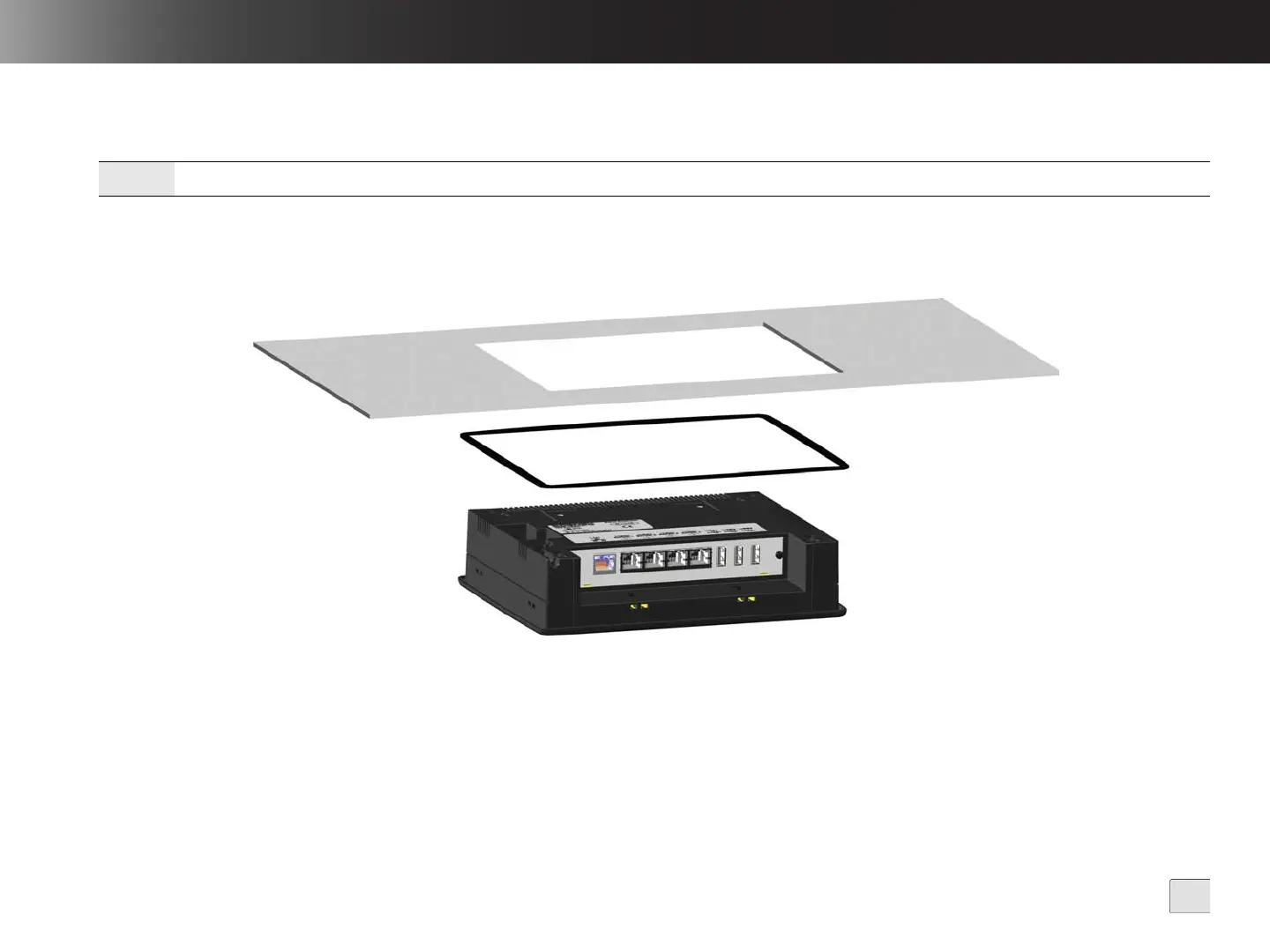
3. Slide the rubber gasket around the back of VisionView, until it rests directly against the back of the VisionView faceplate.
4. Slide the panel cutout around the back of VisionView, until the panel rests directly on the rubber gasket.
Figure 2-1: Rubber Gasket and Panel
Note:
It is strongly recommended that a professional machine shop cut the mounting hole in the panel.



 To Next Page