40
Numeric Entry Mode
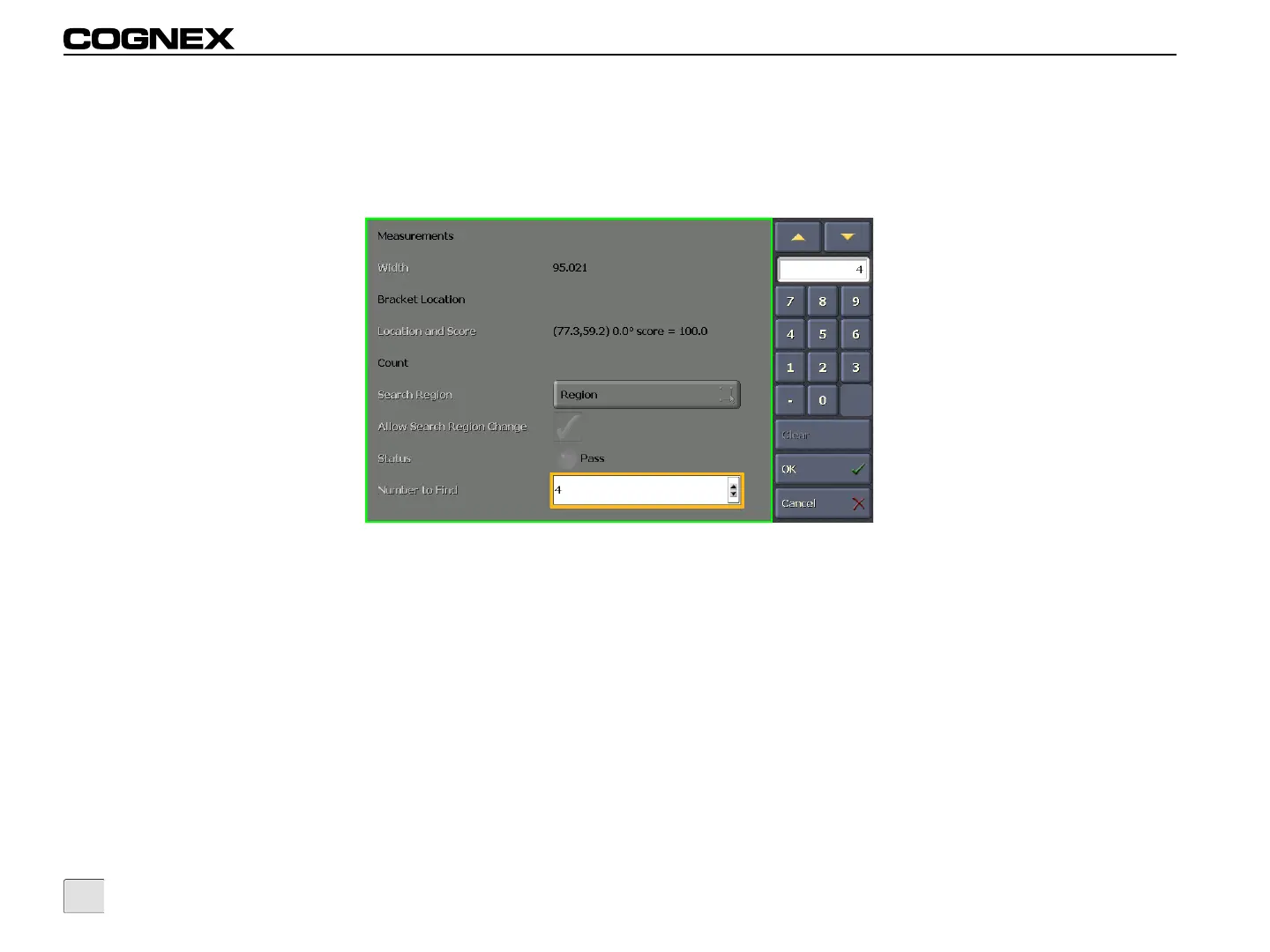
Numeric Entry Mode allows you to manually adjust a numeric value, by pressing the Up or Down button or using the numeric keypad. Pressing
the Up or Down button increases or decreases the numeric value by 1, within the allowed value range. If the numeric value is within the allowed
value range, the cell background is blue; if the numeric value is outside the allowed value range, the cell background is pink.
Figure 5-5: Numeric Entry Mode



 To Next Page