16 Commonwealth Bank Albert User Guide
Accessing other options.
Baery To check which functions use up most of your baery life, tap Baery.
Date and Time 1. To choose the date, time and time zone, tap Date and Time.
2. To allow Albert to automatically set the date, time and time zone,
slide the buon on the Status bar for Automatic date and time
and Automatic time zone from OFF to ON (recommended).
3. Alternatively, you can set these manually on the same screen.
Technical
information
Tap About Albert.
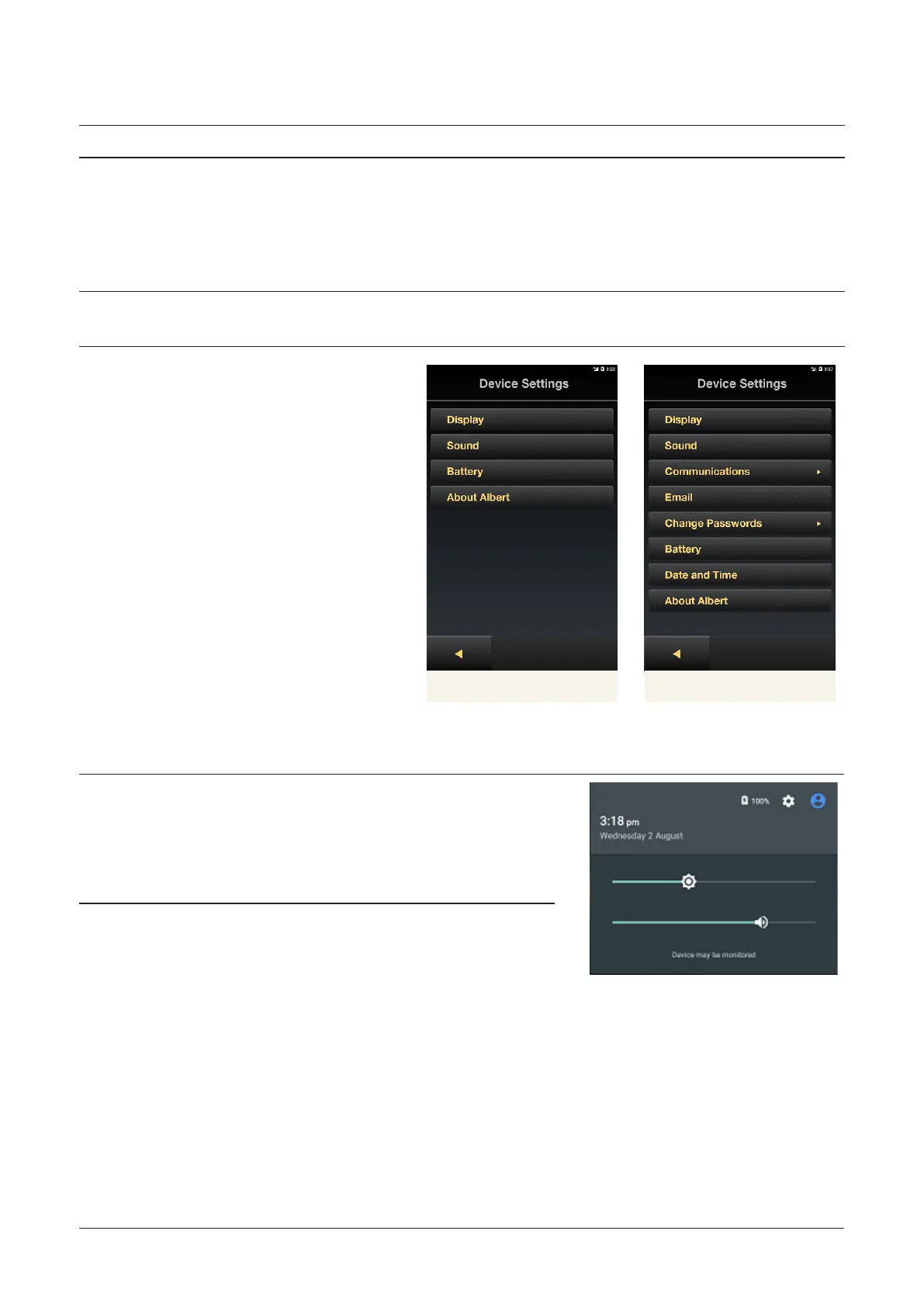
Manager Seings Operator Seings
Notifications and the Quick Seings Menu.
Notifications 1. To view notifications, swipe
down from the top of the
screen with one finger.
2. To close the menu, swipe up
from inside the menu.
Quick Seings 1. This menu allows you to
quickly access and adjust
the Brightness and Volume
seings.
2. Swipe down from the top of
the screen with one finger,
then swipe again.
3. The Brightness and Volume
seings will appear. Slide
the bars under each to the
required level.
4. To close the menu, swipe up
from inside the menu.



 To Next Page