18 Commonwealth Bank Albert User Guide
Accessible Mode.
In this section: • Geing to know the Accessible Mode
• Ensuring your customers are familiar with the Accessible Mode.
4.1 Learn how to use the solution.
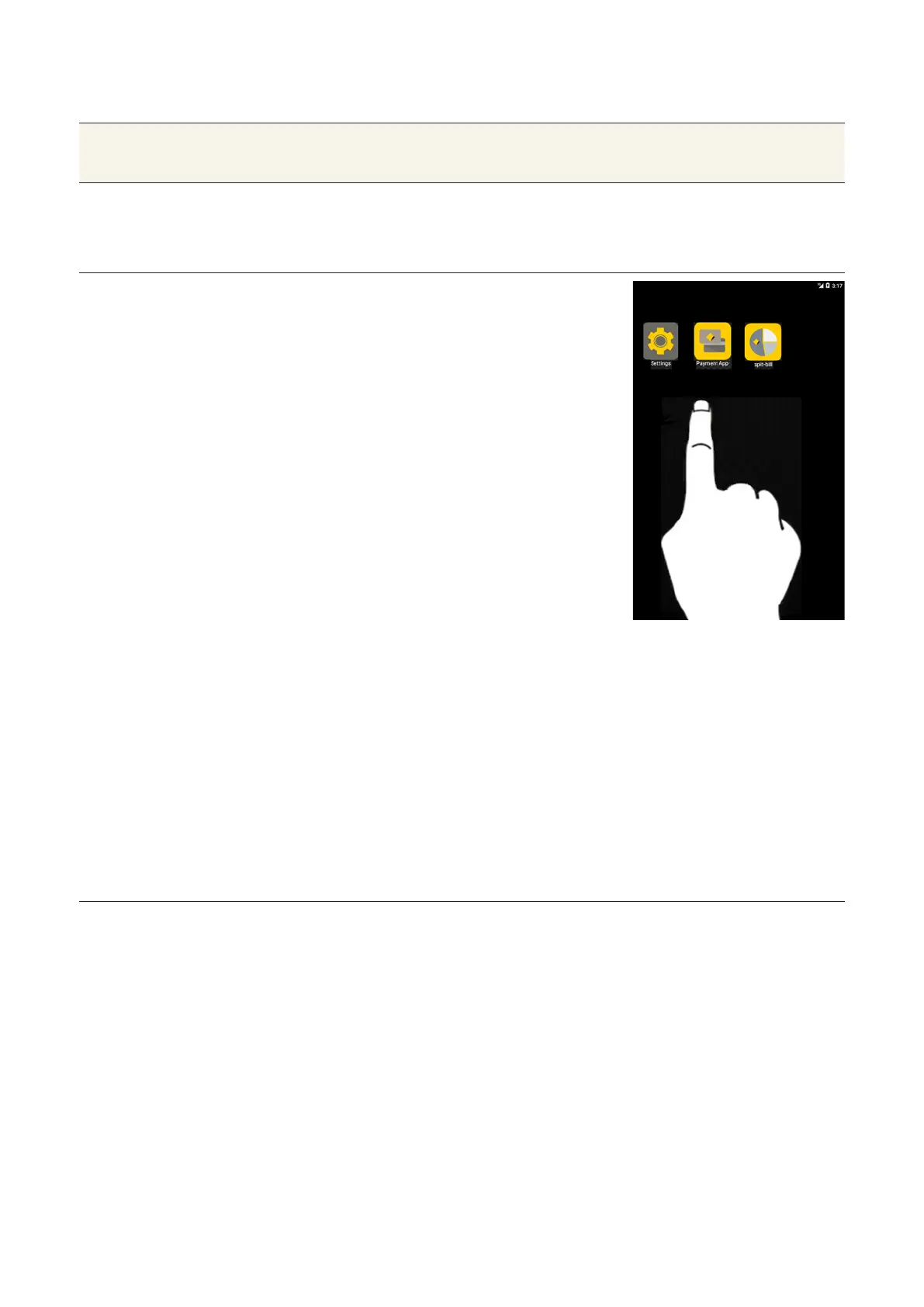
Home screen Launch the Payment App:
The accessible mode explained
in this section only applies to
the CommBank Payment App.
You can access the Accessible
Mode:
• From the Merchant Context
Menu, or
• From the Card Presentation
screen, or
• By swiping from the boom
of the screen with two
fingers. This can be done
by the merchant or the
customer.
The following three accessibility
options will appear when you
enter the accessible mode.
Ask your customer which of the
following accessibility options
they wish to select:
• PIN entry only
• PIN entry and account selection
• Complete transaction



 To Next Page