Commonwealth Bank Albert User Guide 31
3. Accepting payments.
Our flexible payment options make it easy for you to accept and
track payments quickly and securely.
Processing card payments.
Purpose To process a payment to a card, when the card is available.
Depending on your seings in the Payments app, you may also
choose to track the server making the transaction or add a tip.
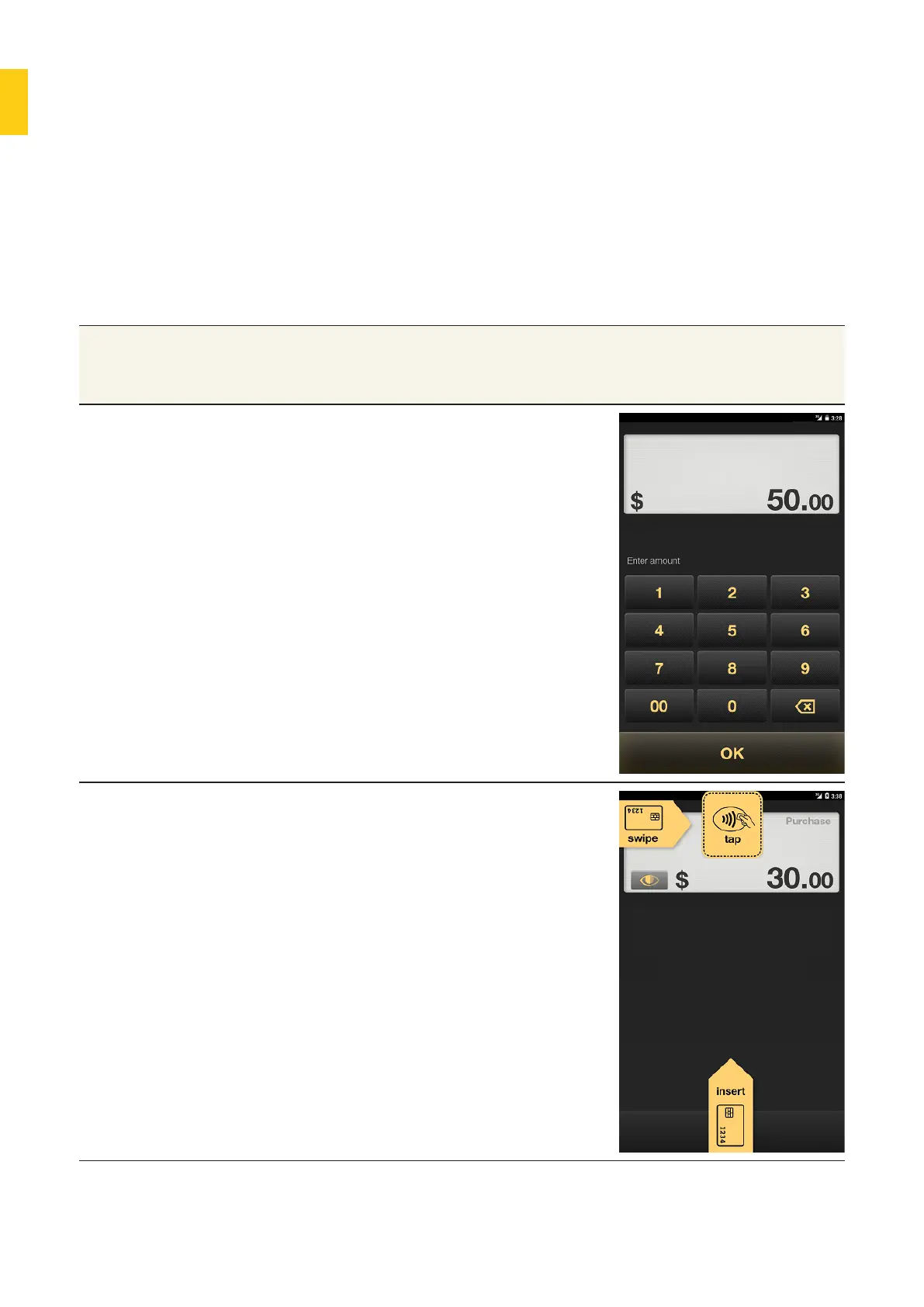
Enter payment 1. In the Payments app Purchase
screen, use the keypad to enter the
payment amount.
2. Tap OK.
• If prompted, select the name of the
server completing the transaction.
• If prompted, enter the tip the
customer wants to give. (See
‘Adding tips’ on page 42 for details).
3. The Card Present screen will be
displayed.
4. Either:
• tap the card at the top of Albert
(for transactions that can use this
functionality)
• insert the card in the chip reader
at the base
• swipe the card from le to right
along the card reader at the top.



 To Next Page