Commonwealth Bank Albert User Guide 47
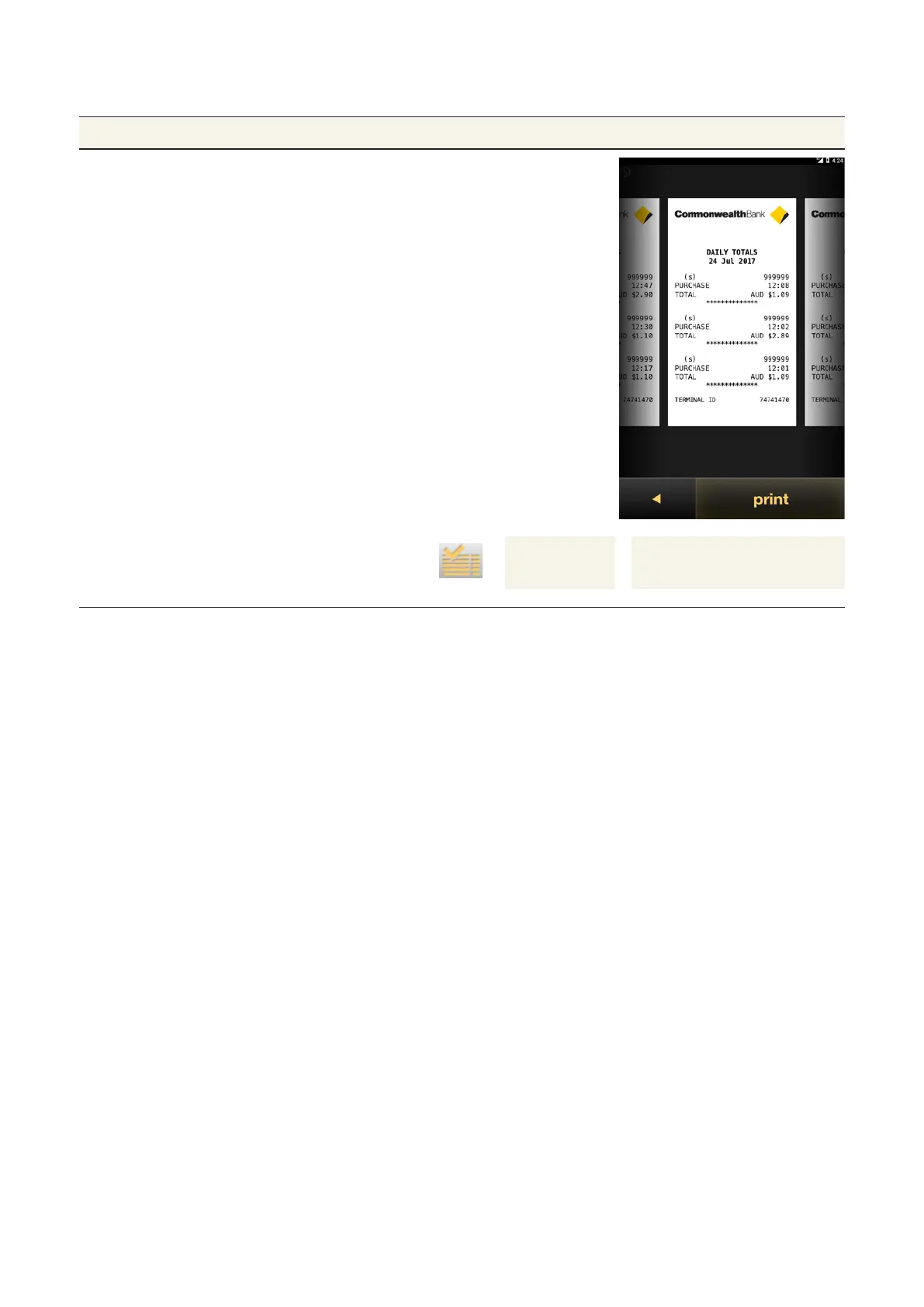
Creating a Daily Totals Report.
Purpose To view a list of daily totals over a specified date.
Daily Totals Report
for a selected date
1. From the Transactions tab, tap the
icon next to the date row to display
the Daily Totals Report.
2. To print, tap print.
To move to a dierent date:
• swipe right for future reports
• swipe le for past reports.
3. Tap the Back arrow to return to the
History and Totals screen.
View Daily
total buon
Swipe to view future
and past Daily totals



 To Next Page