Commonwealth Bank Albert User Guide 29
2. Customising the
Payment app.
Your business provides a unique customer experience.
Sowe’vecreated a Payments app that can be tailored to suit
yourbusiness needs.
Access Seings.
Purpose To find seings that help you tailor the Payment app for your
business needs.
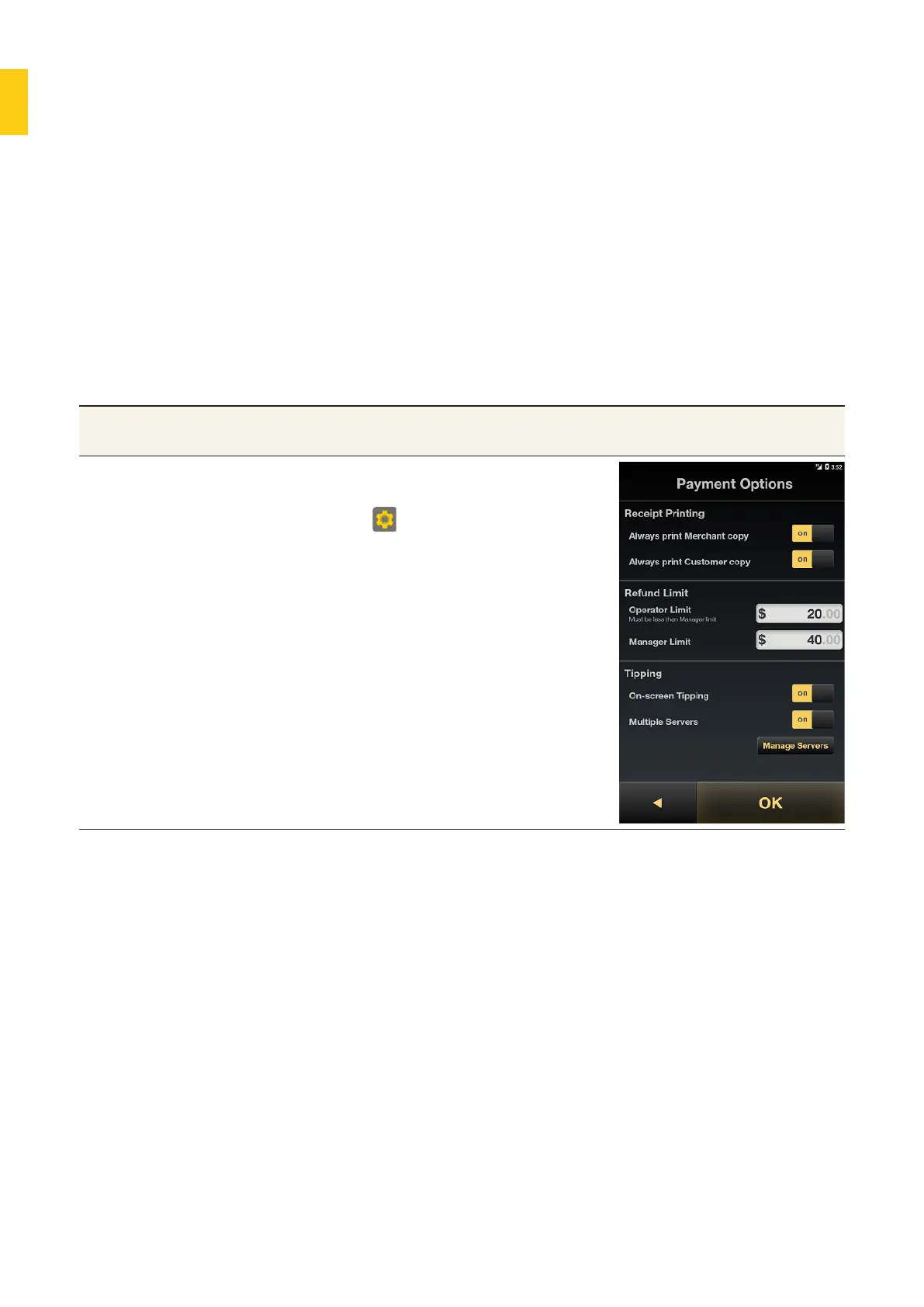
Access the Seings 1. On the Albert Home screen, tap
the Seings app to display the
seings.
2. In the Payment section, tap
Payment Options to display the
Payment Options screen.



 To Next Page