44 Commonwealth Bank Albert User Guide
Spliing bills.
Purpose To split a single purchase across multiple payments; for example,
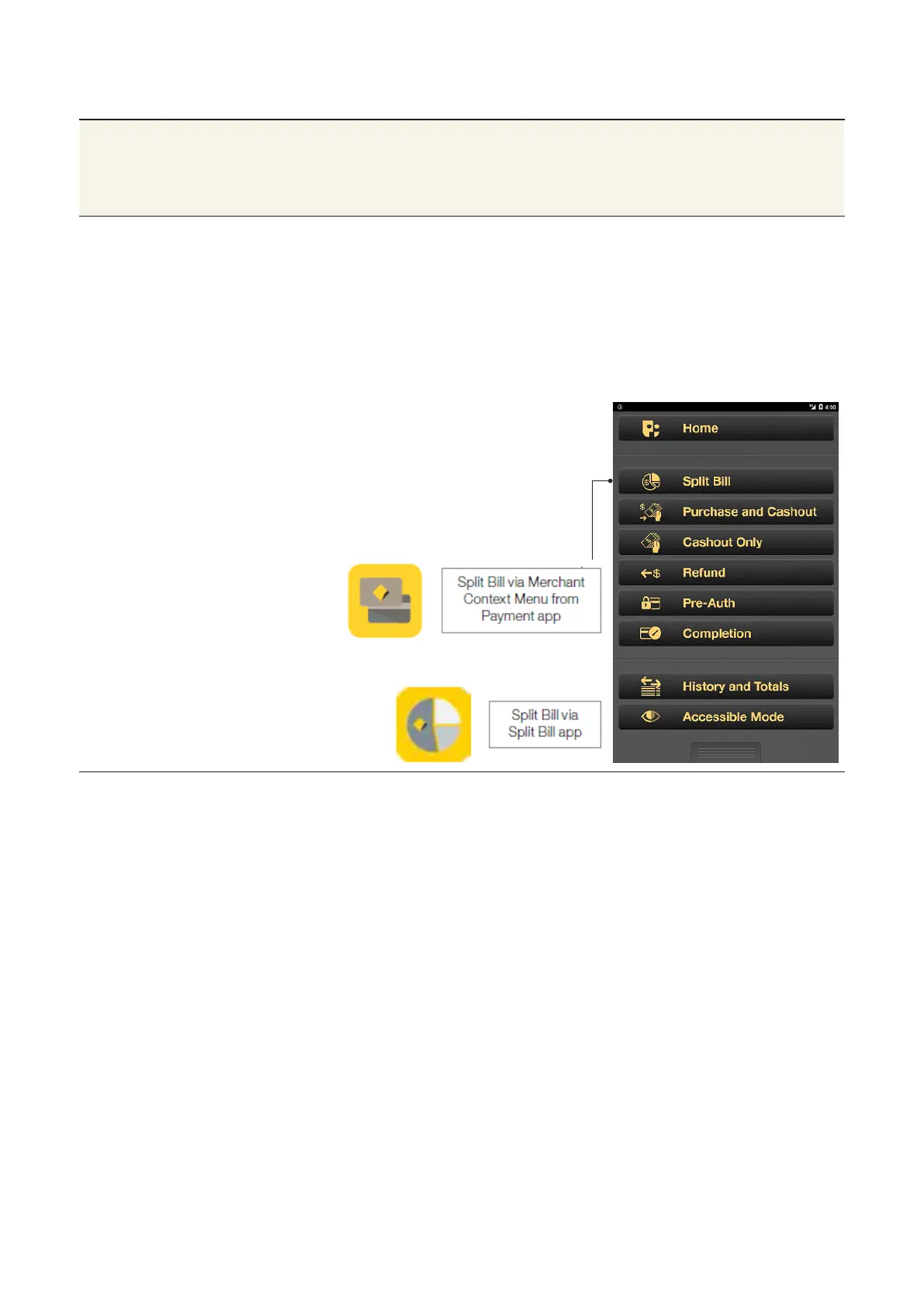
when customers share the cost of a meal. You can access the
Split Bill app from the Albert Home screen icon, or when entering
payment details in the Payment app.
Open the Split Bill
app
• From the Payment app: press the
Merchant Context buon or swipe
down on the screen to open the
Merchant Context Menu, then tap
Split Bill.
• From the Albert Home screen: tap
the Split Bill app icon.



 To Next Page