Commonwealth Bank Albert User Guide 53
10. Pre-authorisation
and completion.
Albert allows you to pre-authorise transactions to guarantee
payment for goods and services (available later in 2018).
Pre-authorisation.
Purpose A pre-authorisation transaction checks that there are funds available
on the customer’s credit card and puts a hold on these funds. No
actual funds are debited from the customer’s card account until the
transaction is ‘completed’.
Pre-authorisation is only available for credit card transactions. The
card must be present to complete the process.
Process a
pre-authorisation
transaction
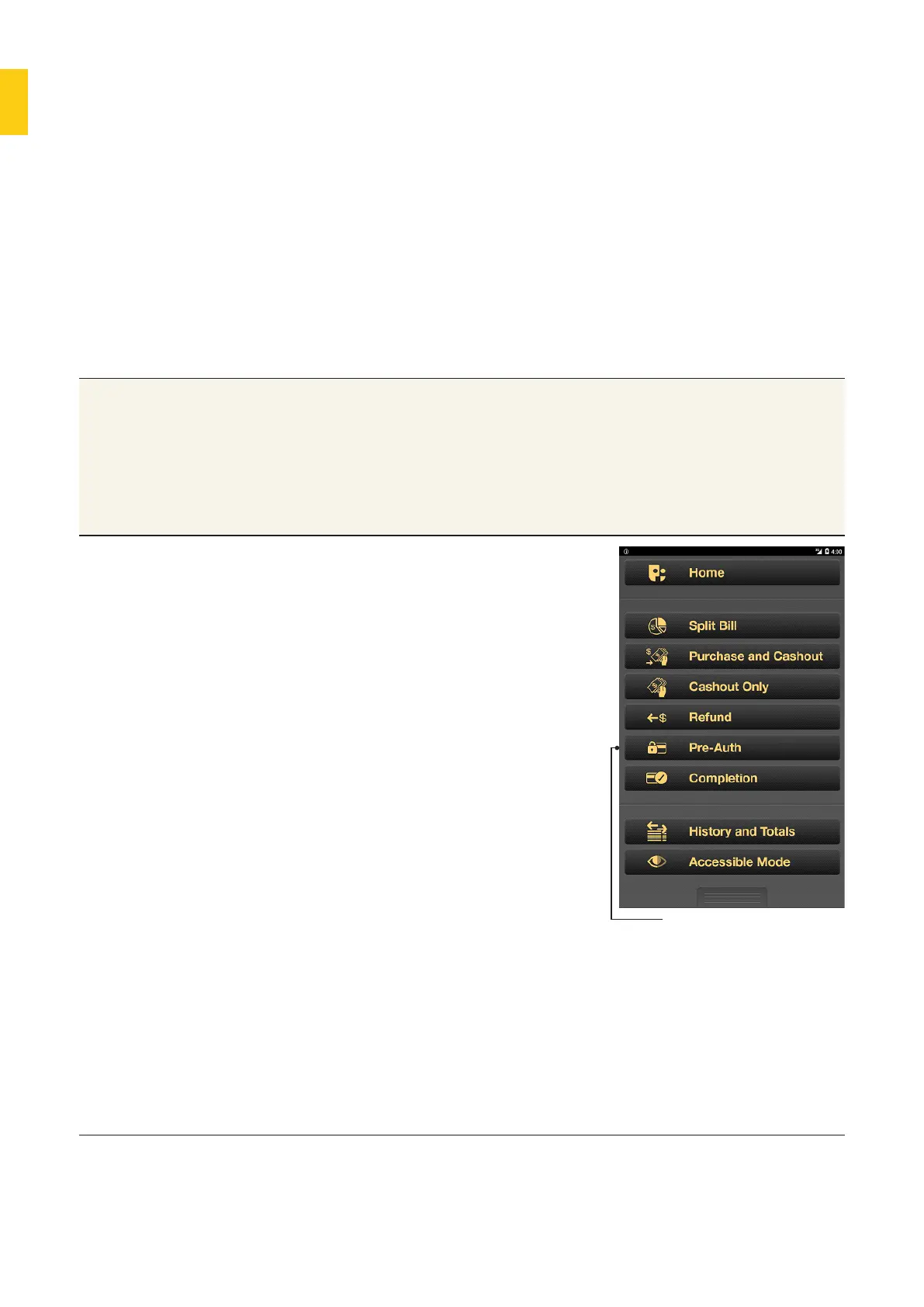
1. From the Payment app: press the
Merchant Context buon or swipe
down on the screen to open the
Merchant Context Menu, then tap
Pre-Auth.
2. Enter the pre-authorisation amount
and tap OK.
3. The Card Present screen will
appear.
• The customer’s card must permit
credit transactions.
• Enter or swipe the card.
(Contactless payments are not
accepted for pre-authorisation
transactions.)
• MOTO and manual entry are also
available for pre-authorisation,
if enabled. To access this option,
go to the Merchant Context
Menu and tap MOTO.
4. Ask the customer to select the
account type from the available
options.
Pre-Auth



 To Next Page