8 Commonwealth Bank Albert User Guide
Finding your way around.
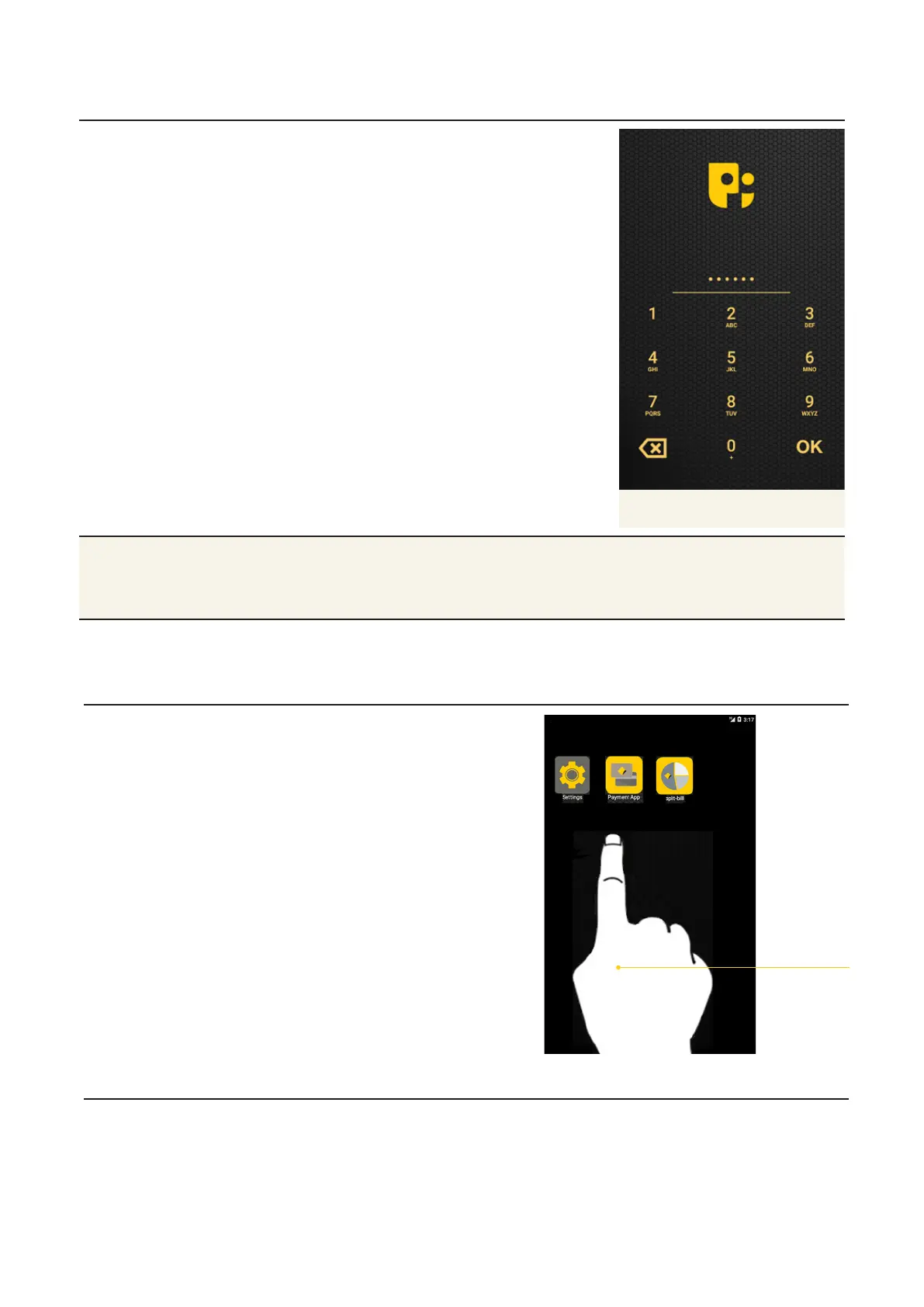
Password screen Control access to dierent
apps and functions by seing
up passwords.
• Password screen: Once
you’ve set up a password,
use the touch screen
keypad to enter your
password when prompted,
then press OK.
Password screen
Tips • To find out how to change passwords, go to Section 3.
• To learn more about specific Albert apps, check out the app user
guides at www.commbank.com.au/merchantsupport.
Using Albert.
Touch screen Tap and swipe the touch
screen to access and move
between apps.
Tap and
swipe
screen



 To Next Page