Commonwealth Bank Albert User Guide 35
Viewing, printing and emailing receipts.
Purpose To provide a printed or emailed receipt for your customer or your
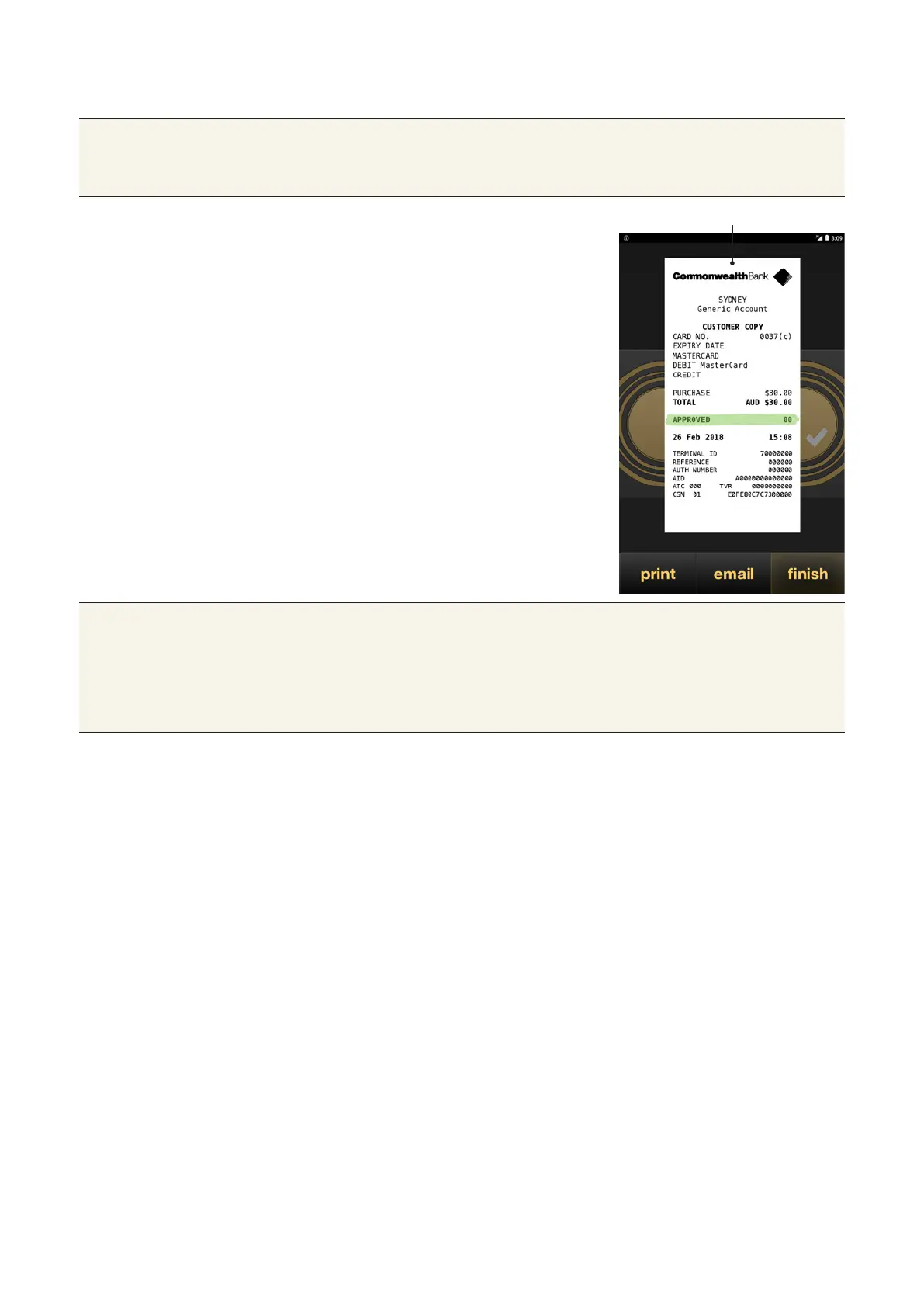
records. Whenever a payment, refund or cashout transaction is
processed, a receipt will appear on the screen.
Viewing, printing
and emailing
receipts
• To print a customer receipt, tap
print. The receipt will print from
Albert’s receipt printer.
• To email a customer receipt, tap
email. Using the keypad, enter the
customer’s email, then tap Send.
• If no receipt is required, tap finish.
Receipt appears on screen
Tips • Emailed receipts are sent as JPEG aachments.
• The subject of the email is ‘Card Payment Record from {Merchant
Name – Date Time}’ and the content of the email is ‘Please find
aached your card payment record from {MERCHANT NAME}.
Thank you’.



 To Next Page