24 Commonwealth Bank Albert User Guide
4.1 Learn how to use the solution.
Confirmation Upon confirmation the standard
receipt screen will be shown.
If the transaction is approved,
text-to-speech will advise
that the transaction has been
approved for what amount
and from what account or
application it was paid from,
then advise the customer to
remove their card if it was
inserted into the chip card
reader.
If the transaction has been
declined, text-to-speech will
advise that the transaction has
been declined, then advise the
customer to remove their card
if it was inserted into the chip
card reader.
4.2 What if my customers are uncomfortable using the
Accessible Mode?.
Tap and Pay (NFC) Using the NFC reader on
Albert, your customers are able
to pay for purchases using ‘Tap
and Pay’, for purchases less
than $100.
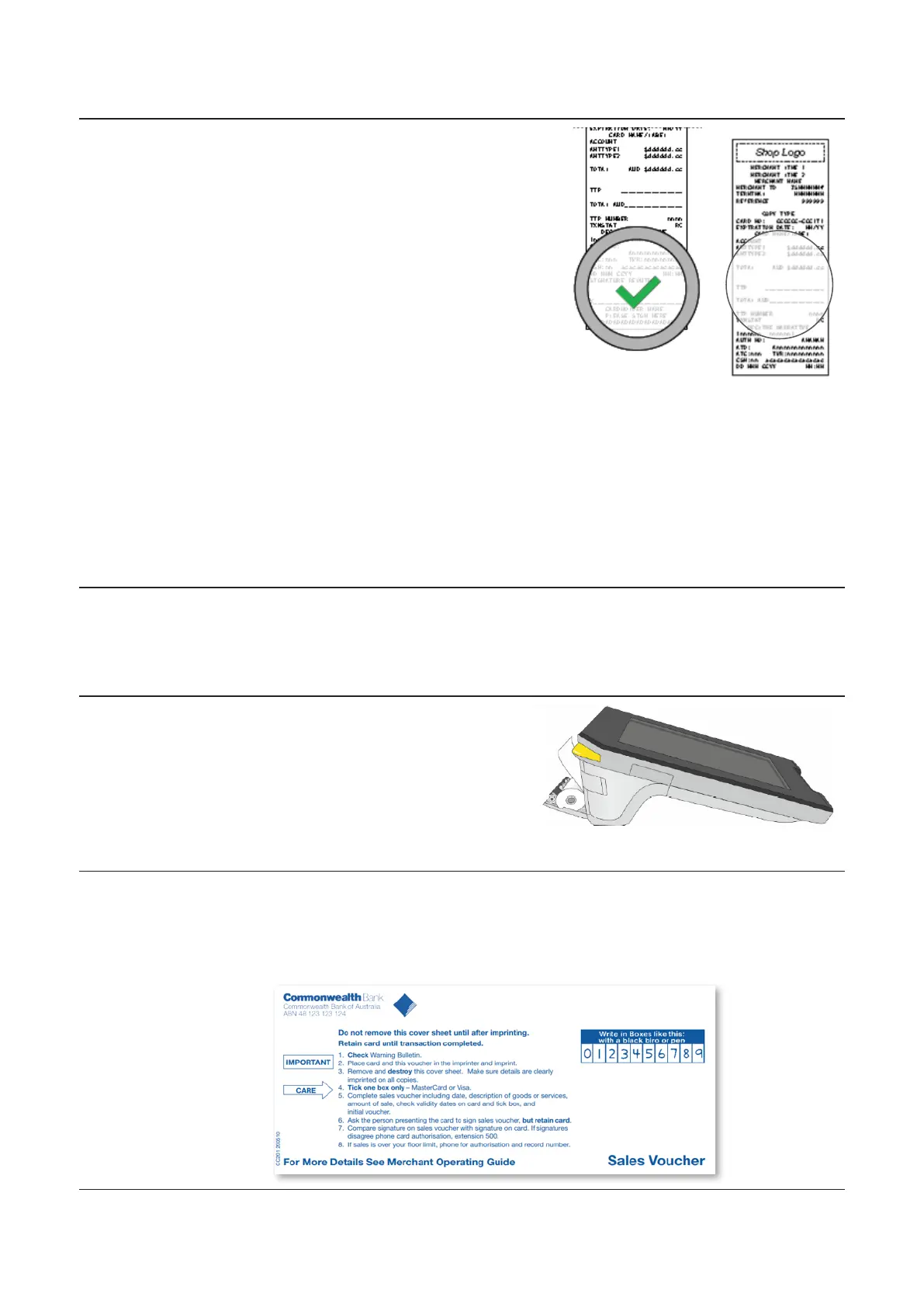
Oine Vouchers For purchases over $100, Tap & Pay (NFC) is not allowed.
An alternative if the merchant is uncomfortable using Tap and PIN,
or Chip and PIN as a payment method is to use the oine vouchers
provided, which can be completed manually.



 To Next Page