34 Commonwealth Bank Albert User Guide
Cancelling payments.
Purpose To stop processing a payment.
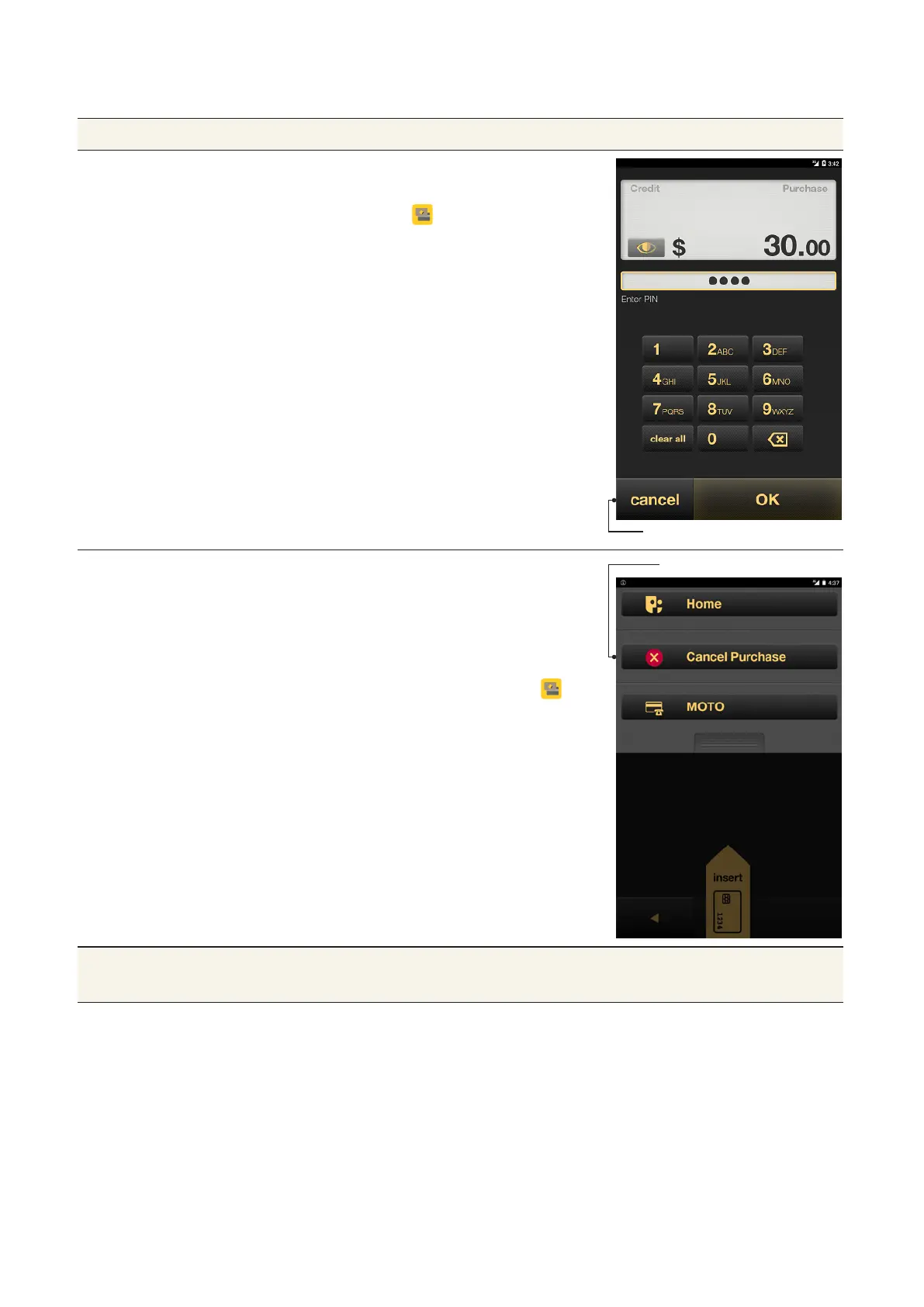
Cancel a payment
from the PIN entry
screen
1. From the PIN entry screen, tap
Cancel. You will be returned to the
Payment app Home screen.
Cancel Purchase buon
Cancel a payment
as it is being
processed
1. Press the Merchant Context
buon or swipe down the screen
to open the Merchant Context
Menu.
2. Tap Cancel Purchase. You will be
returned to the Payment app
Home screen.
Cancel buon
Tip If the payment has already been processed, you will need to refund
the payment. See page 38 for details.



 To Next Page