42 Commonwealth Bank Albert User Guide
6. Tips and split bills.
Want to add a tip, track tips by sta member or split a payment
between customers? The Payment and Split Bill apps make it
alleasy.
Adding tips.
Purpose To add a tip to a payment as a percentage or manually entered dollar
amount. You can only add a tip if On-screen tipping is turned on in
the Payment app seings. See page 29 for details.
Add a tip 1. Enter payment details as usual.
2. A pop-up window will appear
asking if the customer would like to
leave a tip.
3. Ask the customer and select Yes or
No as per the customer’s response.
4. If you select No, you will proceed
directly to the card reader screen.
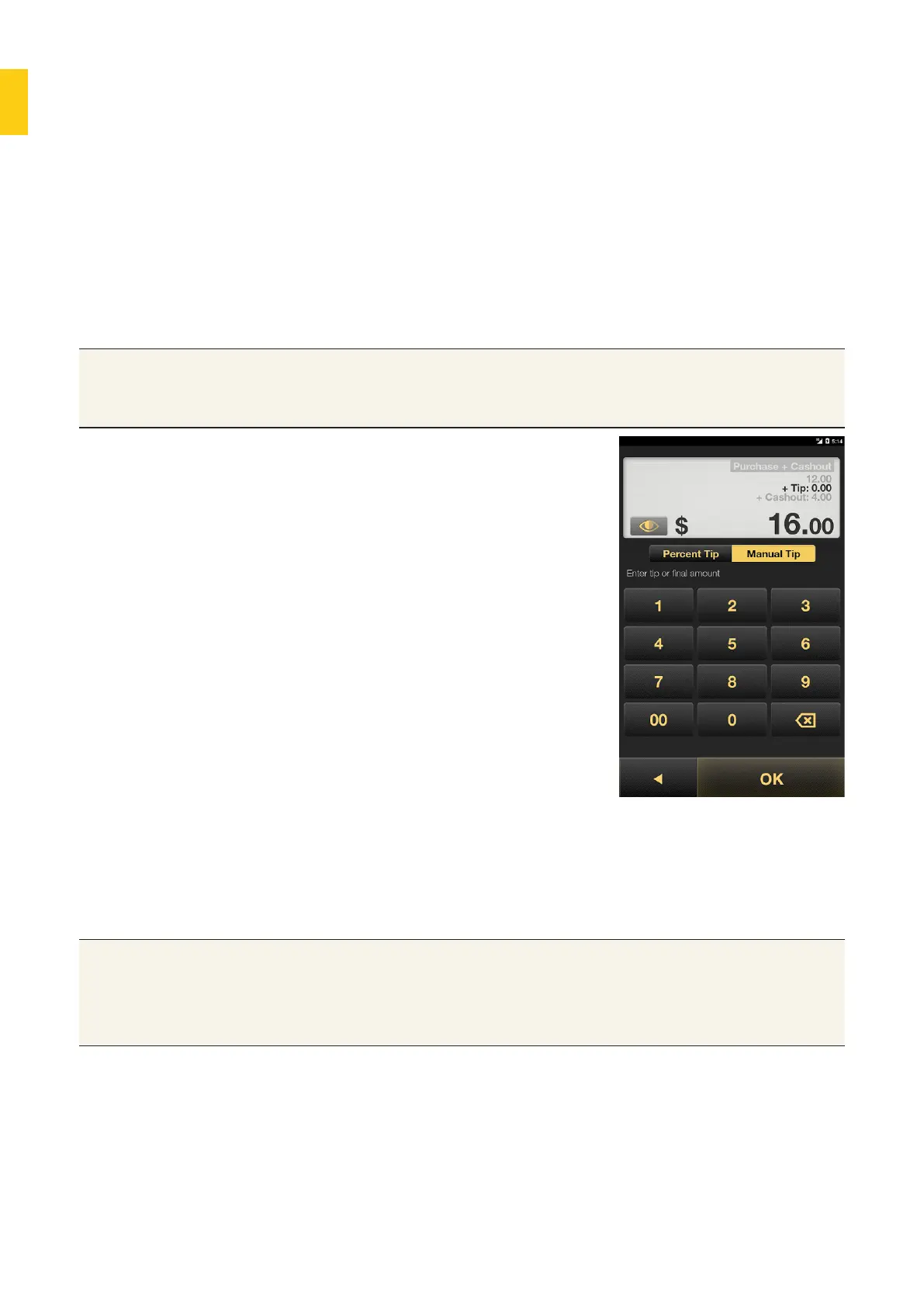
5. If you select Yes, the tipping
function will appear, defaulting to
the Manual Tip screen.
6. The customer can either:
• tap Percent Tip and choose a
tip of 0%, 5%, 10% or 15% of the
payment amount.
• tap Manual Tip, then use the
keypad to enter the tip amount.
7. Tap OK to add the tip to the
payment.
8. Process the payment as usual.
Tips • If a customer enters a tip that’s higher than the purchase amount,
Albert will assume the amount is the total payment, including a tip.
• Any amount less than the total purchase amount is assumed to
be a tip and will be added to the purchase amount.



 To Next Page