54 Commonwealth Bank Albert User Guide
Pre-authorisation.
4. The PIN authorisation screen displays
• If a sign option is available for the
card, you can tap SIGN to skip
PIN entry and print a receipt for
the customer to sign.
5. Ask the customer to enter their PIN
using the touch screen keypad, then
tap OK.
6. If the PIN is entered correctly or
you have verified the signature and
tapped YES, a tick will verify the
transaction has been processed
successfully.
7. A merchant receipt will be printed
with the Pre-Auth Number and
other details, which you can refer to
for a ‘Completion transaction’.
Tips Approved pre-authorisation transactions are stored for seven days.
Completion.
Purpose To get the value of a pre-authorisation transaction credited to your
selement.
Process a
Completion
transaction
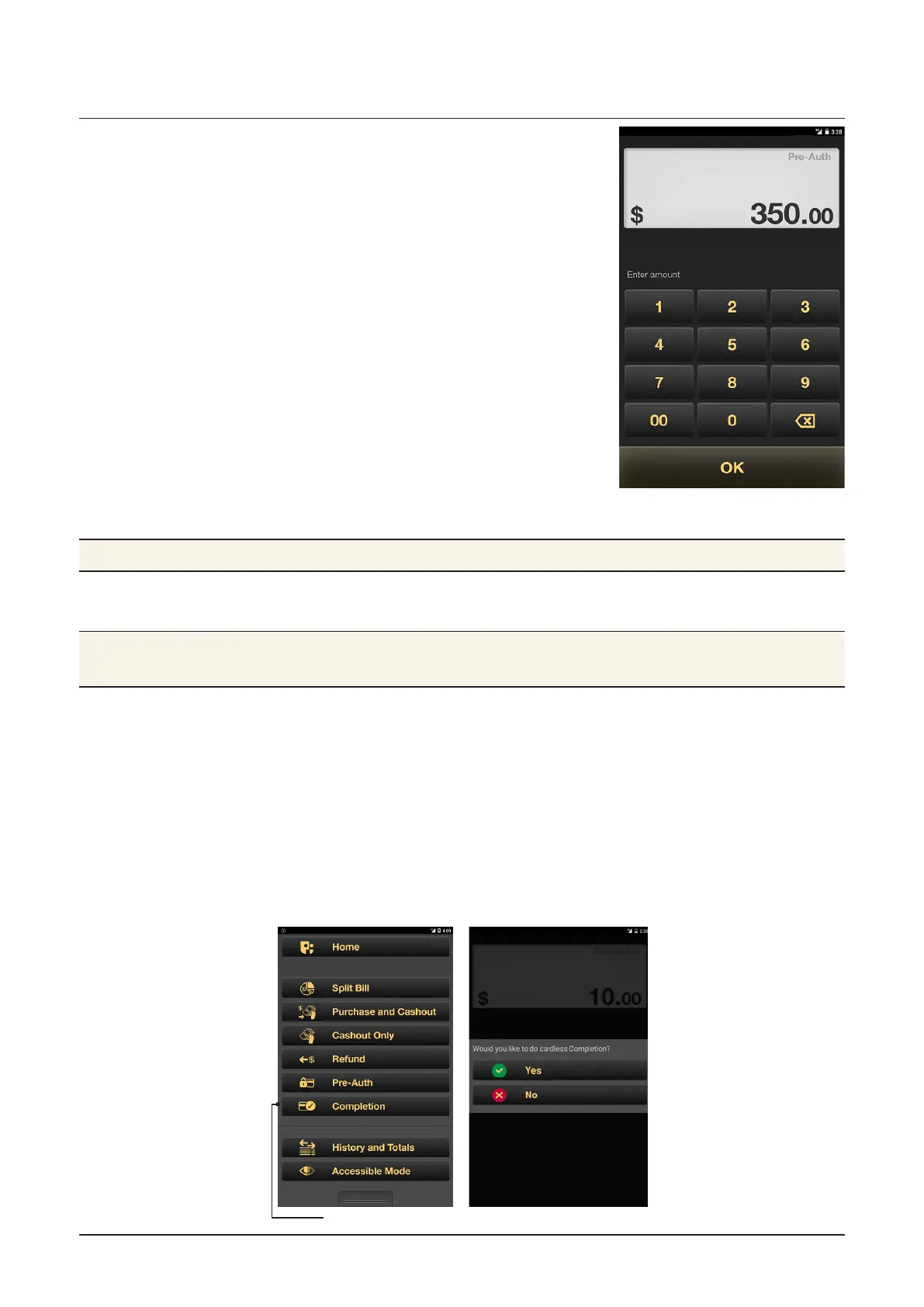
1. From the Payment app: press the Merchant Context buon or
swipe down on the screen to open the Merchant Context Menu,
then tap Completion.
2. Enter the Completion amount and tap OK.
3. The Password entry screen will appear. Enter the Operator or
Manager password.
4. A pop-up will ask if you wish to carry out a cardless completion.
Select No if you have the customer with you and can process the
completion with a card.
Completion



 To Next Page