Commonwealth Bank Albert User Guide 33
Processing mail or telephone order (MOTO) payments.
Purpose To accept card payments when the card isn’t available, such as in
mail or phone orders.
Process mail and
telephone orders
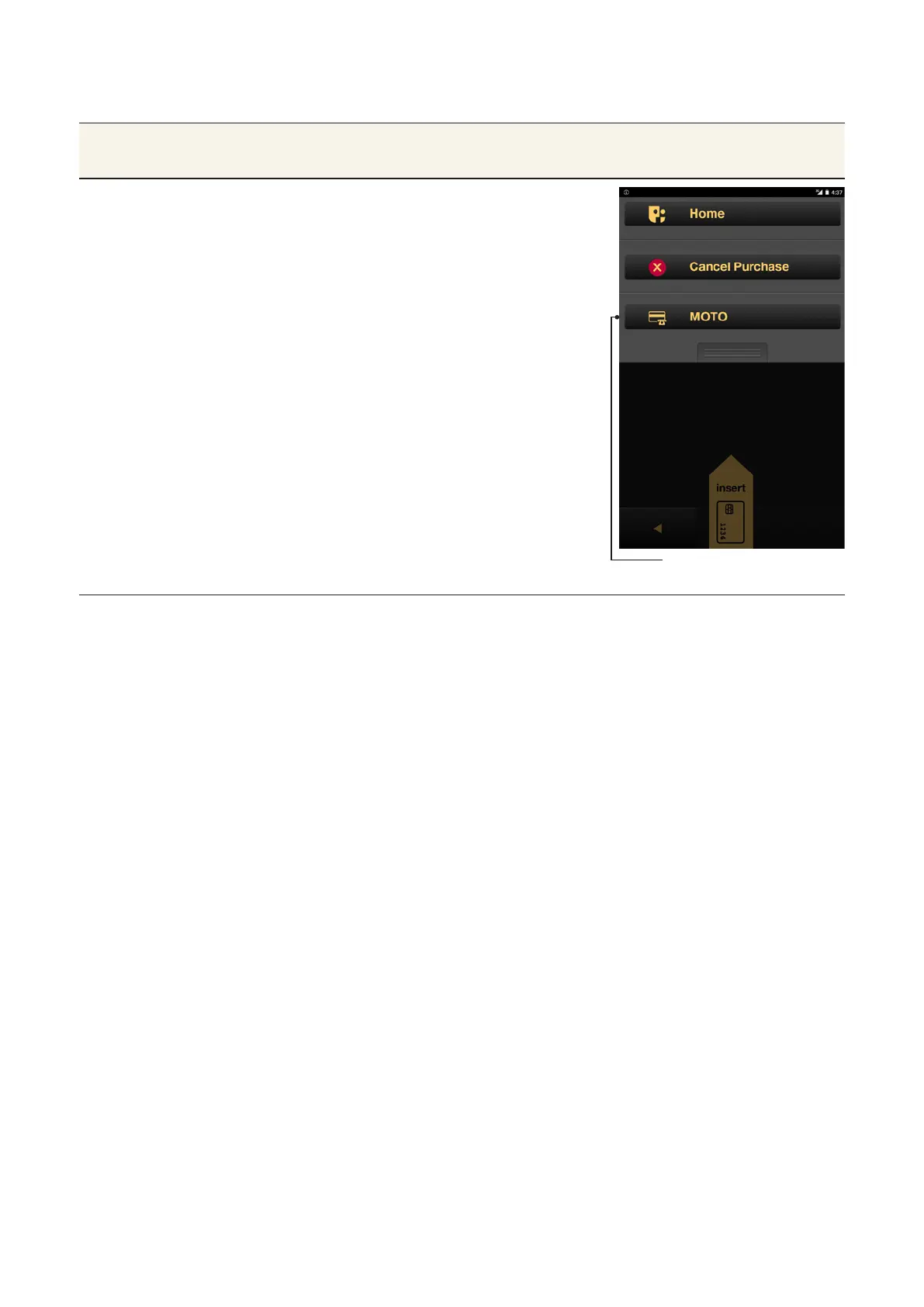
From the Card Presentation screen,
press the Merchant Context buon or
swipe down on the screen to open the
Merchant Context Menu.
1. Tap MOTO to display the MOTO
screen.
Use the keypad to enter the credit
card number, then tap Next.
2. Enter the card’s expiry date and
CCV (if needed) and tap OK.
3. Once the payment is accepted, the
receipt will appear.
4. Tap Email or Print to give the
customer a copy of the receipt, or
tap Finish if the customer doesn’t
want a receipt.
MOTO Buon



 To Next Page