32 Commonwealth Bank Albert User Guide
Processing card payments.
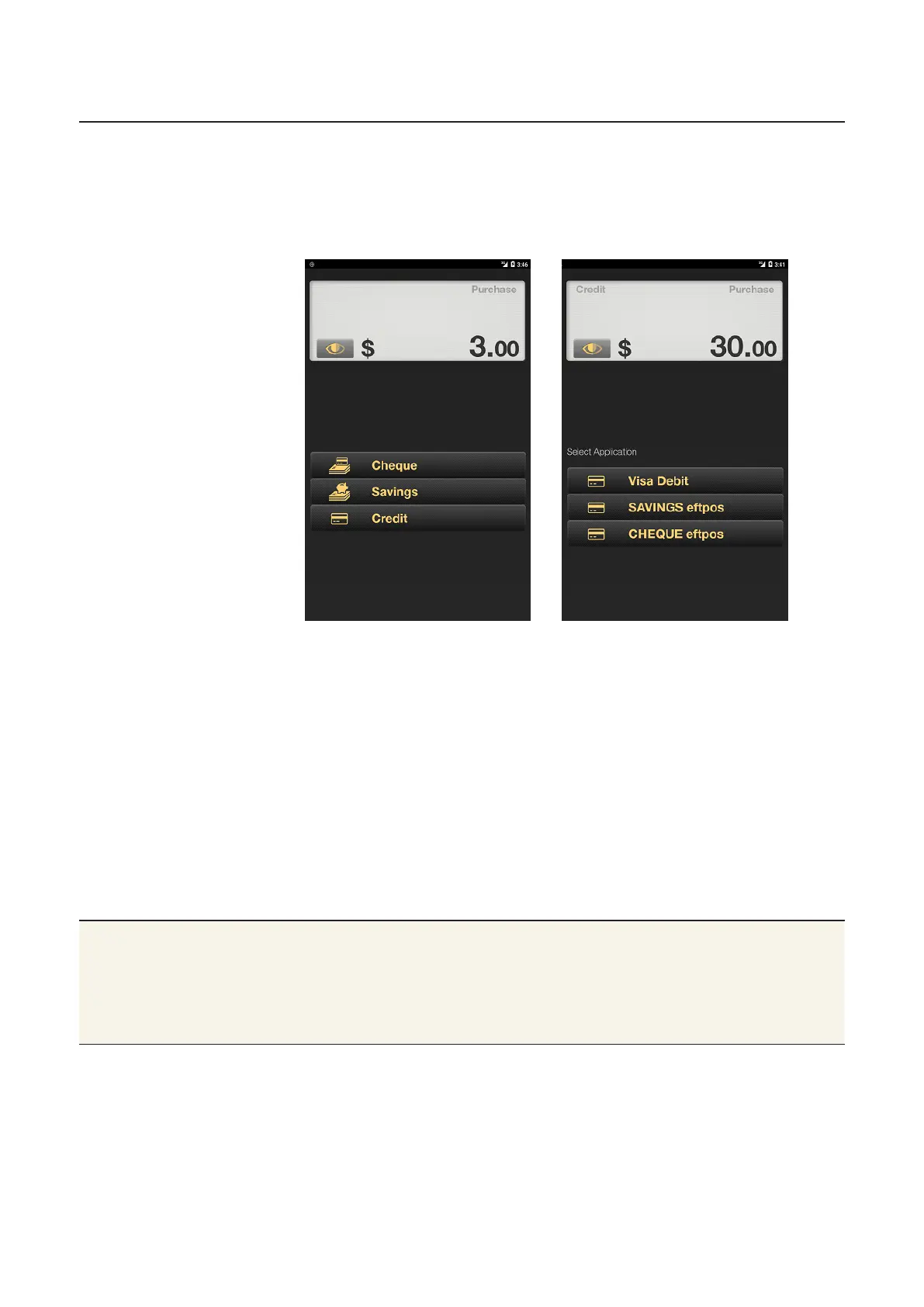
5. The screen displays Cheque, Savings, or Credit under the
purchase total.
For EFTPOS EMV (Europay, MasterCard and Visa) cards, a list of
available applications will display instead of the below types of
accounts. For example:
When a card is tapped the account type defaults to Credit,
skipping this step.
6. The PIN authorisation screen will be displayed. If the card allows
a signature option, tap Sign to skip PIN entry and print a receipt
for the customer to sign.
7. Ask the customer to enter their PIN using the touch screen
keypad, then tap OK.
8. Once the payment is accepted, the receipt will appear.
9. Tap Email or Print to give the customer a copy of the receipt, or
tap Finish if the customer doesn’t want a receipt (See page 35
for details).
Tips Refer to page 27 of this guide to learn how to:
• track a transaction by server
• add a tip to a transaction
• change the defaults for printing receipts.



 To Next Page