Commonwealth Bank Albert User Guide 43
Creating tips reports.
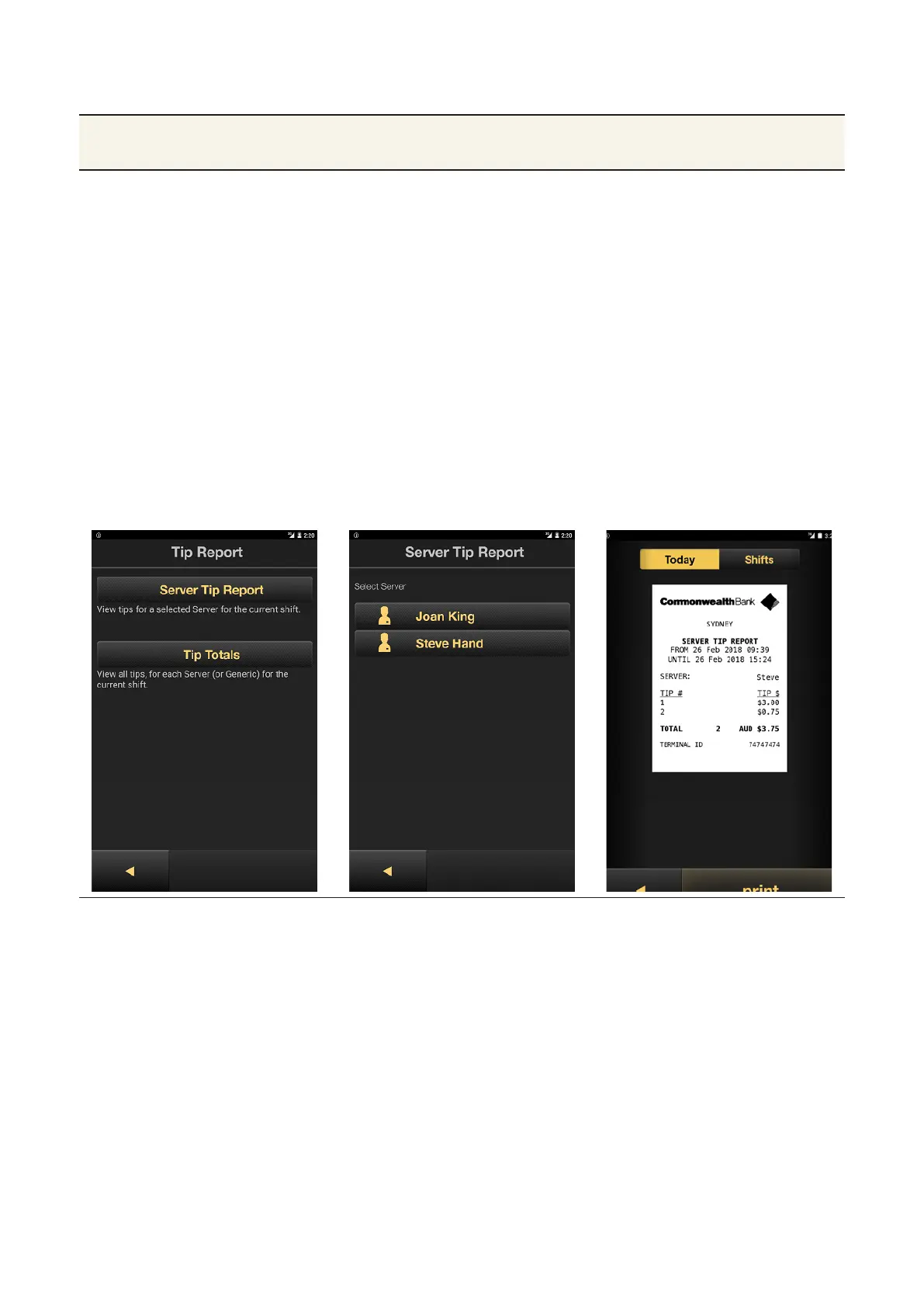
Purpose To track tips by sta member or report on total tips. The reports
cover current shi tips since the last selement.
Create a tips
report
1. While in the Payment app, press
the Merchant Context buon or
swipe down on the screen to open
the Merchant Context Menu.
2. Tap Tip Reports.
3. Enter the Manager password, then
tap OK.
• To view tips by Server, tap
Server Tip Report, then tap the
server’s name.
• To view a total tips report, tap
Tip Totals.
4. To make a copy of the tips report,
tap Print.



 To Next Page