Commonwealth Bank Albert User Guide 19
4.1 Learn how to use the solution.
Merchant Context
Menu
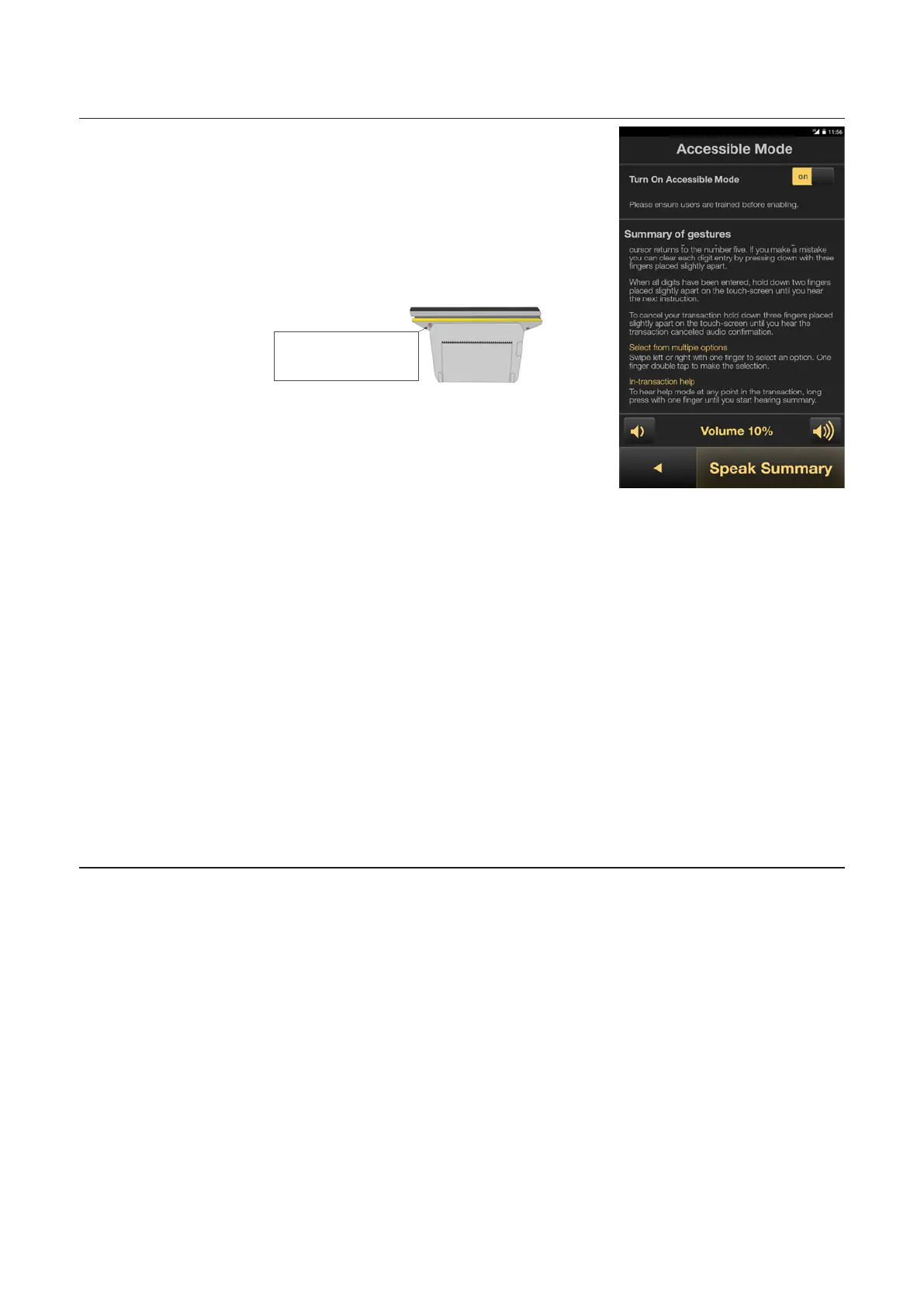
In the purchase amount screen,
access the merchant context
menu. To do this, either swipe
with two fingers from the top of
the screen downwards or press
the buon at the rear top right
of the terminal.
Merchant
Context buon
Tap the Accessible Mode
option.
In the Accessible Mode
screen, press the slider to turn
Accessible Mode On.
On this screen you can:
• Toggle Accessible Mode ON
or OFF. Selecting ON will
display the accessible mode
options from which to select:
• Adjust the volume played by
Albert
• View or listen to a quick
summary of gestures
• Start or stop the text-to-
speech guide narration
• Return back to the previous
screen



 To Next Page