Installation
July 22, 2019 | 287960-ENG | R00 21
3.6.2 TA Configuration
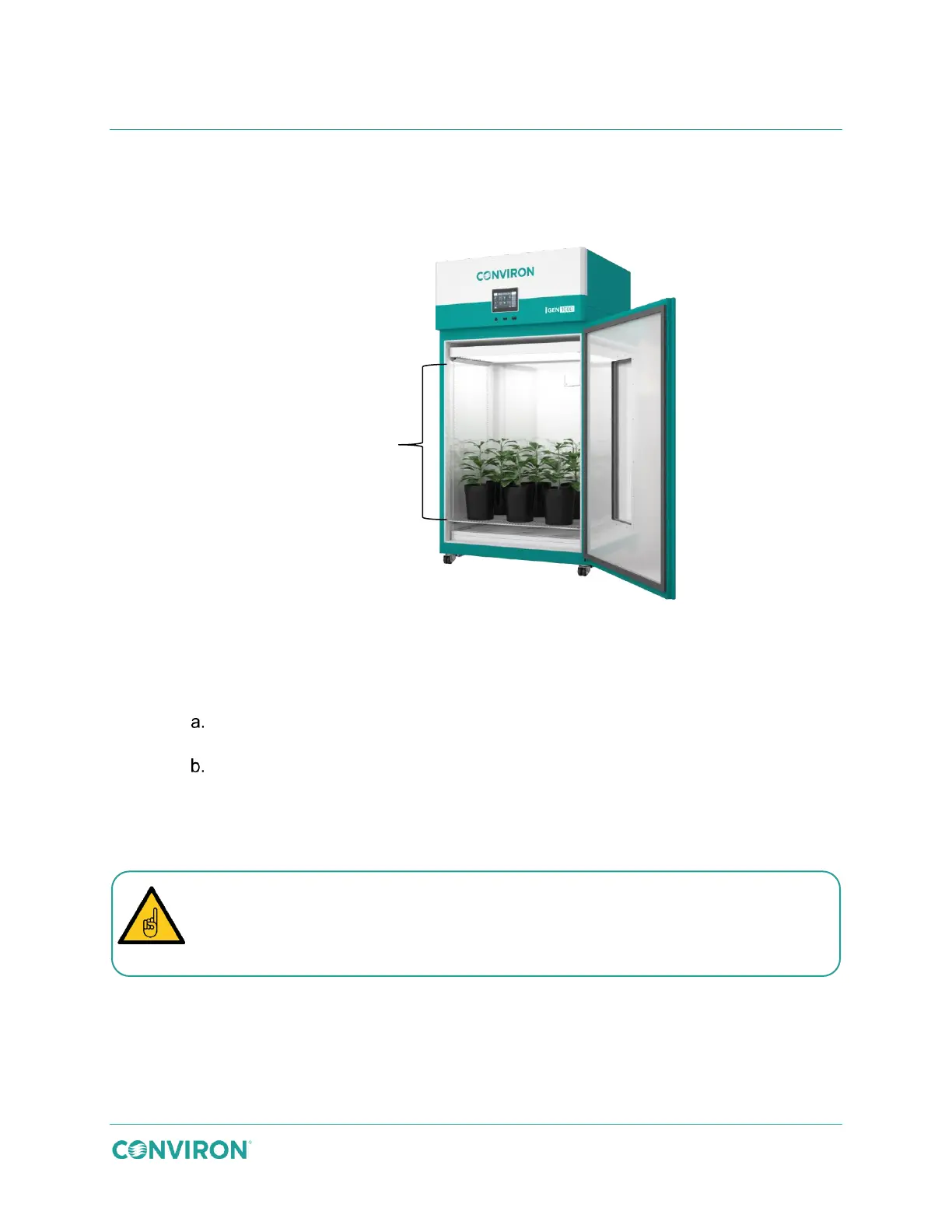
The TA configuration uses solid plenum cover plates and a perforated floor to direct the airflow
upward through the plant material.
Figure 3-22 TA Configuration
To install the TA configuration kit:
1. Close the air flow from the plenum.
Loosen the 12 bolts around the perimeter of the plenum, and then turn the
center locking knob counter-clockwise to loosen it.
Use the knob to slide the plenum up, tighten the knob, and then re-tighten the
12 bolts around the perimeter.
2. Use 12 screws to attach each solid cover plate to the rear wall, covering the openings
in the rear wall.
43.5″ (110.5cm)
growth height
The cover plates are not all interchangeable. The three large plates, shown at the
top of Figure 3-23, must be installed over the top three openings. The small cover
plate, shown at the bottom of Figure 3-23, must be installed over the bottom



 To Next Page