GEN1000 Operator Manual
28 July 22, 2019 | 287960-ENG | R00
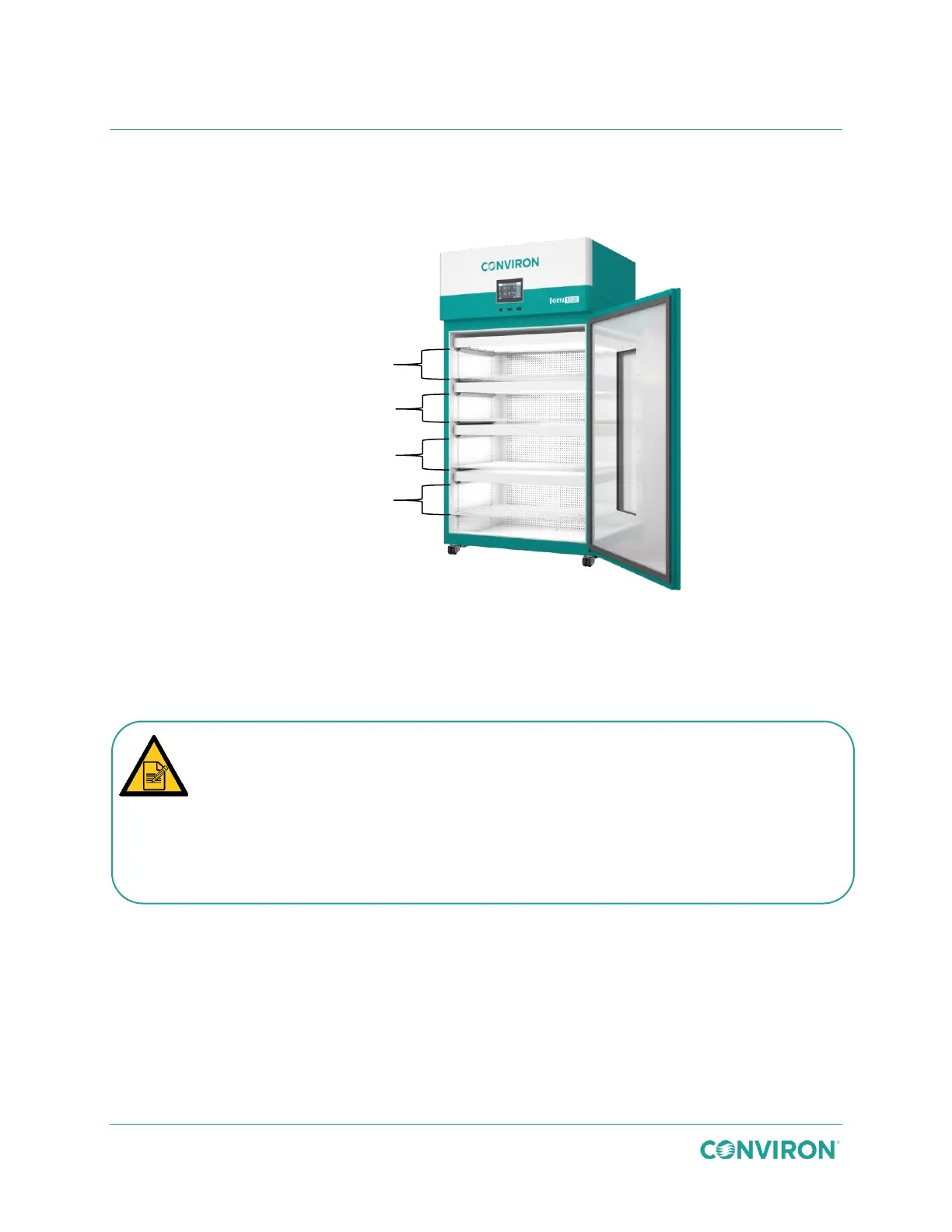
3.6.4 IN Configuration
The IN kit uses perforated cover plates to distribute airflow horizontally across multiple shelves
from back to front.
Figure 3-38 IN Configuration
To install the IN configuration kit:
1. Confirm that air flow through the plenum is open (Figure 3-39). The plenum must be
open for air to flow correctly in the IN configuration.
2. Use 12 screws to attach each SH cover plate to the rear wall, covering the openings
in the rear wall (Figure 3-41).
8.5″ (21.6cm)
growth height
8.5″ (21.6cm)
growth height
12.5″ (31.75cm)
growth height
12.5″ (31.75cm)
growth height
The chamber is shipped with the plenumn open by default. To confirm that the
plenum is open, do one of the following;
Confirm that the center locking knob (Figure 3-39) on the rear wall of the chamber is
in the down position.
OR
Look through the perforated holes. If you can see through them, the plenum is open.
If not, the plenum is closed.



 To Next Page