Installation
July 22, 2019 | 287960-ENG | R00 33
3.7.4 Remove an Air Shelf Bracket
1. Use a #2 Phillips screwdriver to remove the screws from the clips.
2. Tilt the clip upwards to unhook the top of the bracket.
3.7.5 Remove the Unifloor
The Unifloor is held in place by screws that hook into matching holes along the back of the
chamber.
1. Lift up the front of the Unifloor.
2. Slide the back of the Unifloor up to disengage the screws that are holding it in place.
3. Remove the floor from the chamber.
3.7.6 Remove a Cover Plate
1. Using a Phillips bit, remove the screws that secure the cover plate to the plenum.
2. Remove the cover plate from the chamber.
3.8 Connect the UPS, Communication, and Central Alarm Contacts
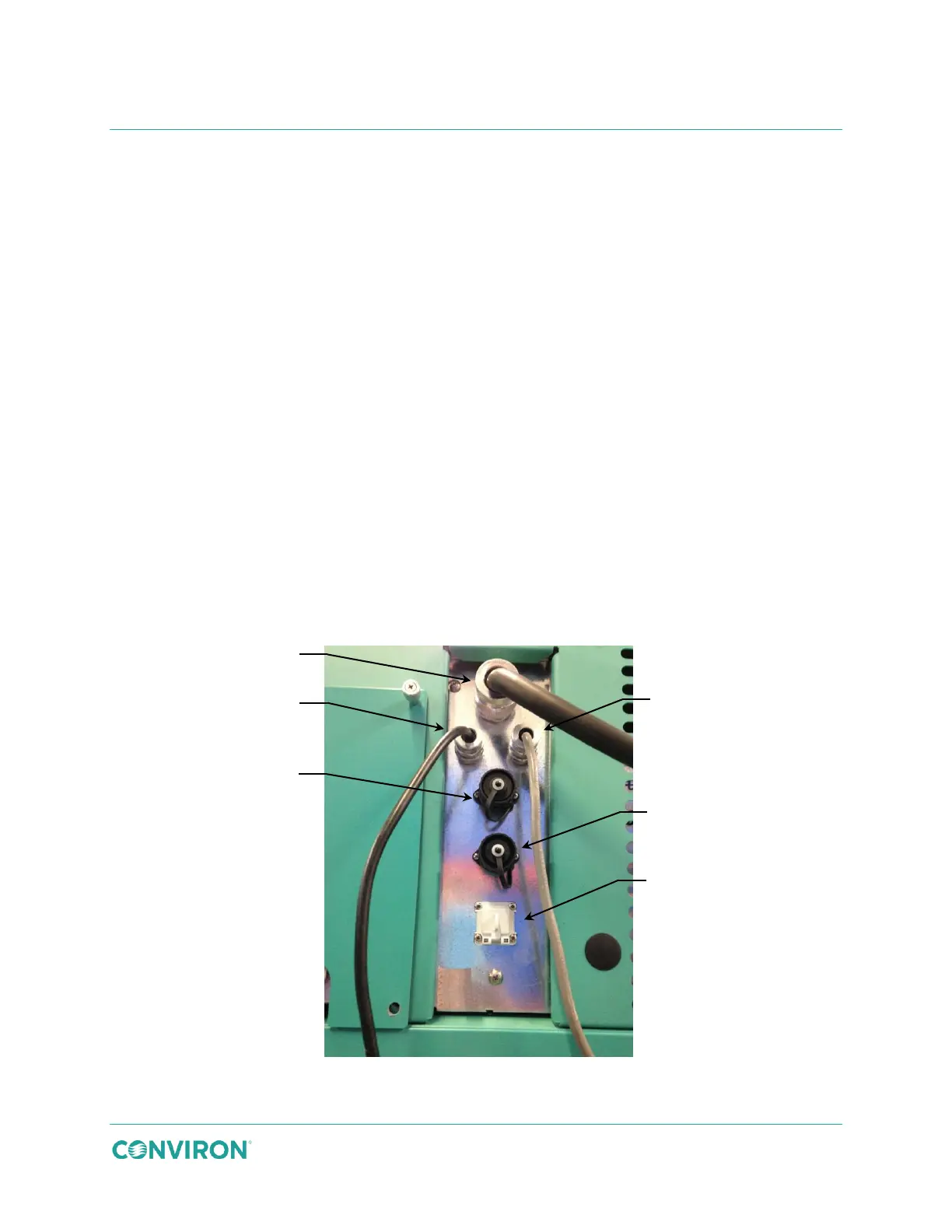
Connect the UPS, communication, customer alarm, and condensate pump connectors to the
ports on the rear of the chamber as shown in Figure 3-49 and described in Table 3-2.
Figure 3-49 Back Panel Connections



 To Next Page