GEN1000 Operator Manual
22 July 22, 2019 | 287960-ENG | R00
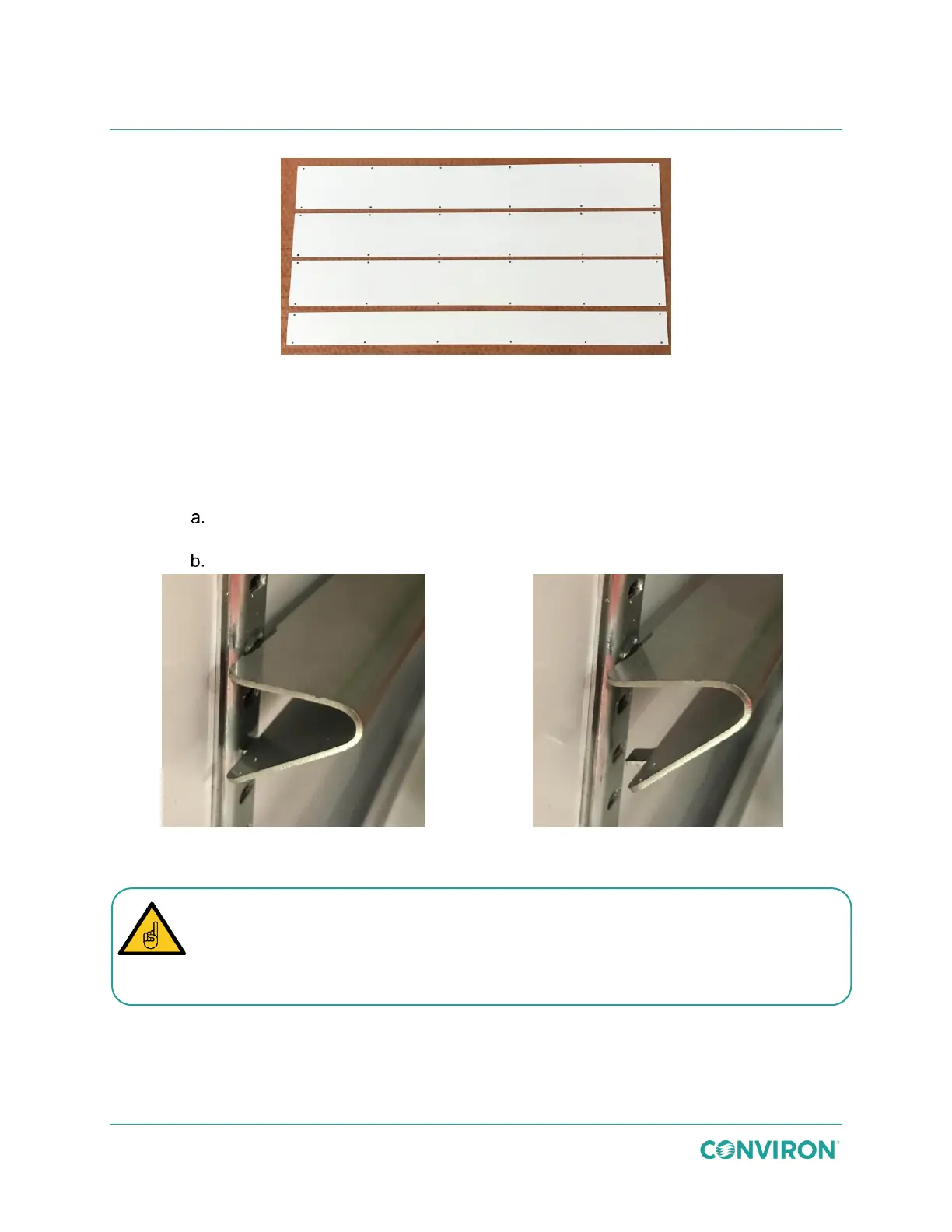
Figure 3-23 Solid Cover Plates
3. Install the Unifloor. Air will flow upward through the unifloor into the chamber.
4. Install the canopy support brackets (Figure 3-24) for the appropriate number of
canopies and to achieve the required growth height.
Insert the angled top tab of the canopy support bracket into the pilaster at the
required level.
Squeeze the bracket to align the bottom straight tab with the slot in the pilaster.
Figure 3-24 Install the Canopy Support Brackets
Ensure the canopy support brackets are firmly seated into the slots in the pilaster and
that the canopy support is level and secure before installing the canopy.
Incorrectly installed canopy support brackets could cause the canopy to collapse.



 To Next Page