78 Artiglio Master Code User Manual
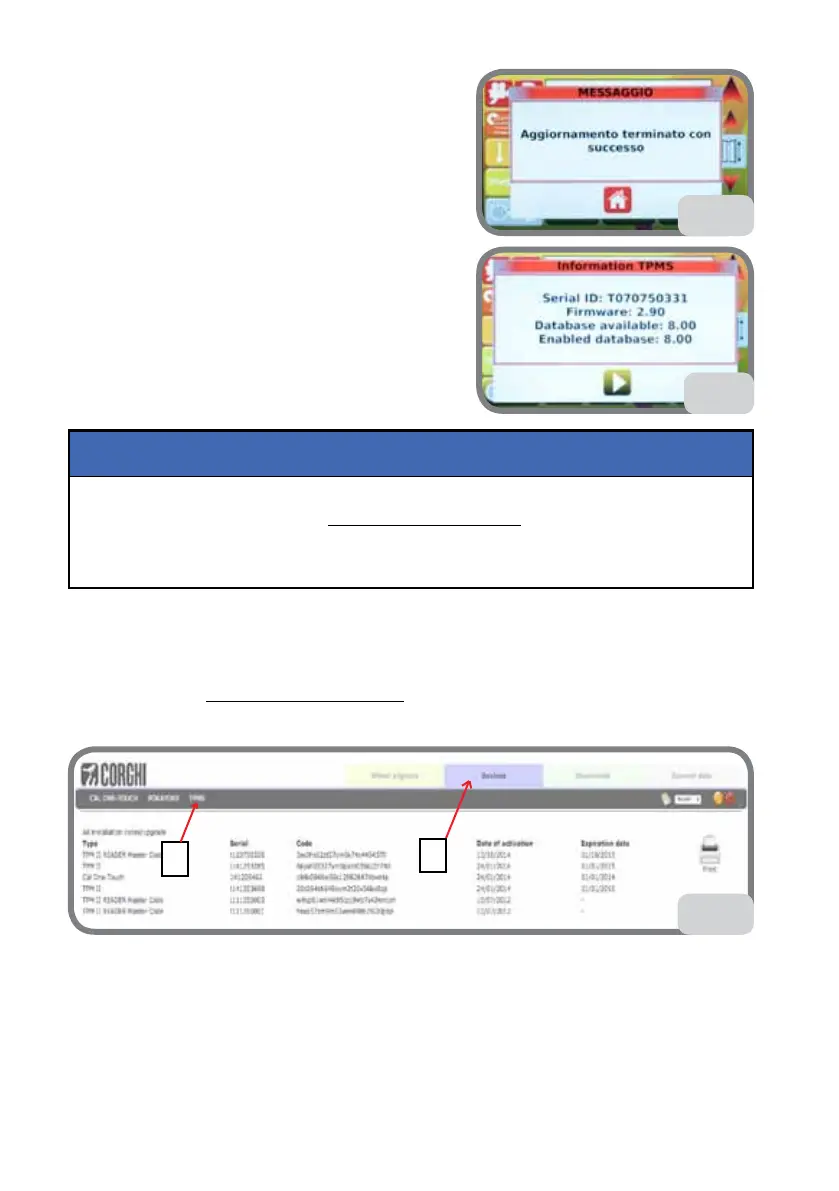
3. After loading, the message in Fig. 61f will be
displayed.
4. Remove the USB key.
5. Selecting the VERSION TPMS option described
previously, check the FW version now installed on
MASTER CODE (see Fig. 61g).
On first-time installation of the machine, and whenever the TMPS board has to be replaced,
the board must be registered at www.corghi.com/infoauto and activated.
Registration entitles the user to free software updates for 12 months. After this period,
a subscription is necessary to update the FW and database.
NOTICE
TMPS REGISTRATION FOR FIRST-TIME INSTALLATION
Connect by PC to www.corghi.com/infoauto.
Select DEVICES (Fig. 62 - point a) and then TPMS (Fig. 62 - point b).
62
a
b
Select INSTALLATION (Fig. 62a - point a).
Enter and confirm the SERIAL ID (Fig. 62b - point a).
Select the device type: “TPM II READER MASTER CODE”
A PASSWORD (Fig. 62b - point b) will be generated. Use this password whenever you
need to make up an update.
61f
61g



 To Next Page