PBD175 (Spire 3.0)) Service Manual
© 2015-2016, Cornelius Inc. - 5 - Publication Number: 620062609SER
CONTROL PANEL
A microprocessor based control system monitors and controls all of the major systems and components of the unit.
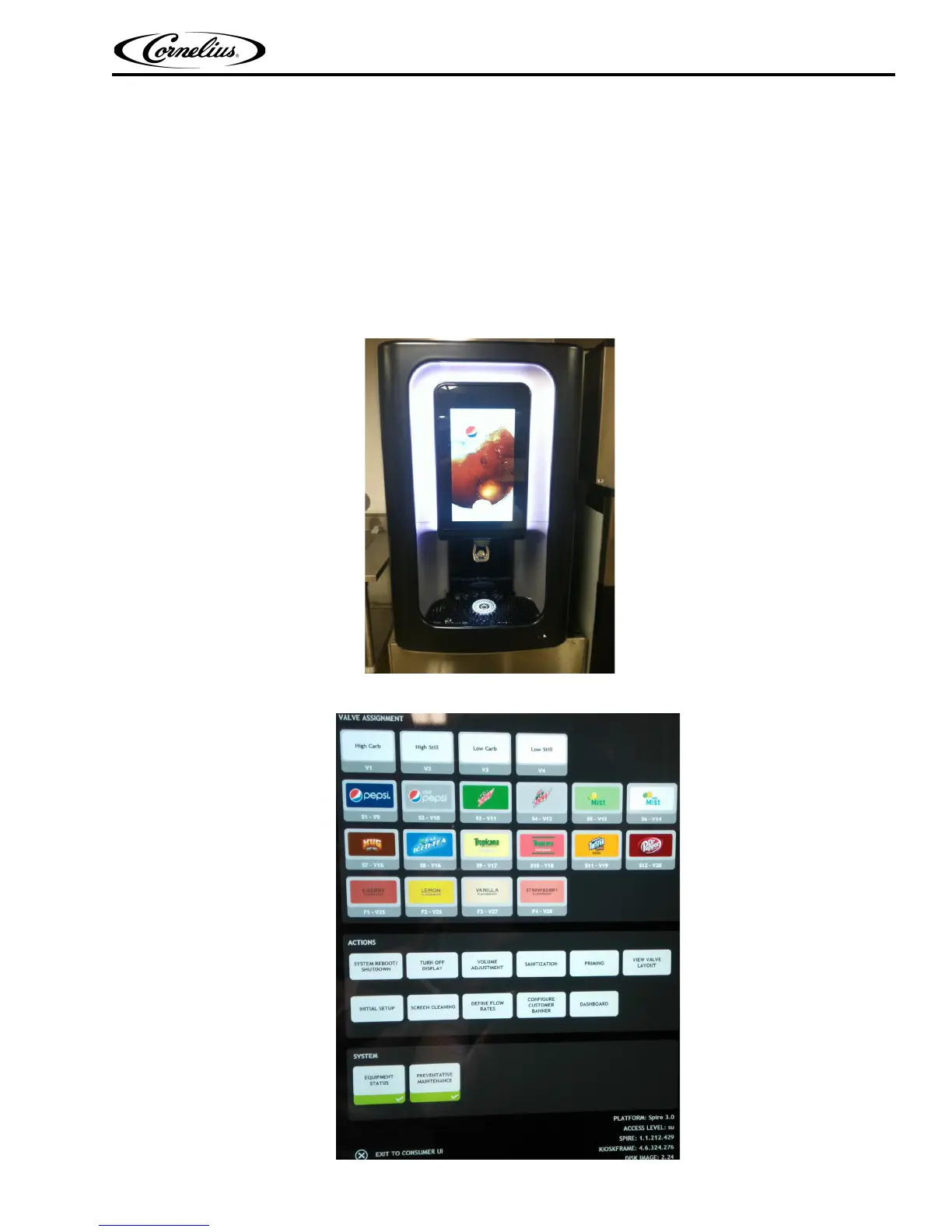
This control system uses the front panel display to interface with the system, as shown in Figure 2.
The display is used by the operator to dispense drinks and by service technicians to access other screens for mod-
ifying operating characteristics or troubleshooting of the unit.
In addition to controlling the unit, the control system keeps track of the diagnostic information for use when adjusting
and/or repairing the unit. It also communicates with the local network through the SEN Modem.
The control system allows the service technician to perform service, maintenance and repair functions on the unit. This
is accomplished through the front panel display. The service screen with the basic service and maintenance functions is
shown in Figure 3.
.
Figure 2.
Figure 3.














 To Next Page