PBD175 (Spire 3.0) Service Manual
© 2015-2016, Cornelius Inc. - 29 - Publication Number: 620062609SER
COMPUTER INFORMATION AND SERVICE
The computer is powered by 19 VDC. Any other voltage may cause operational issues or damage to the computer.
The computer controls all of the functions of the dispenser. Blank screens or valves not operating could be a symp-
tom of a computer problem. Before replacing the computer validate the following diagnostics.
Computer Diagnostics
To diagnose computer malfunctions, perform the procedure below.
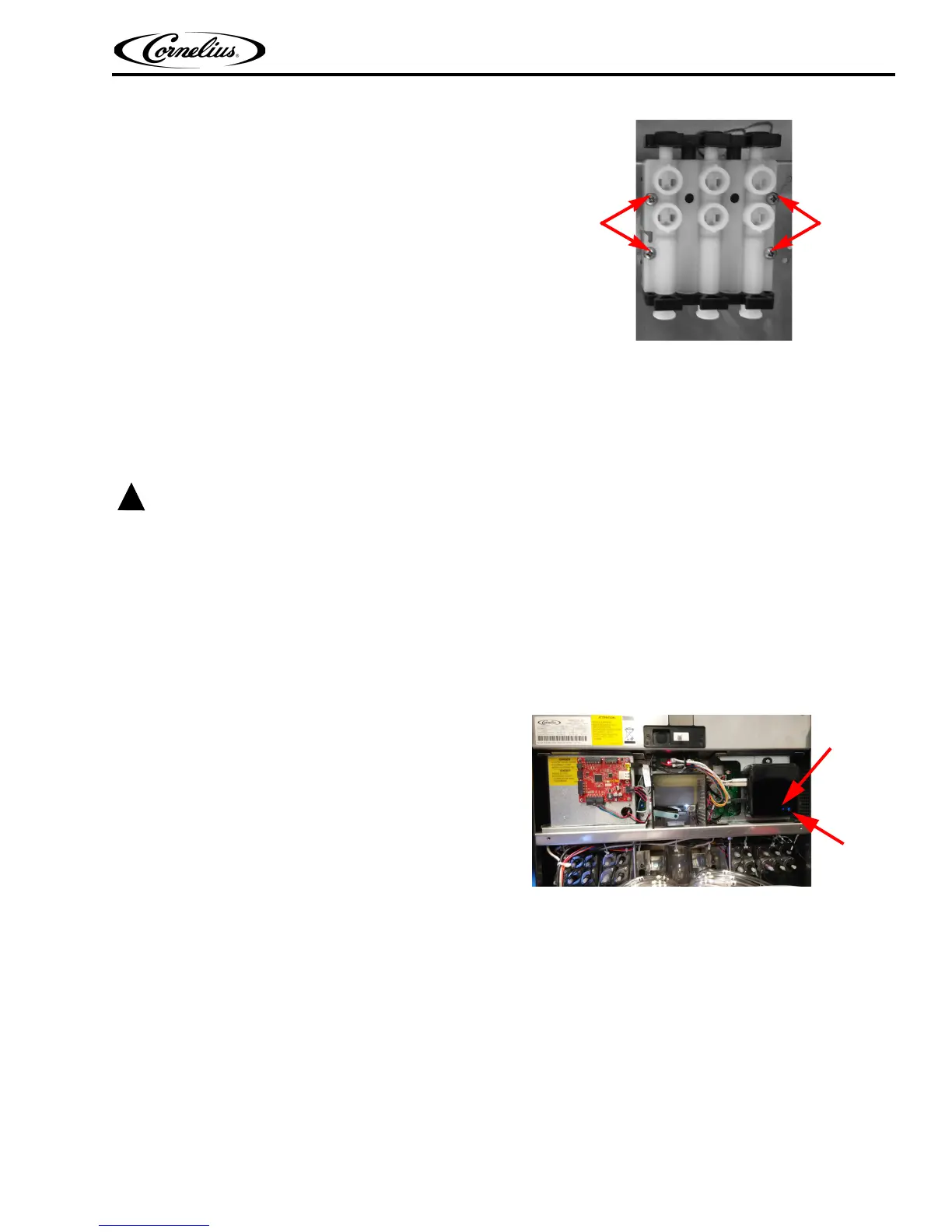
6. Remove the mounting screws holding the backblock
to the panel.
Figure 46.
7. Replace the backblock.
8. Reinstall the new backblock and perform Step 9 through Step 22 on page 28.
1. Open the door, with the dispenser running,
2. Visually inspect the computer for loose cables and verify that all the cables are connected.
3. Verify that the LED on the computer is illuminated. If
the light is on, this means there is power to the
computer.
Figure 47.
4. If the light is not illuminated, verify that power is on to the unit..
5. If the light still does not illuminate, remove electrical box cover from the computer and with a volt meter
set to DC voltage and validate that 19 Vdc is being supplied. Convertor not E-box supply.
6. If there is no voltage present at the plug or it is low, replace the power supply.Check input voltage, if input
voltage is correct, replace the computer as described in "Replacing the Computer" on page 30.
Mounting
Screws
Mounting
Screws














 To Next Page