EasyManua.ls Logo

Cornelius pbd175 - Troubleshooting - UI Display Messages; UI Screen Blue with NO SIGNAL; Out of Service Message on UI

Cornelius pbd175
70 pages
Print Icon
To Next Page IconTo Next Page
To Previous Page IconTo Previous Page
Loading...
PBD175 (Spire 3.0) Service Manual
© 2015-2016, Cornelius Inc. - 55 - Publication Number: 620062609SER
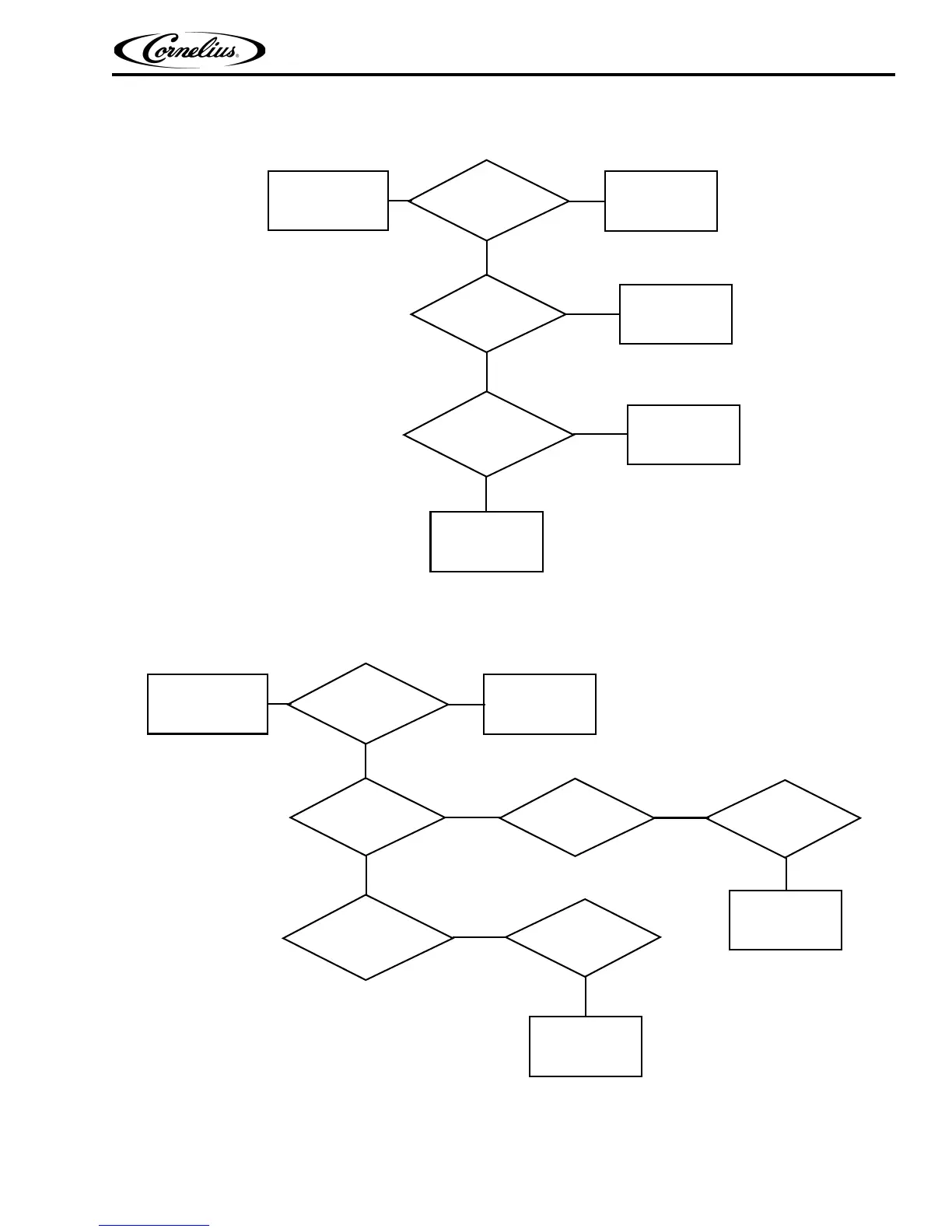
UI Screen Blue with “NO SIGNAL” Displayed
UI Screen Blue with
Is Computer running
Yes
No
Check Power
to Computer
Reboot or
Yes
Does computer
(blue light under Computer on)
“NO SIGNAL” Displayed
start after pressing
green button below
computer
Replace Computer
Replace Computer
No
Yes
Replace Computer
No
Turn Computer On
Out of Service Message on UI
Out of Service
Communication
Yes
No
No Red LEDs
On
Bad or Loose
UI Connection
See No Power
Yes
Check 24 or 30 VDC
from Power Supply
Repair or Replace
(Red LEDs flashing)
Message on UI
Two Red LEDs On
(not flashing)
Diagnostic
Replace Valve
No
Yes
See No Power
to Valve Board
Yes
Board
Connection
No
No
Diagnostic

Table of Contents

Related product manuals