PBD175 (Spire 3.0) Service Manual
Publication Number: 620062609SER - 10 - ©2015-2016, Cornelius Inc.
OPERATION
STARTING THE UNIT
To start the unit, plug the power cord into the appropriate, protected wall outlet. Open the front panel display by
grasping it on the right side and to open the unit’s door by grasping the grab handle. Machine (dispenser door) is
configurable as RH or LH hinge.By pressing the door switch, the front panel display will illuminate and display the
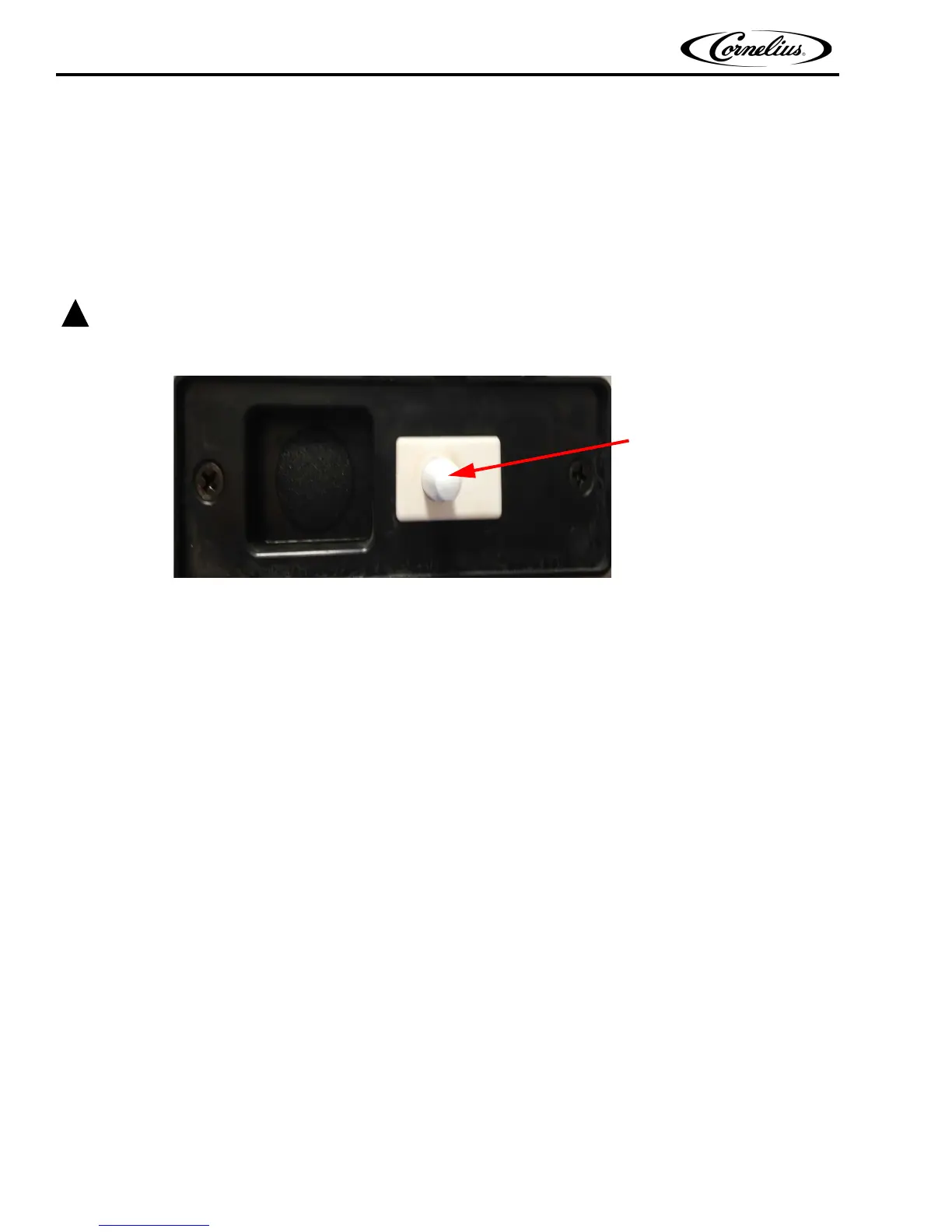
user screen, shown in Figure 2 on page 5.If the unit does not power up when plugged in, press the NUC power button
to turn it ON.
If the supply cord is damaged, it must be replaced by a cord available from Cornelius Inc.
Figure 11.
ICEMAKER CAPABILITY
The PBD175 (Spire 3.0) has a built-in icemaker adapter to accept a maximum 30” wide X 24” deep icemaker foot-
print. The dispenser is supplied and shipped with needed parts for this icemaker installation. Any ice maker smaller
than these dimensions may require an additional kit for proper icemaker installation. Contact your Cornelius Sale
Representative for additional information.
NOTE: Icemaker needs to be equipped with a low level ice sensor (bin stat) to prevent hopper overfill-
ing or icemaker harvest issues. Failure to install this sensor may result in equipment damage or
ice dispensing issues.














 To Next Page