EasyManua.ls Logo

Cornelius pbd175 - Troubleshooting - UI Screen Black; UI Screen Black Continued

Cornelius pbd175
70 pages
Print Icon
To Next Page IconTo Next Page
To Previous Page IconTo Previous Page
Loading...
PBD175 (Spire 3.0) Service Manual
Publication Number: 620062609SER - 54 - © 2015-2016, Cornelius Inc.
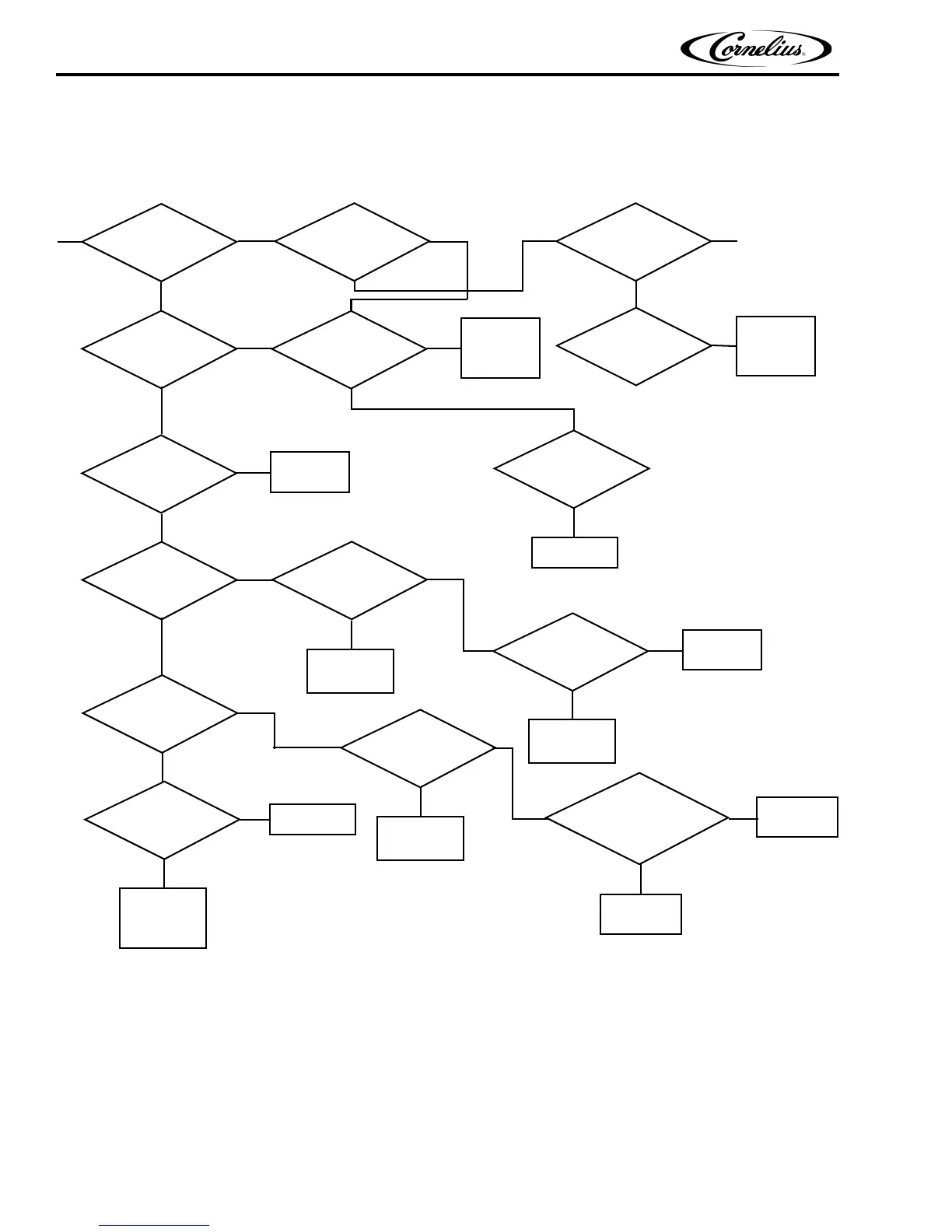
UI Screen Black (Continued)
Replace Display
Is Computer Green
Power Light On w/
Fan Running
?
Yes
No
Check 19 VDC
at Computer Power Cable
?
No
Yes
Disconnect HDMI
Cable. Display Still
Black
?
No
Screen Shows
“No Display”
Yes
Check 12 VDC
at Display Power
?
Connector
Yes
Push
Change
Is Computer Blue
Light On
?
Green Button
Yes
No
Check Operation
of Grn Reboot Sw., Wires &
Conn. to LH Rear Conn.
Pin Conn. OK
?
No
Repair/Replace
Bad Parts
?
OK
Yes
Done
Yes
No
Yes
Replace HDMI
Is 12 VDC
at Valve Brd. Power
?
Connector
Yes
Is 12 VDC
at V2 Conn. on Valve
?
Board OK
Is Display
Power Cable
?
OK
Yes
No
Cable
Yes
Replace HDMI
Cable
No
Replace Valve
Board
No
Replace Display
Power Cable
Is 12 VDC
Fuse in E-Box
?
OK
Is 12 VDC
Power Supply
?
Output OK
No
Replace 12 VDC
Power Supply
No
Replace Fuse
Discon. All Loads From 12 VDC
OK ?
& Reconn. 1 at a time
Replace Fuse
Yes
No
Replace Faulty
Component
Then Replace
Fuse
Yes
Yes
No
E-Box Pwr. Supp. Relay
12 VDC Coil Energized & Closing
to Both 19 VDC & 30 VDC
the NO contacts supplying 120 VAC
Is
Pwr Sup. ?
Repair/Replace
Cables
Repair/Replace
Relays
From
Page 51
Computer

Table of Contents

Related product manuals