PBD175 (Spire 3.0) Service Manual
Publication Number: 620062609SER - 24 - © 2015-2016, Cornelius Inc.
REPLACING THE DISPLAY
To replace the touch screen display, perform the procedure below.
4. Pivot the side cladding away from the unit and slide back slightly to remove from rear tab and remove
from the unit.
5. To replace the cladding, reverse the procedure.
1. Shut down the unit using the service menu on the
display.
2. Unplug the power cord from the wall receptacle.
3. Open the door.
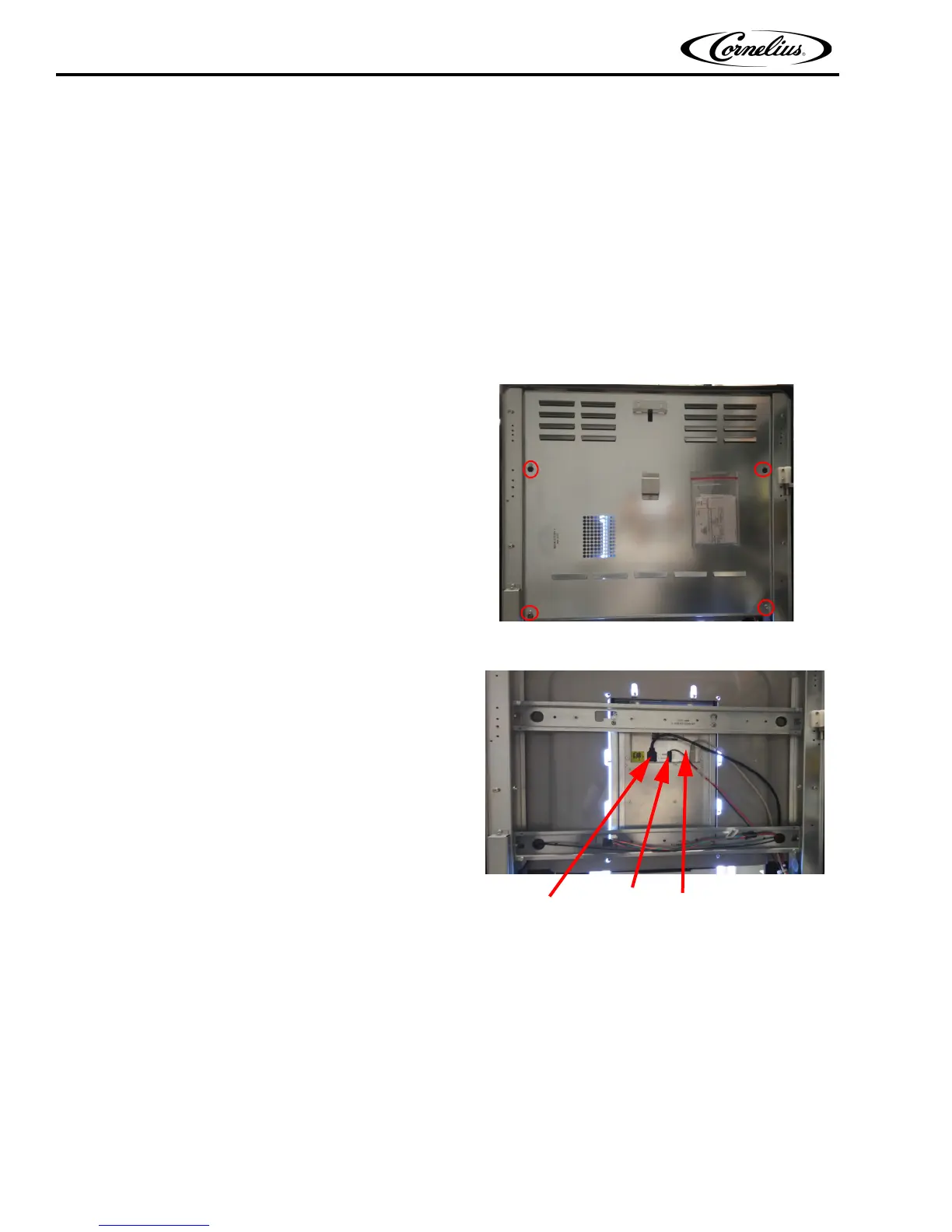
4. Loosen the four mounting screws holding the rear
door panel to the door frame and lift the panel up
and off the mounting screws.
Figure 35.
5. Unplug the power, USB and HDMI cables from the
rear of the touch screen panel.
Figure 36.
HDMI USB
Connector Connector
Power
Connector














 To Next Page