PBD175 (Spire 3.0) Service Manual
© 2015-2016, Cornelius Inc. - 25 - Publication Number: 620062609SER
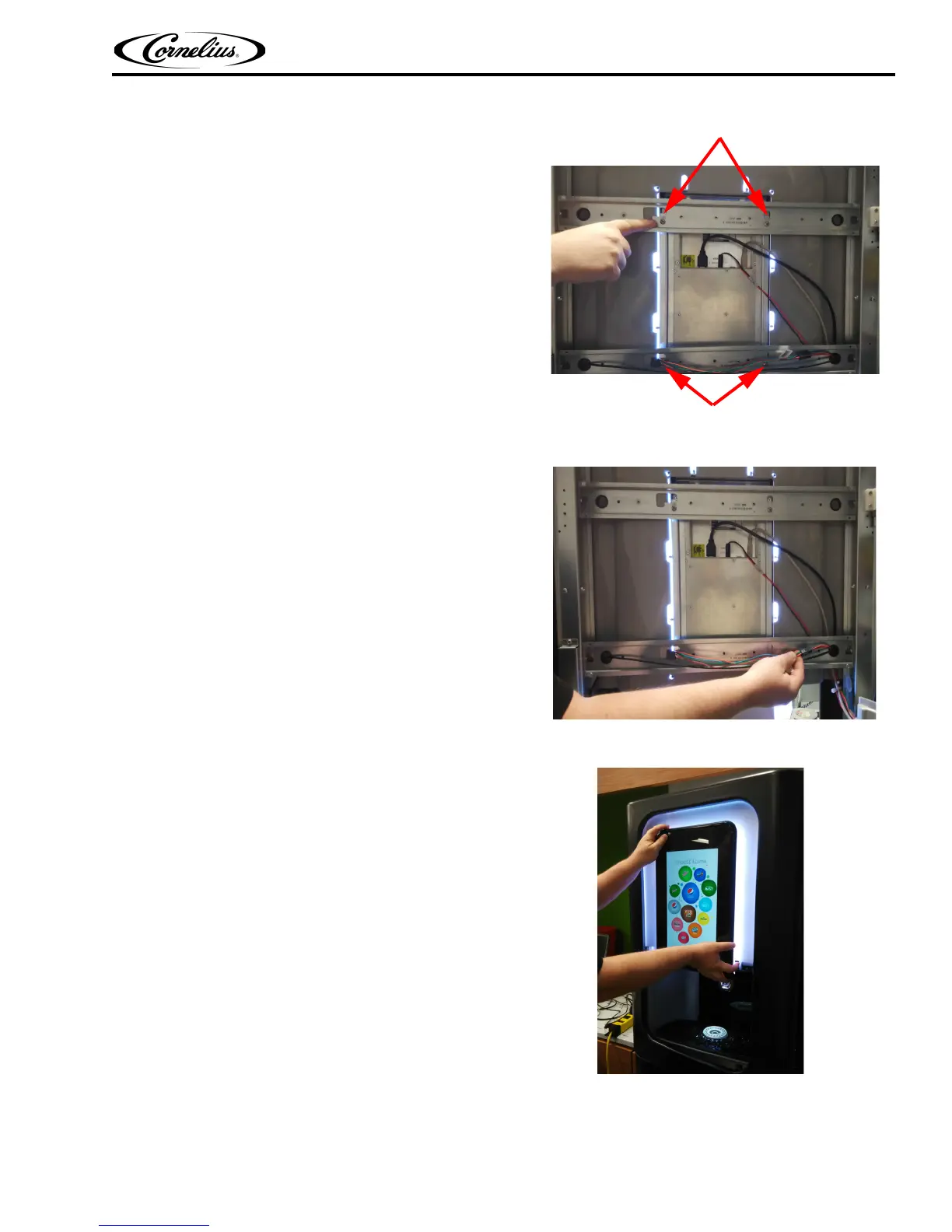
6. Loosen (Do NOT remove) the four screws holding
the display to the door frame.
Figure 37.
7. Remove the cable connection.
Figure 38.
8. Close the door and lift the display up and forward to
remove it from the unit.
Figure 39.
9. Close the door and reattach the display to the door of the unit by positioning the four mounting screws
into the slots in the door frame.
Mounting Screws
Mounting Screws














 To Next Page