PBD175 (Spire 3.0) Service Manual
Publication Number: 620062609SER - 26 - © 2015-2016, Cornelius Inc.
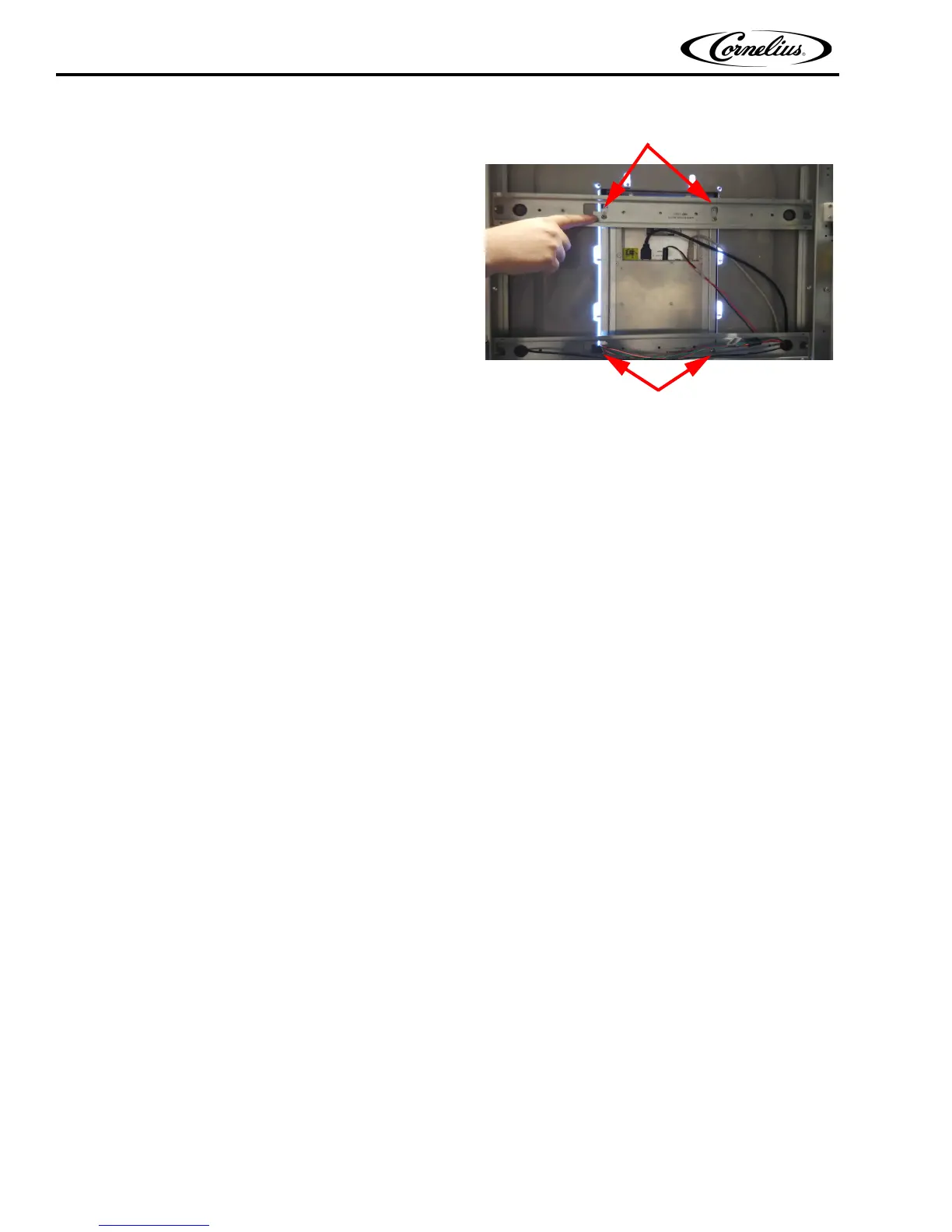
10. Tighten the four screws that hold the display to the
door frame.
Figure 40.
11. Reinstall the four screws that secure the display to the inner door.
12. Remove the tape and reconnect the RCA plugs, USB and HDMI cables to the rear of the display, as
mentioned in Step 5 of "Replacing the Display" on page 24.
13. Replace the rear door panel.
14. Plug the power cord back into the wall receptacle and resume normal operation.
Mounting Screws
Mounting Screws














 To Next Page