2-4 2-GENERAL INFORMATION
COROB™ TATOCOLOR
Risk Preventive measure Reference in
the manual
Crushing or trapping during filter
maintenance operations
– Appropriate personnel training
– Only trained personnel may intervene
in reduced safety conditions
– Only trained personnel should carry
out these operations
chapter 8
Fire due to the use of colorants
containing volatile solvents
– Do not use naked flames, electrical
tools or other types of devices that
could cause sparks or fire hazards
close to the machine
chapter 2.1
– The room in which the machine is
installed must be spacious, with good
ventilation (air exchange) and no
type of parts must be leant against or
stocked close to the machine
chapter 4.3
– Canister top up must be carried out
sequentially, opening one canister at
the time. If during this operation,
some colorant should spill out of the
canister, immediately shut down
(electrical stop) the machine before
cleaning
chapter 7.5
2.3 Position of labels
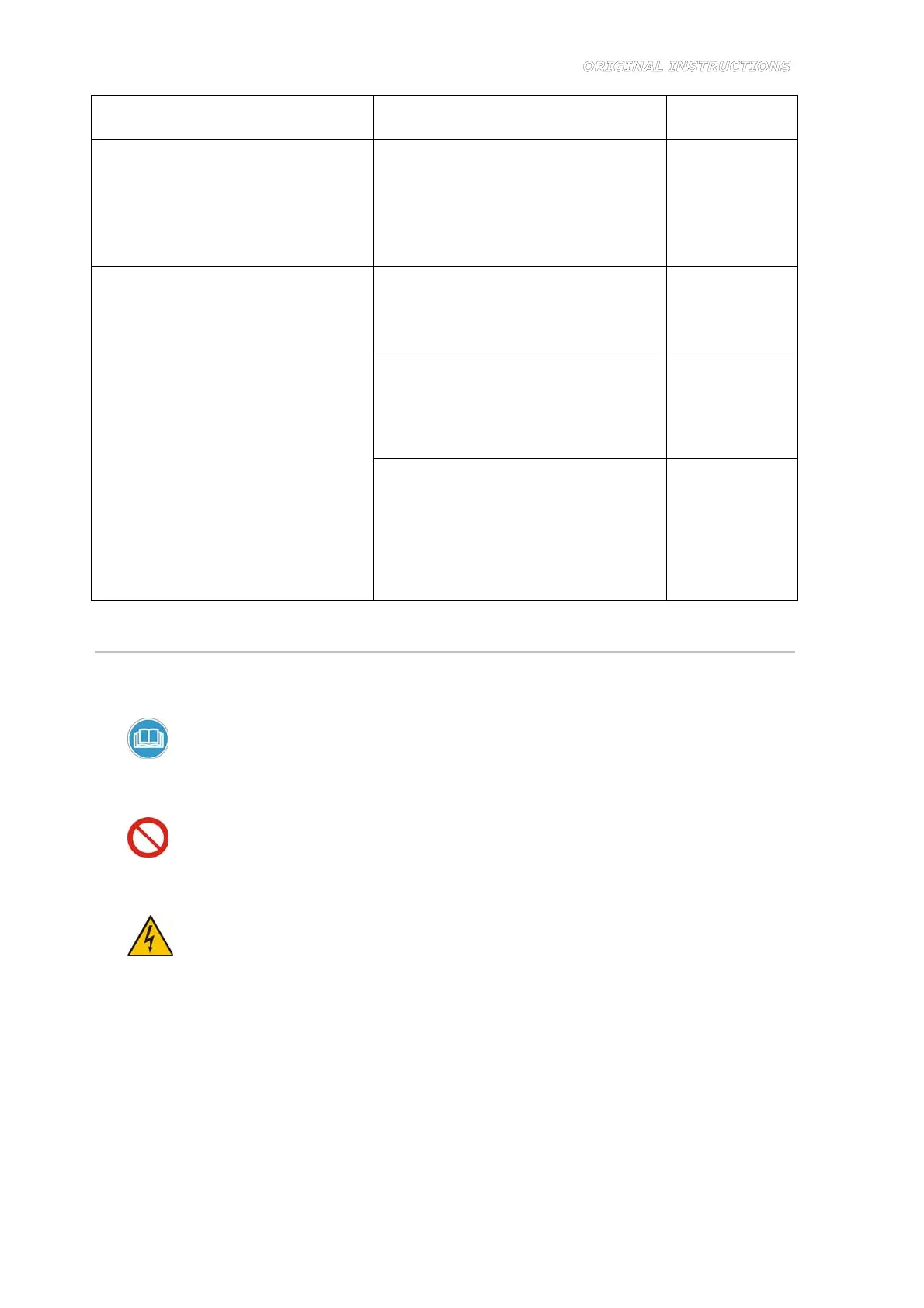
A warning label is applied on back of the machine (Figure 2-1). The following general warnings
are listed on the label:
1.
Read the manual carefully
Indicates the requirement to consult the instruction manual before carrying out any operation on
the machine.
2. Access prohibited, do not open
Indicates that unauthorized personnel are forbidden to remove the panels and access the internal
components of the machine.
3.
Dangerous voltage
Indicates that there are live components inside the compartment. Risk of electrocution if you
perform any operation inside the compartment without first cutting off electrical power. Before
removing the panels, always unplug the power supply cable from the mains socket outlet.
4. Label “Serial ports”
Indicates the connection point for the machine management computer (symbol on the right) and
the service computer (symbol on the left).



 To Next Page