9-SERVICE COMPUTER 9-1
COROB™ TATOCOLOR
9 SERVICE COMPUTER (for qualified personnel only)
9.1 General warnings
The service computer is a personal computer connected to the machine, where the
"CorobSERVICE" service and maintenance software is installed; this program allows you to
independently activate and deactivate the typical machine processes without necessarily using the
management application software.
It is possible to use a laptop computer, or even the machine management computer itself.
This instrument must be used solely by machine service and maintenance personnel.
Always shut off the machine before connecting the service computer.
Never use power cords that are not intact or appropriate.
If the machine is shut off while the CorobSERVICE software is running, once the
machine is restarted you must exit and re-launch CorobSERVICE.
For information regarding installation, starting and use of the "CorobSERVICE" service and
maintenance software, refer to the corresponding user’s manual.
9.2 Connecting the service computer
To connect the computer to the machine, it is possible to use a serial cable with a type RJ11
connector (you may use the same cable used for communication between the machine and
management computer), or an USB interface cable.
The USB interface cable is no standard equipment, therefore you will have to purchase one
suitable for the connection with the dispenser.
Proceed as follows:
1. Position the computer.
2. If the computer is complete with monitor and keyboard, connect as needed.
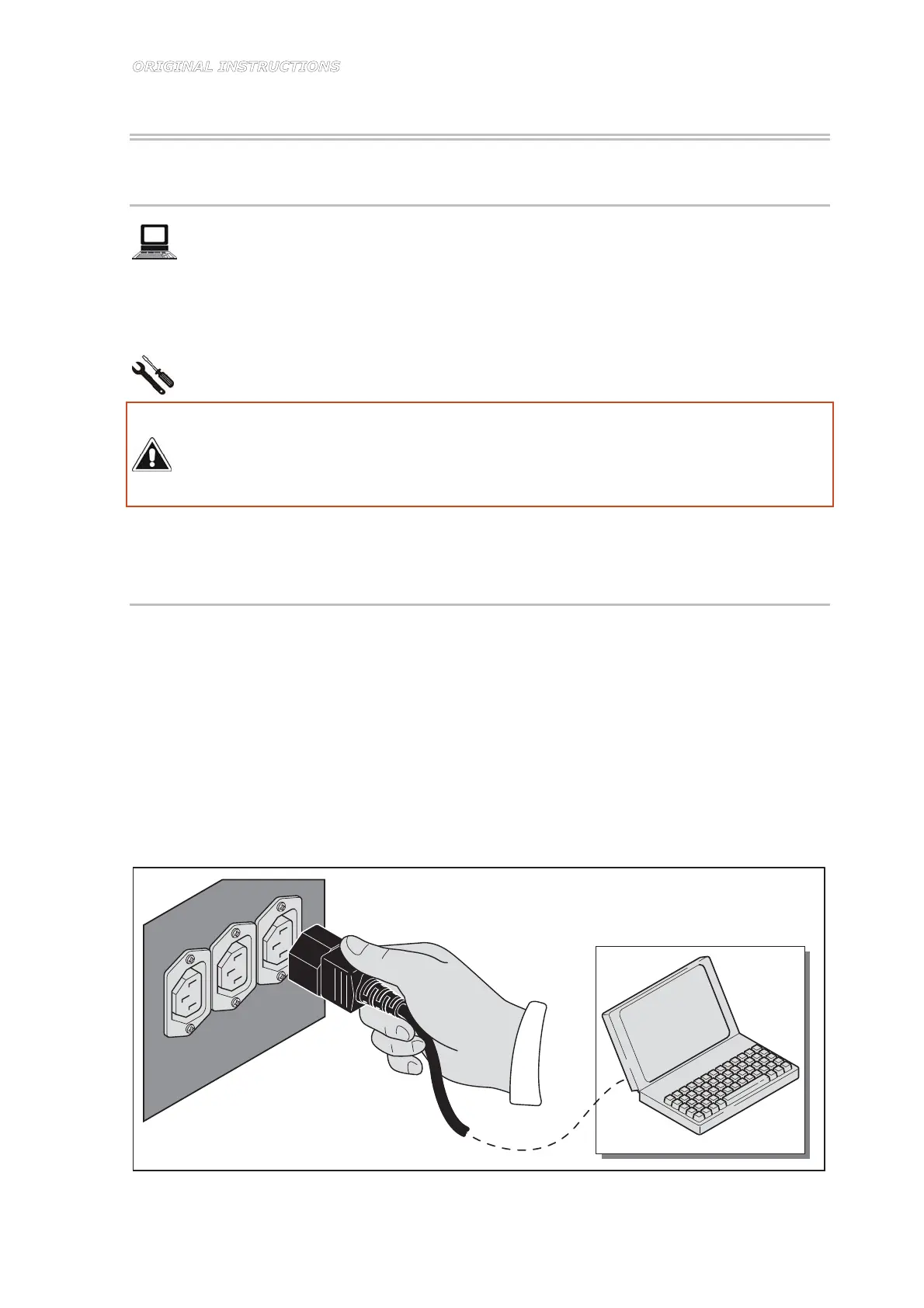
3. Connect the computer power supply cord to the auxiliary sockets on the rear door (Figure
9-1).
Figure 9-1



 To Next Page