Image library (cont.)
Section 4A
Image Library - Search/Insert Images
Section 4A Page 3
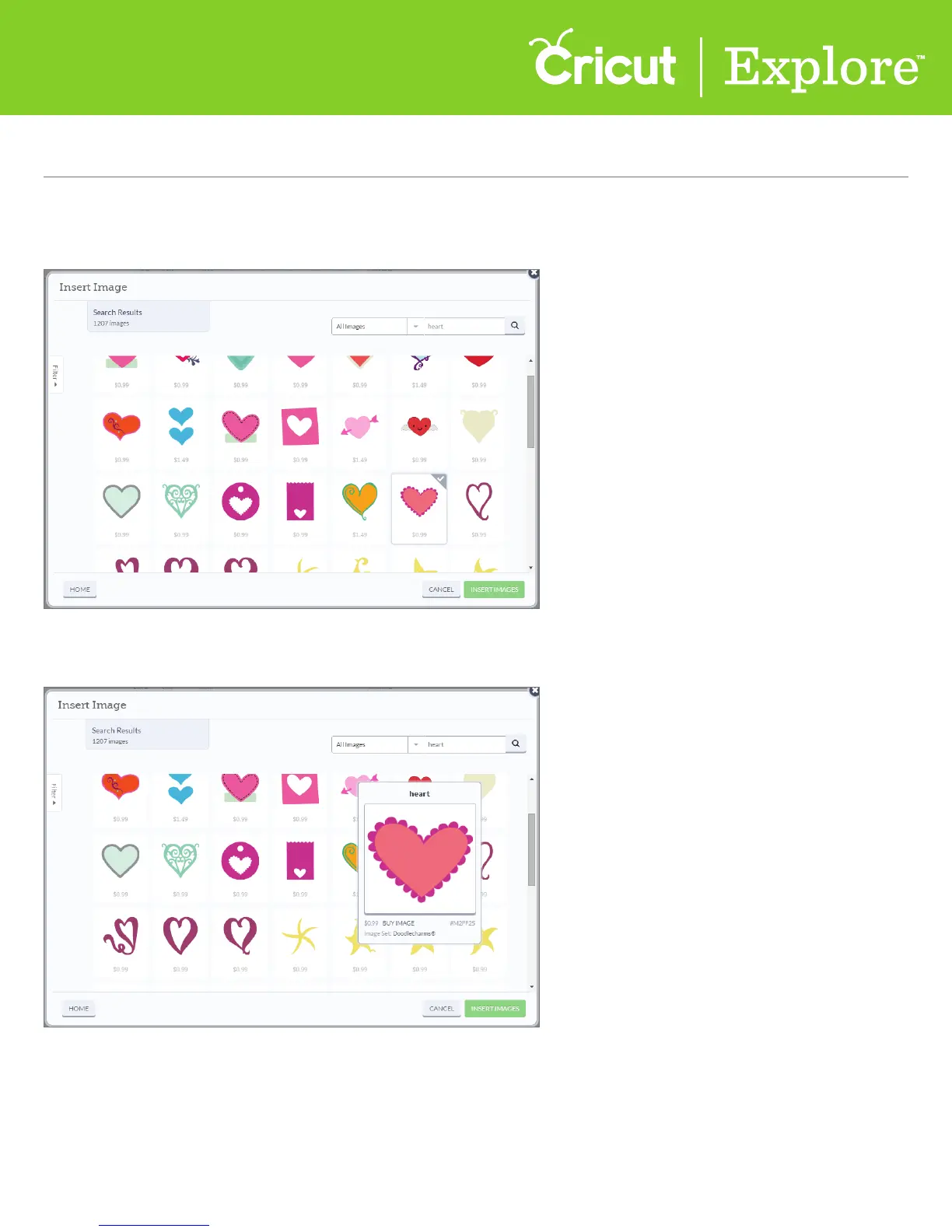
Step 4 Images are shown in tiles. The tile indicates your level of access:
Free, Subscribed, Purchased or the price to purchase the image.
For more information about the image, hover over the image until it expands.
You can now see the name of the image, your level of access, the image number, and the image set it
belongs to (if available).
Tip: If you would like additional images in the image set, click on the image set title to see the entire
oering. Images within image sets usually have a similar design feel.















 To Next Page